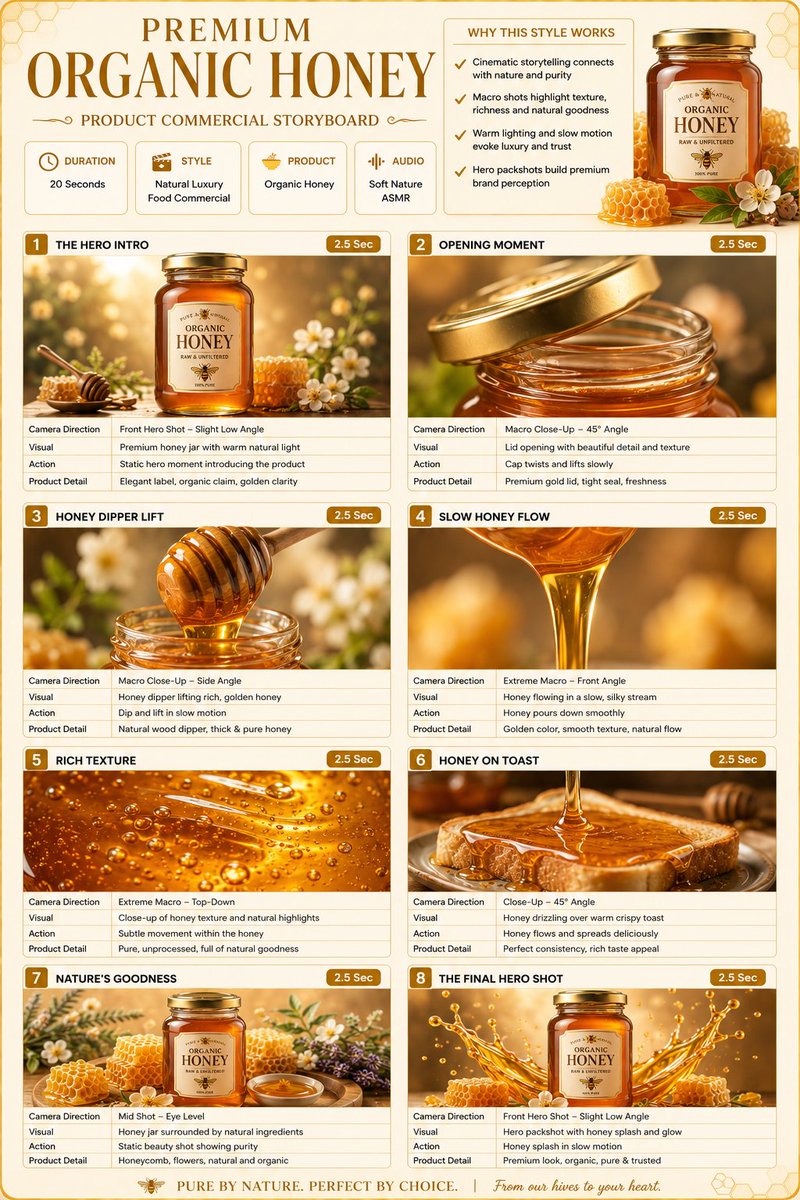
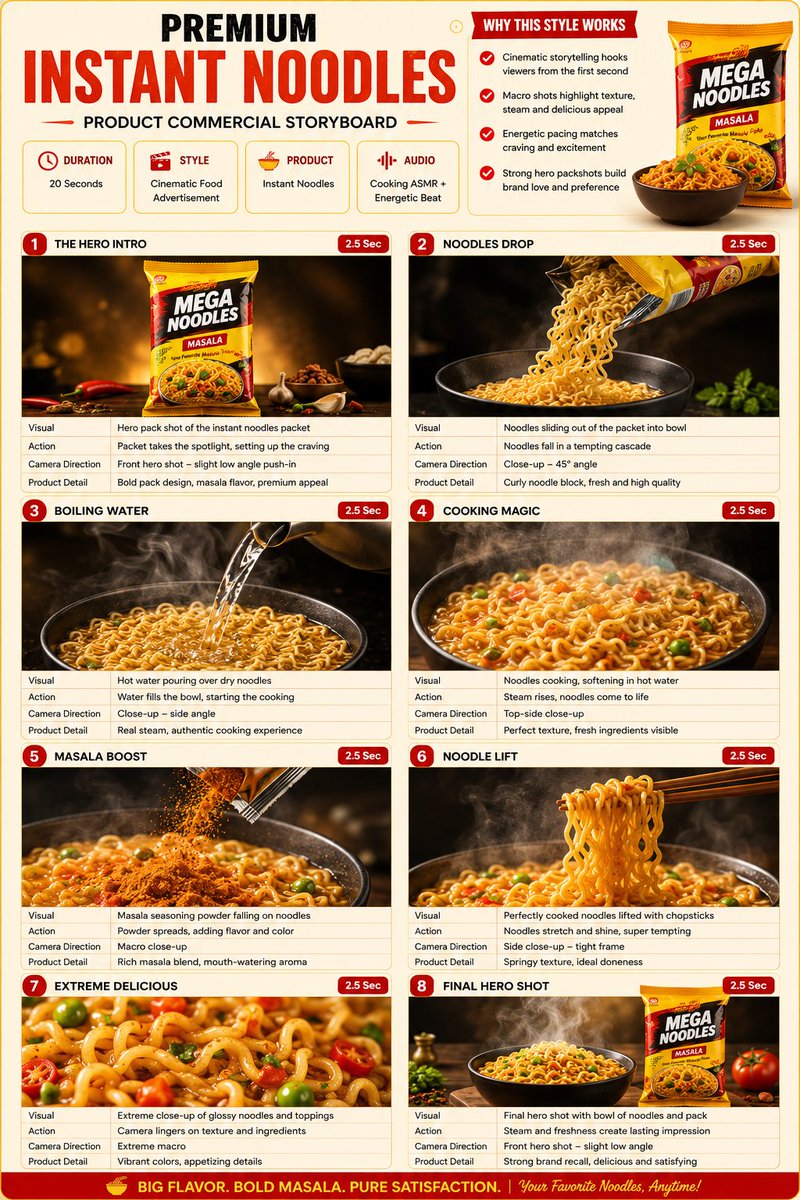
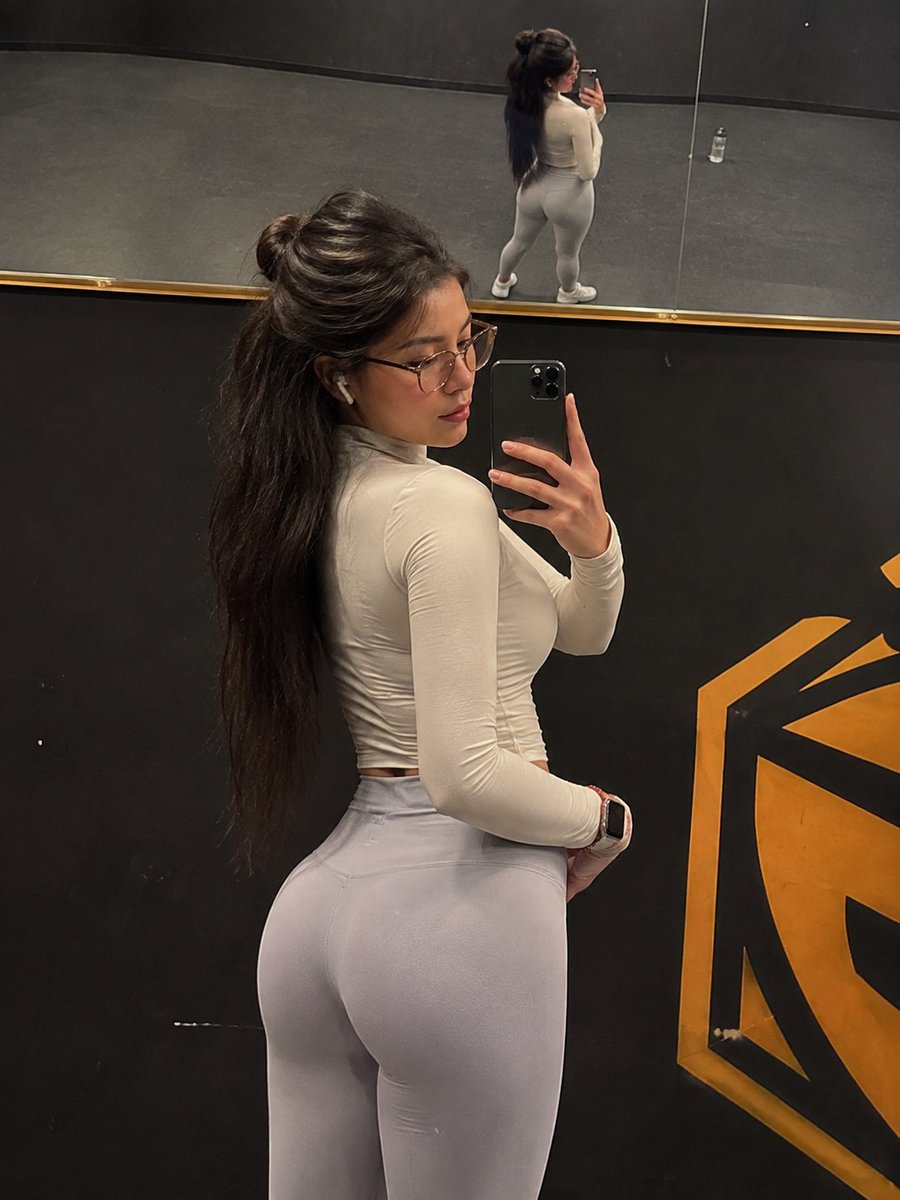
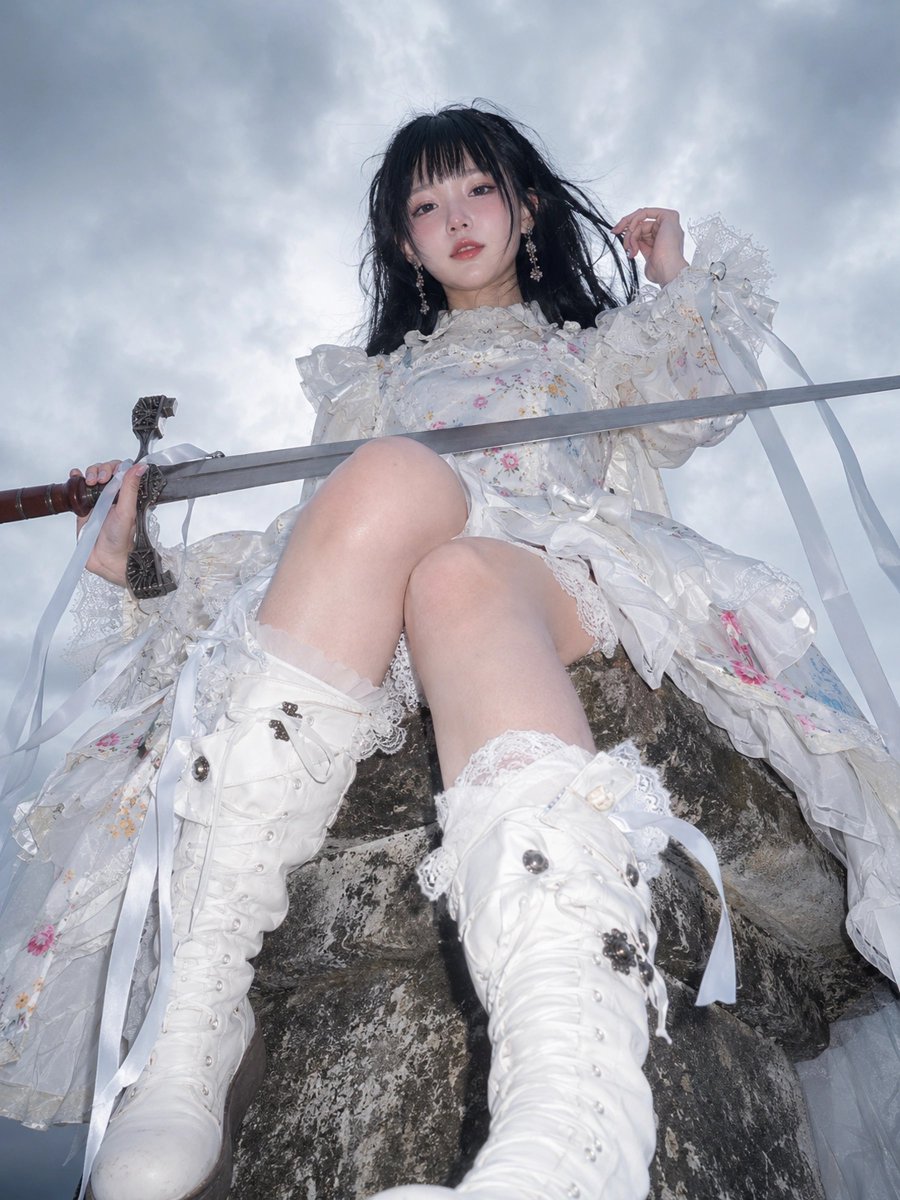
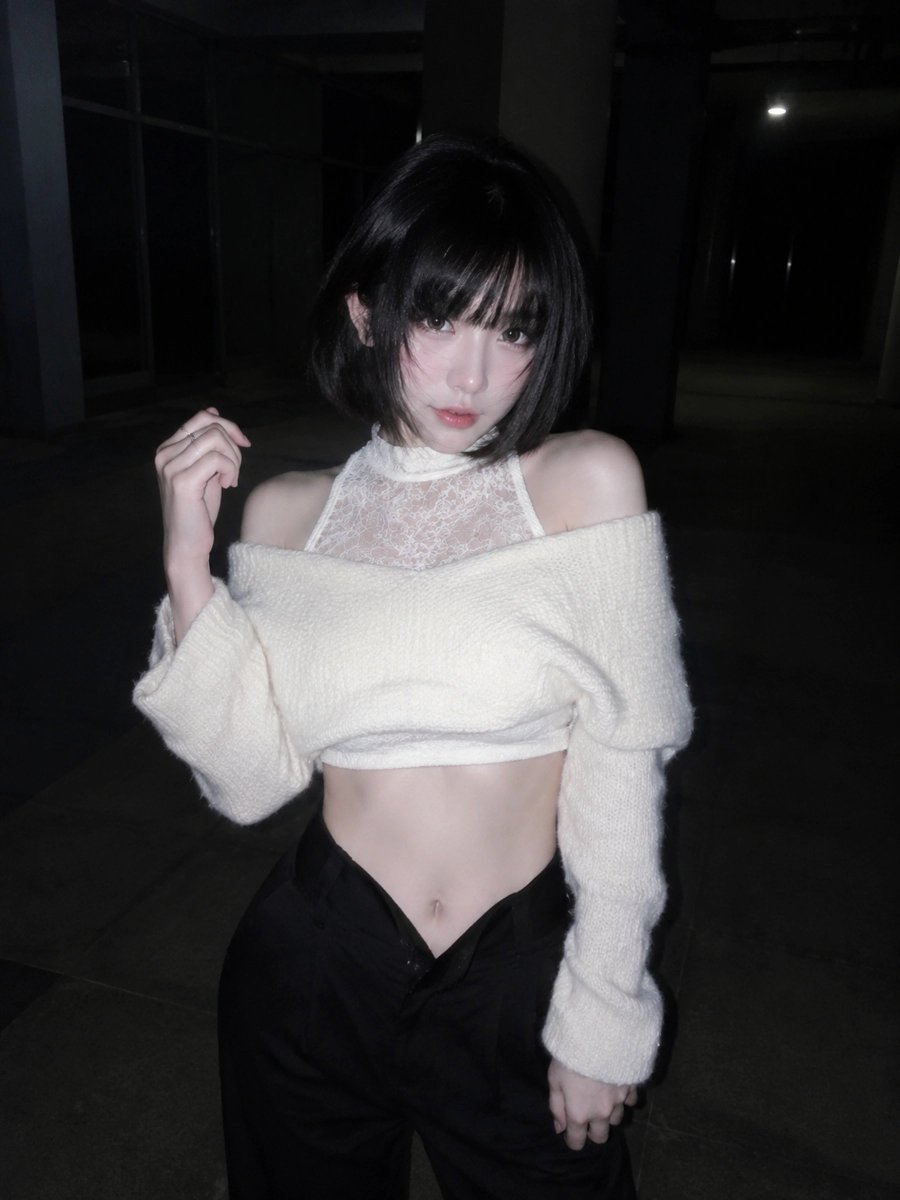
AI System Architecture Configuration for Image Generation
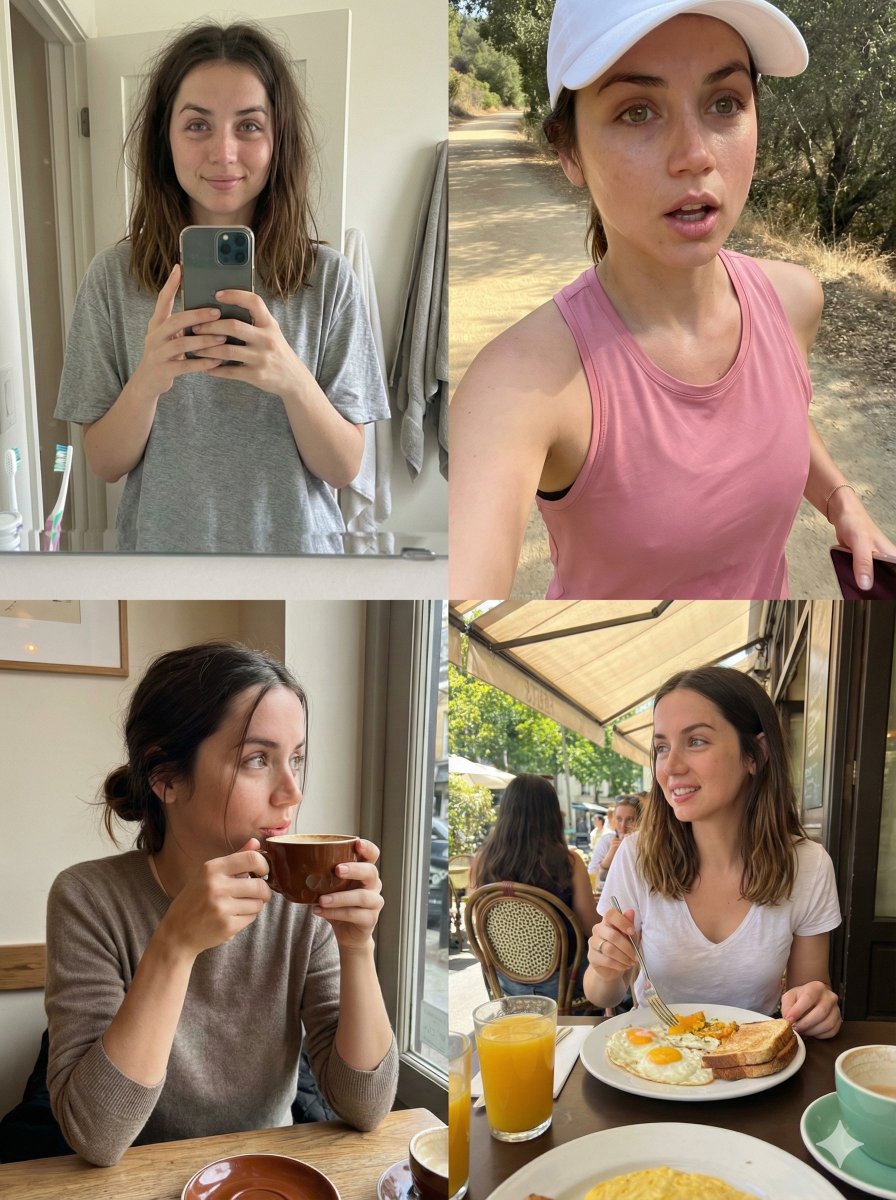
This prompt defines the system architecture and framework settings for an AI image generation process. It specifies the system version, project ID, grid format, and aspect ratio for the output.
How to Use This Prompt
- Copy the full prompt text with the copy button above.
- Replace any [bracketed] placeholders with your own subject, scene, or details.
- Paste it into Gemini / Nano Banana Pro — or hit "Try this Prompt" above to generate here for free — then tweak the wording against the example images.
Style Notes
- Portrait Orientation
- Vertical aspect ratio (e.g. 3:4, 9:16) — the native format for phone screens, Stories, and app store screenshots.
- Blog Illustration
- Editorial spot art: a clear concept metaphor, friendly palette, and enough negative space to sit beside an article headline.
- Brand Identity
- A coherent visual system — consistent palette, typography and motif across the image — rather than a single pretty picture.
FAQ
How do I use this prompt with Gemini (Nano Banana Pro)?
Copy the full prompt with the copy button above, paste it into Gemini or any Nano Banana Pro-powered tool, and compare your result with the example images on this page. You can also click "Try this Prompt" to generate directly on this site — free daily generations, no sign-up needed.
Can I customize "AI System Architecture Configuration for Image Generation"?
Yes. Anything in [brackets] is a placeholder meant to be replaced with your own subject or details, and you can freely adjust subject, lighting, or style keywords — small wording changes often produce noticeably different results.
Which AI models does this prompt work with?
It was originally shared for Google's Gemini image models (including Nano Banana Pro). Most text-to-image models will understand it too, though composition and text rendering quality vary by model.