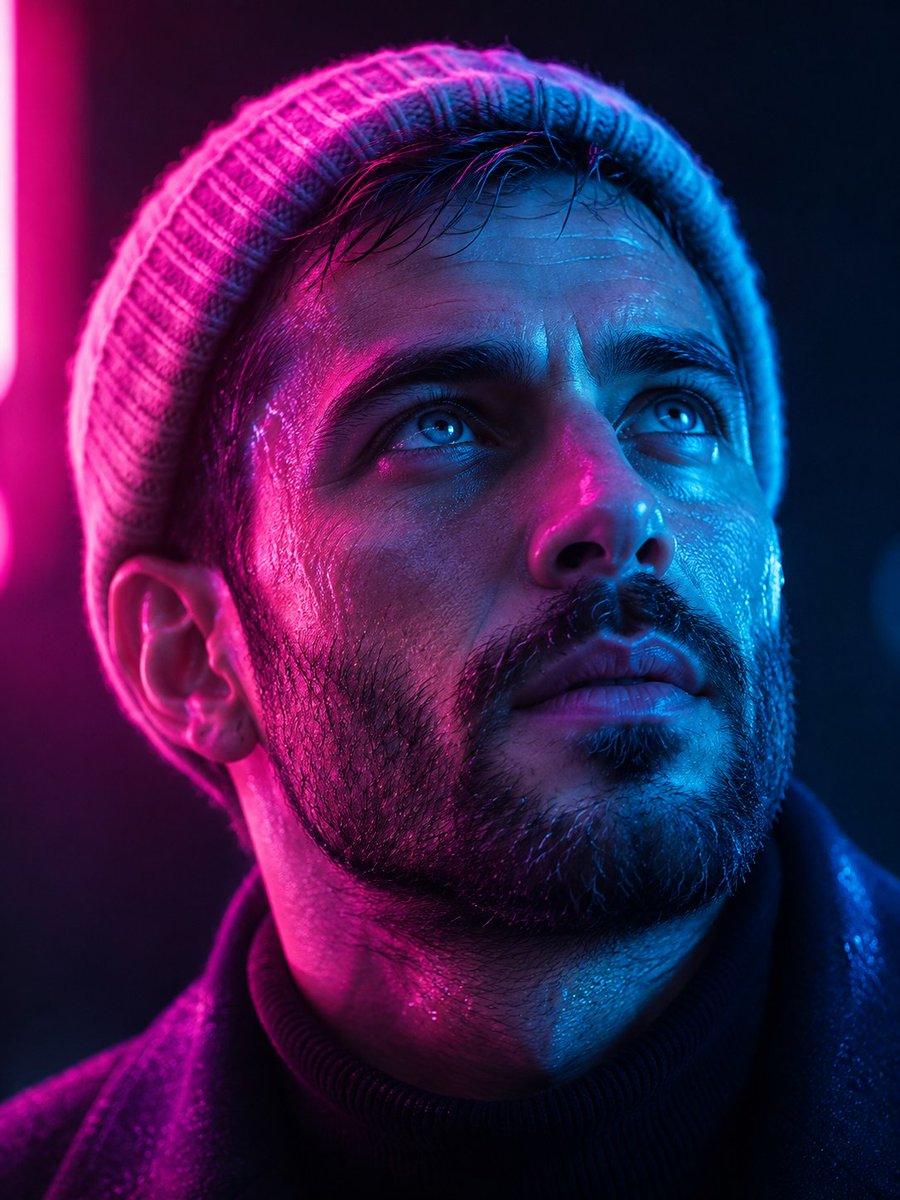
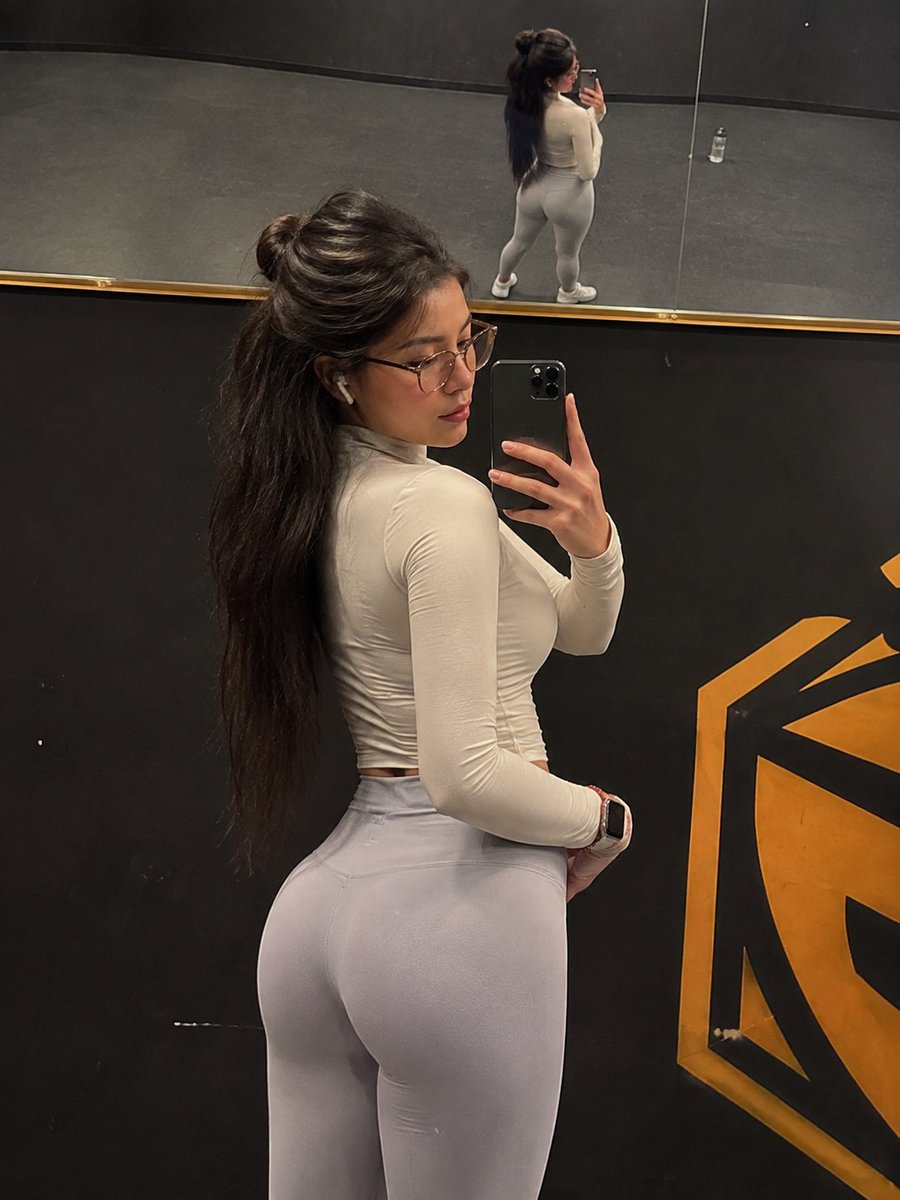
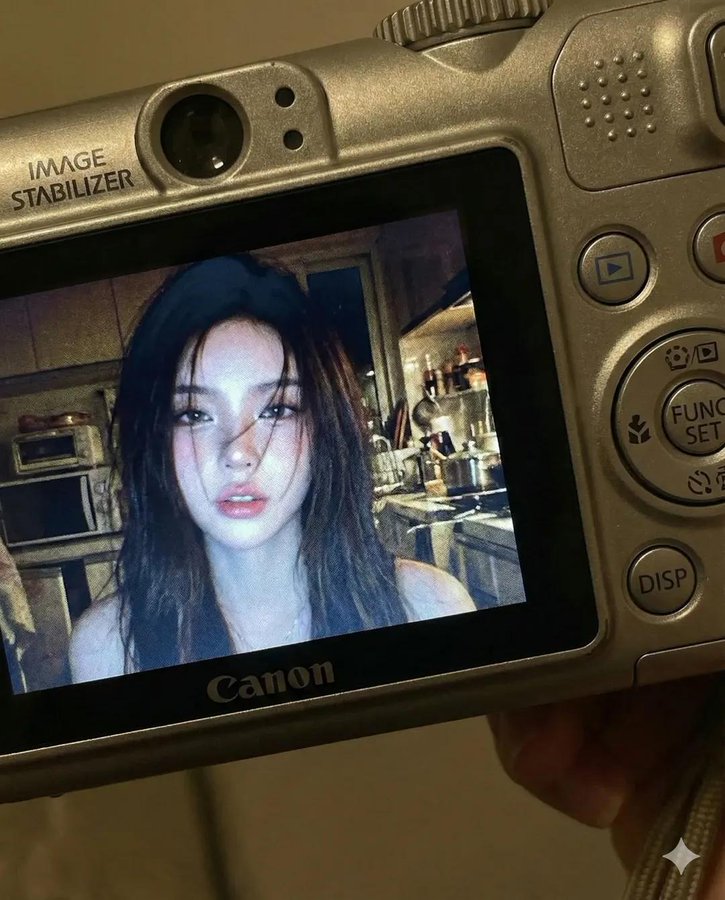
Compact Camera Screen Display
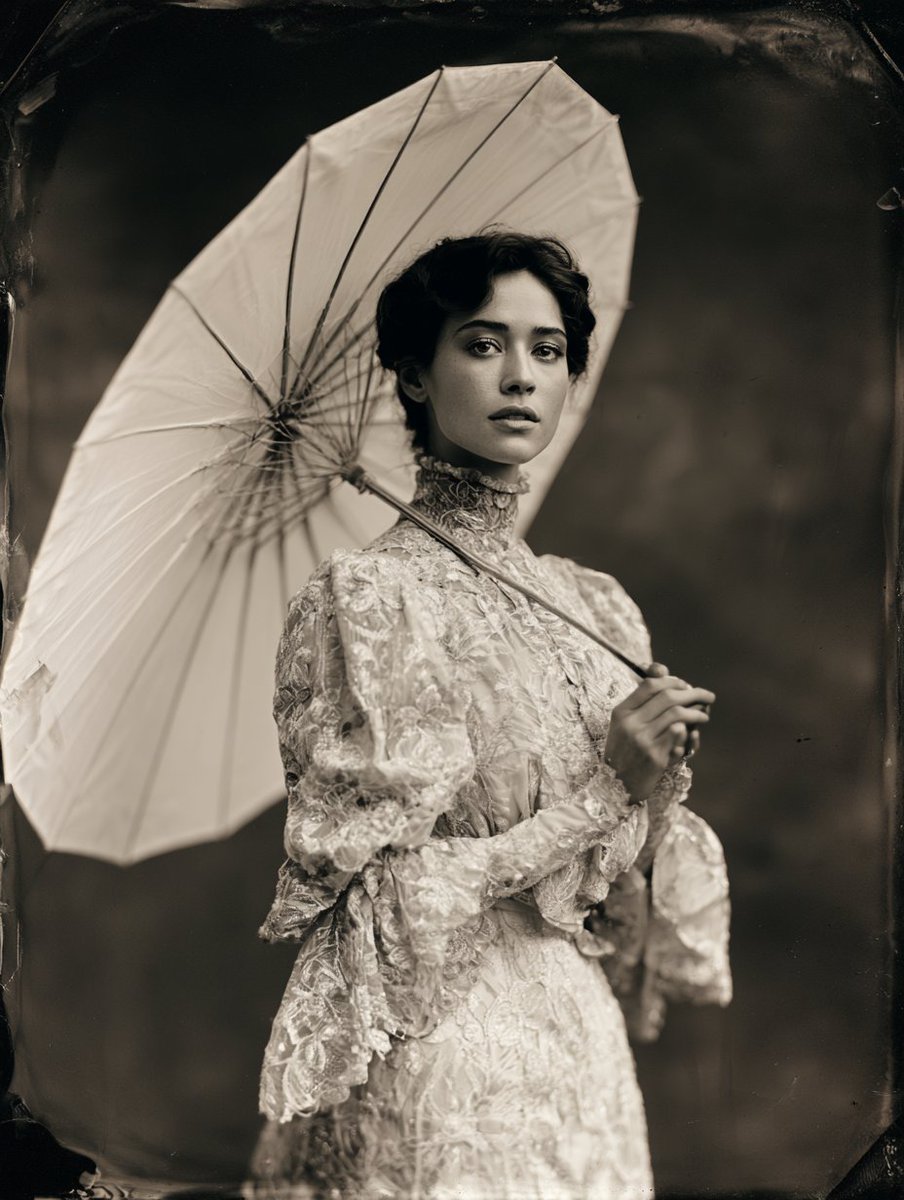
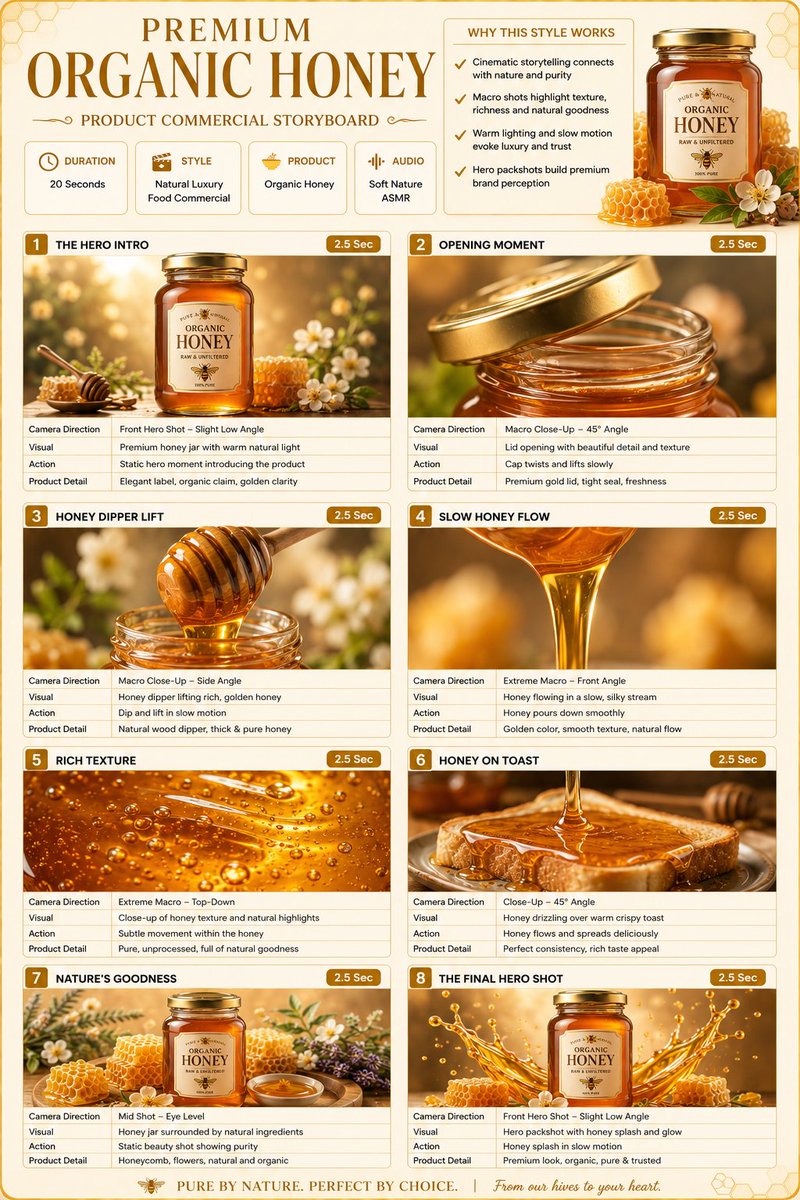
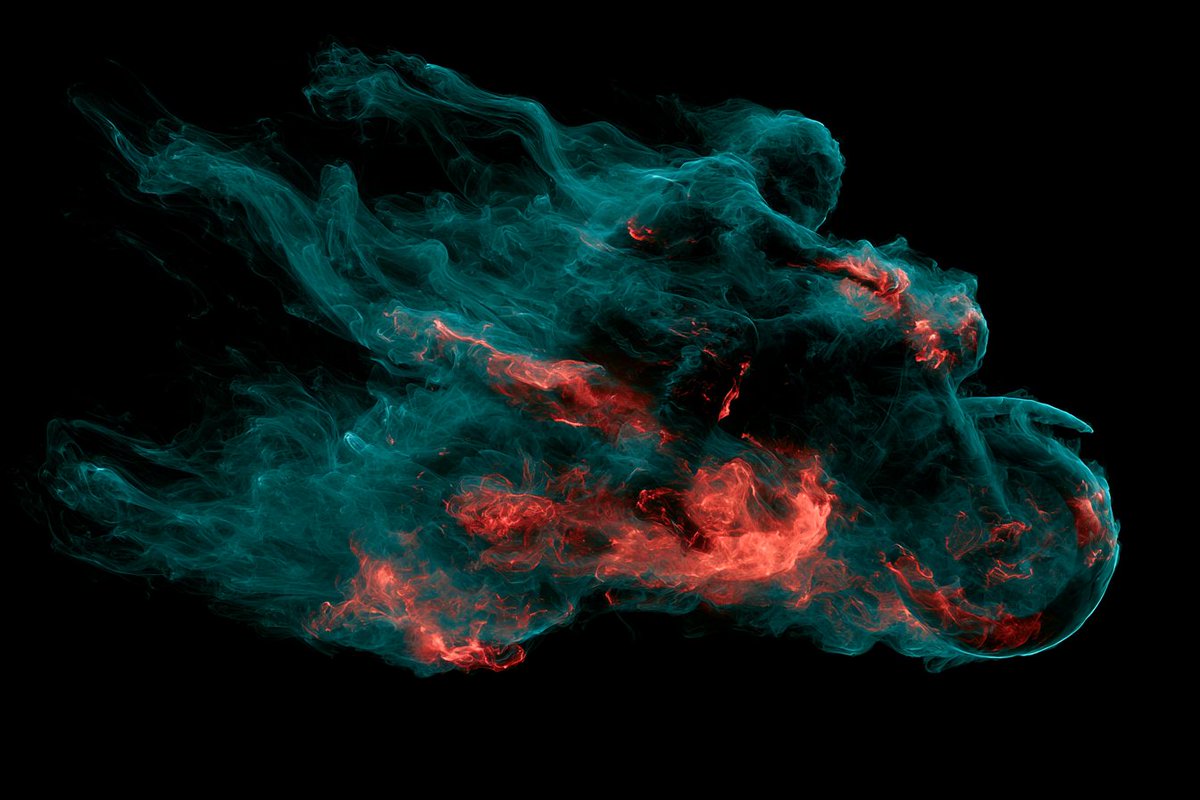
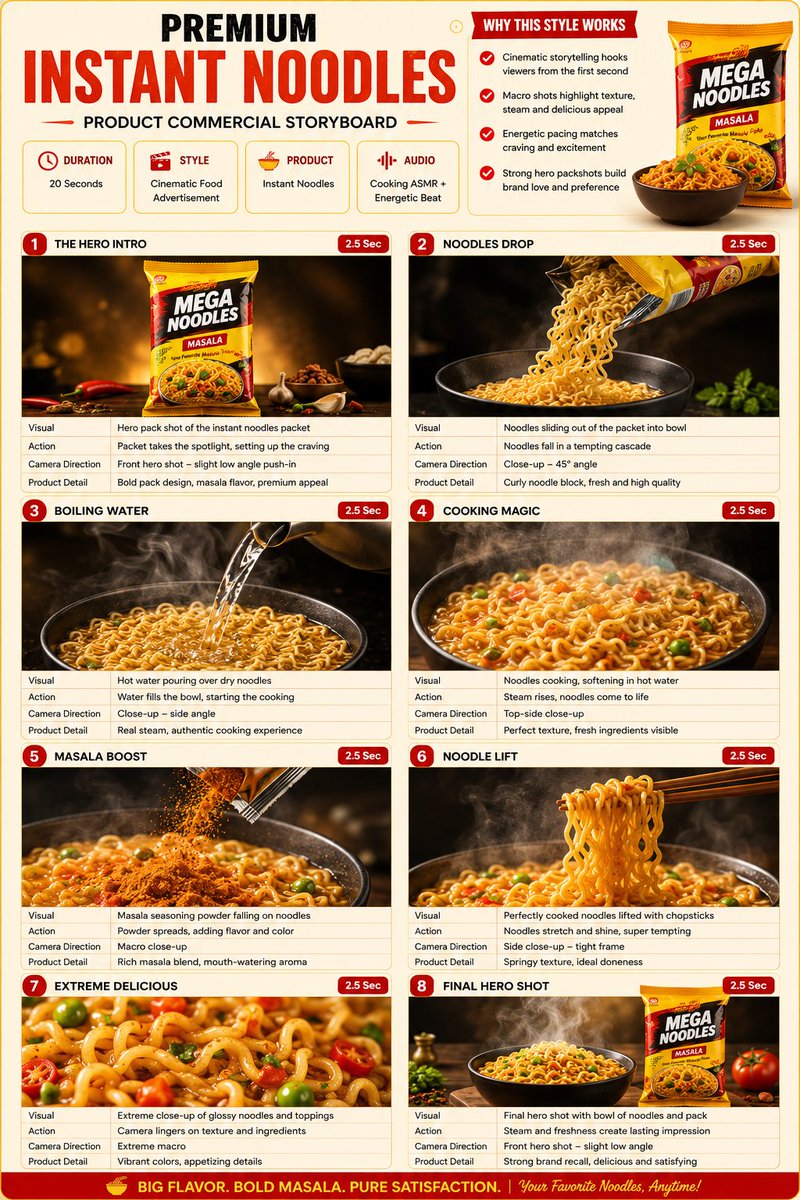
A photo displayed on a compact digital camera screen
How to Use This Prompt
- Copy the full prompt text with the copy button above.
- Replace any [bracketed] placeholders with your own subject, scene, or details.
- Paste it into Gemini / Nano Banana Pro — or hit "Try this Prompt" above to generate here for free — then tweak the wording against the example images.
Style Notes
- Avatar / Profile
- Head-and-shoulders framing that stays readable as a tiny circle — centered face, clean background, strong color separation.
- Cinematic
- Film-style rendering — widescreen framing, dramatic lighting contrast, graded colors (often teal-orange), and a sense of narrative in the scene.
- Close-up
- Tight crop on the subject — texture and emotion over context; pairs naturally with high-detail and shallow depth of field.
- Dark & Moody
- Low ambient light, deep shadows, desaturated or cool palette — atmosphere and mystery over clarity.
- Hero Portrait
- A single dominant subject shot like a key visual — tight framing, strong eye contact or pose, background simplified so the character carries the image.
- Interior Space
- Room-scale scenes with coherent perspective, furniture styling and light sources — architectural visualization meets lifestyle photography.
- Logo / Icon
- Symbol-first design — simple geometry that survives being scaled down, flat color, strong silhouette. Expect to vectorize the output before real use.
- Photo
- Asks the model for photorealistic output — natural lighting, believable skin and materials, camera-like depth of field — rather than illustration or 3D looks.
- Portrait Orientation
- Vertical aspect ratio (e.g. 3:4, 9:16) — the native format for phone screens, Stories, and app store screenshots.
- Product Mockup
- The design presented in context — packaging on a shelf, app on a phone screen, tee on a model — to preview how it looks in the real world.
- Social Media Post
- Composition and aspect ratio tuned for feeds (Instagram, X, Xiaohongshu): bold focal subject, room for overlay text, colors that survive small screens.
FAQ
How do I use this prompt with Gemini (Nano Banana Pro)?
Copy the full prompt with the copy button above, paste it into Gemini or any Nano Banana Pro-powered tool, and compare your result with the example images on this page. You can also click "Try this Prompt" to generate directly on this site — free daily generations, no sign-up needed.
Can I customize "Compact Camera Screen Display"?
Yes. Anything in [brackets] is a placeholder meant to be replaced with your own subject or details, and you can freely adjust subject, lighting, or style keywords — small wording changes often produce noticeably different results.
Which AI models does this prompt work with?
It was originally shared for Google's Gemini image models (including Nano Banana Pro). Most text-to-image models will understand it too, though composition and text rendering quality vary by model.