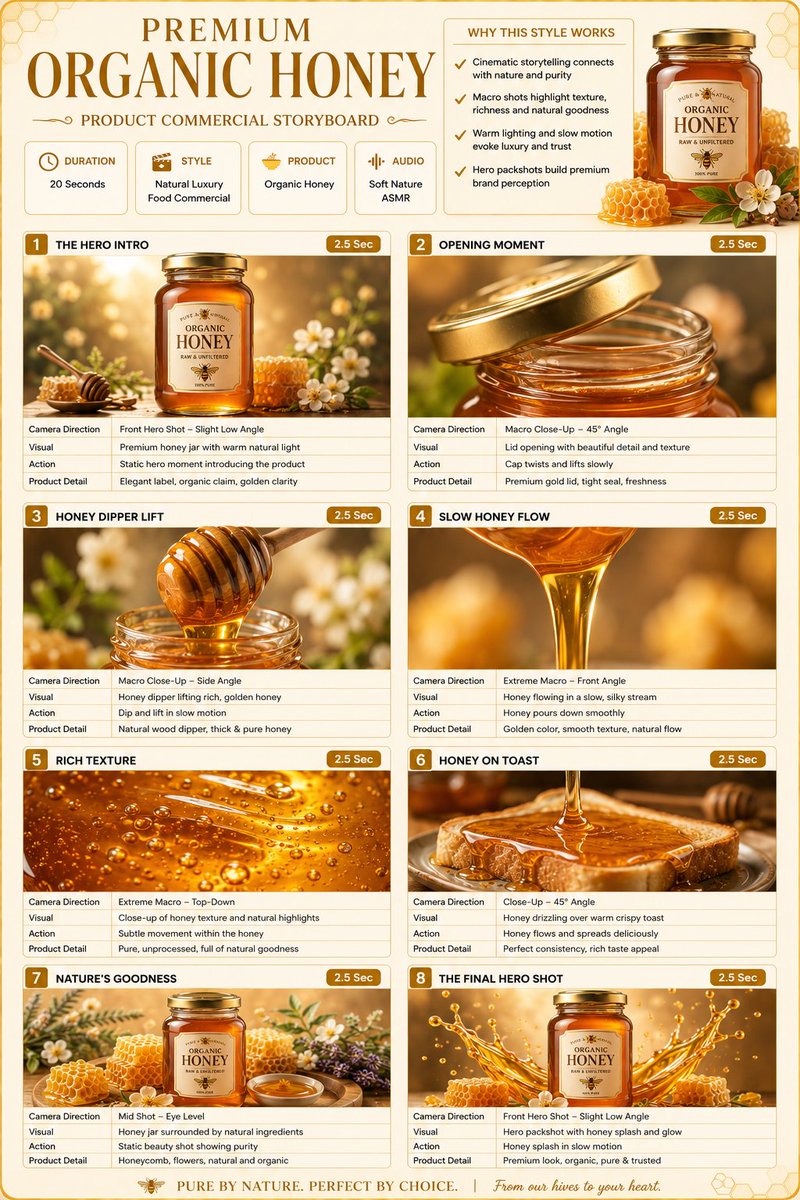
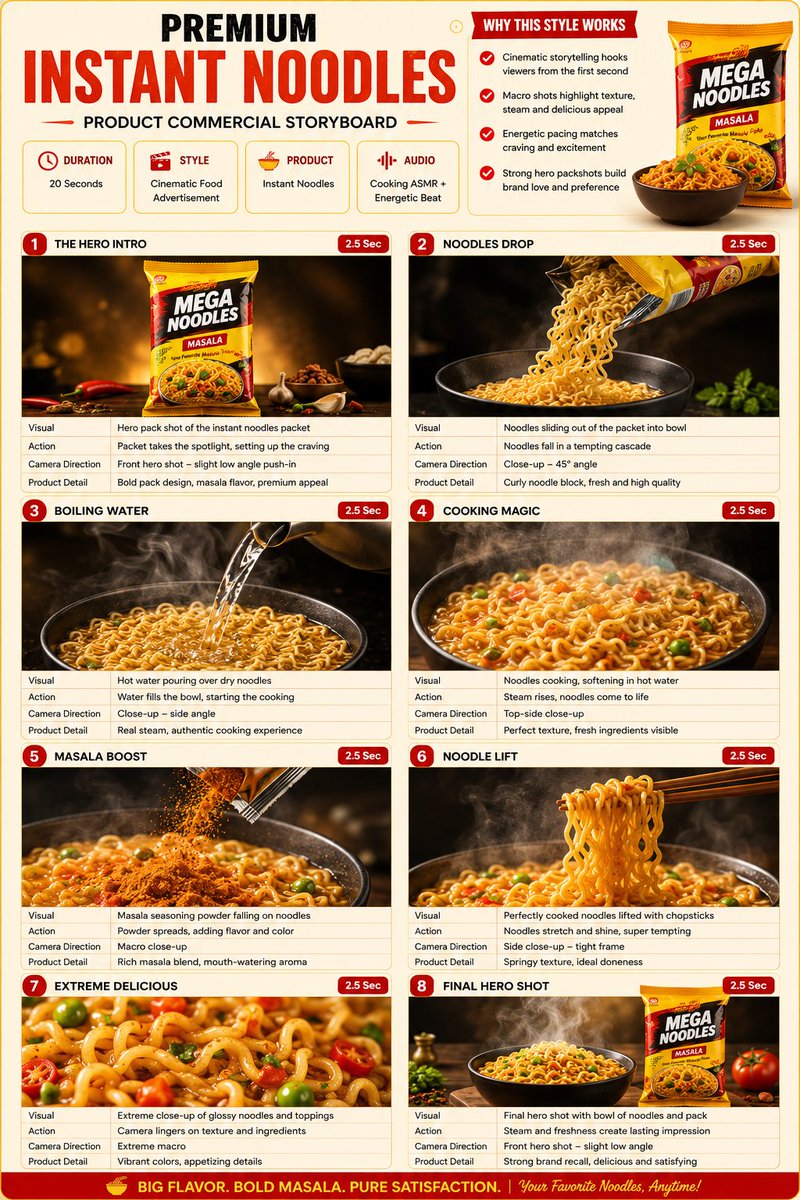
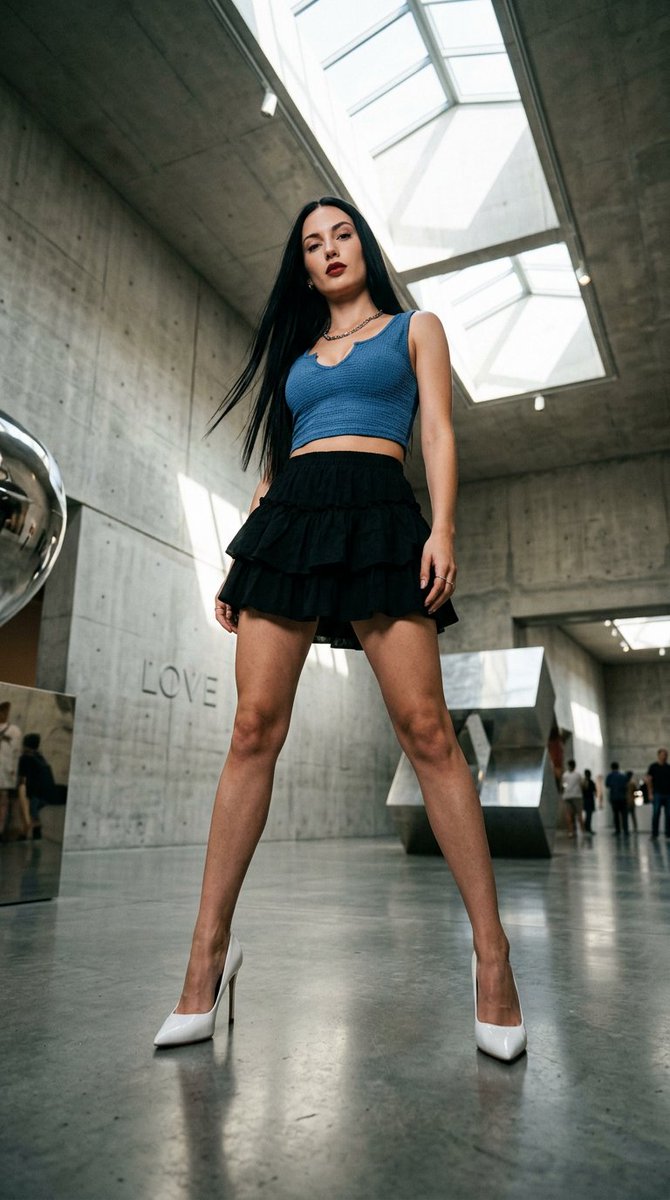
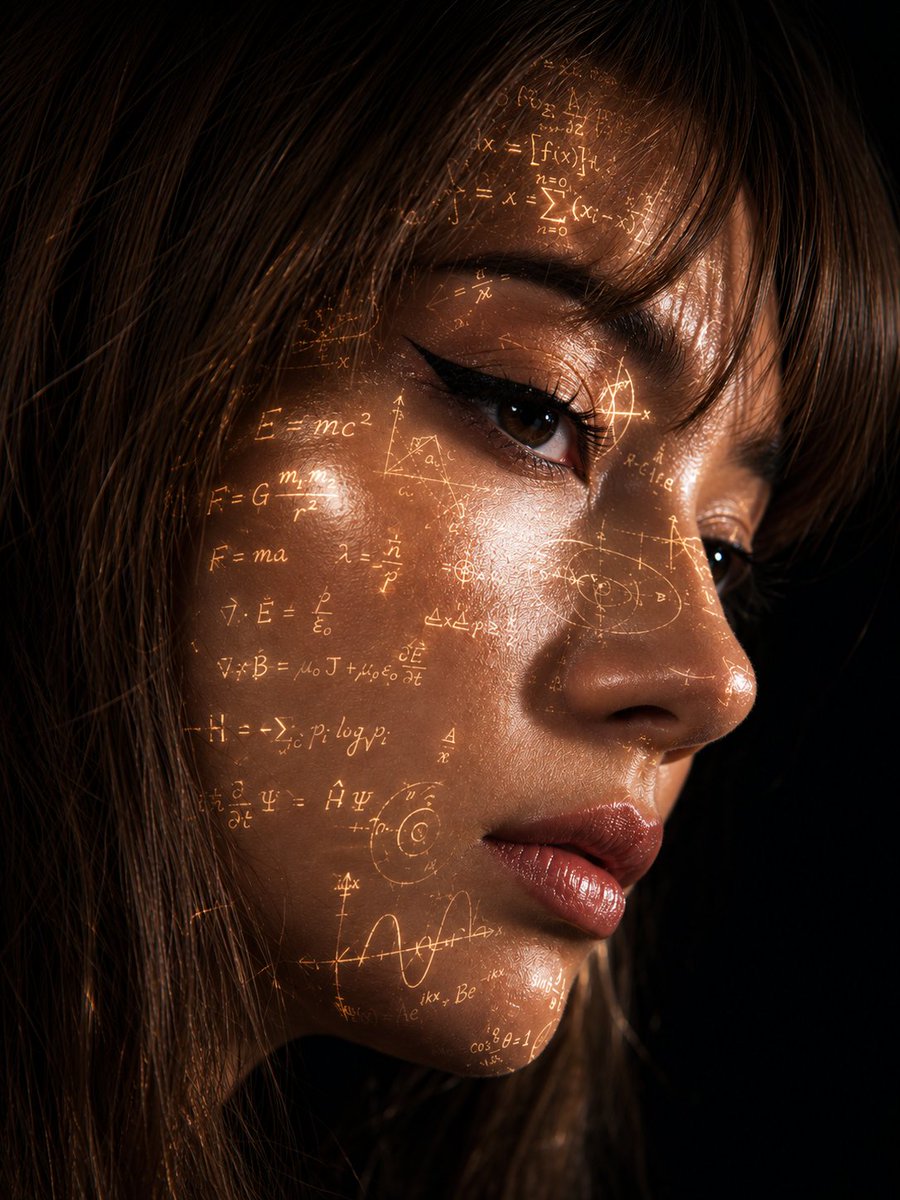
Conceptual Visualization
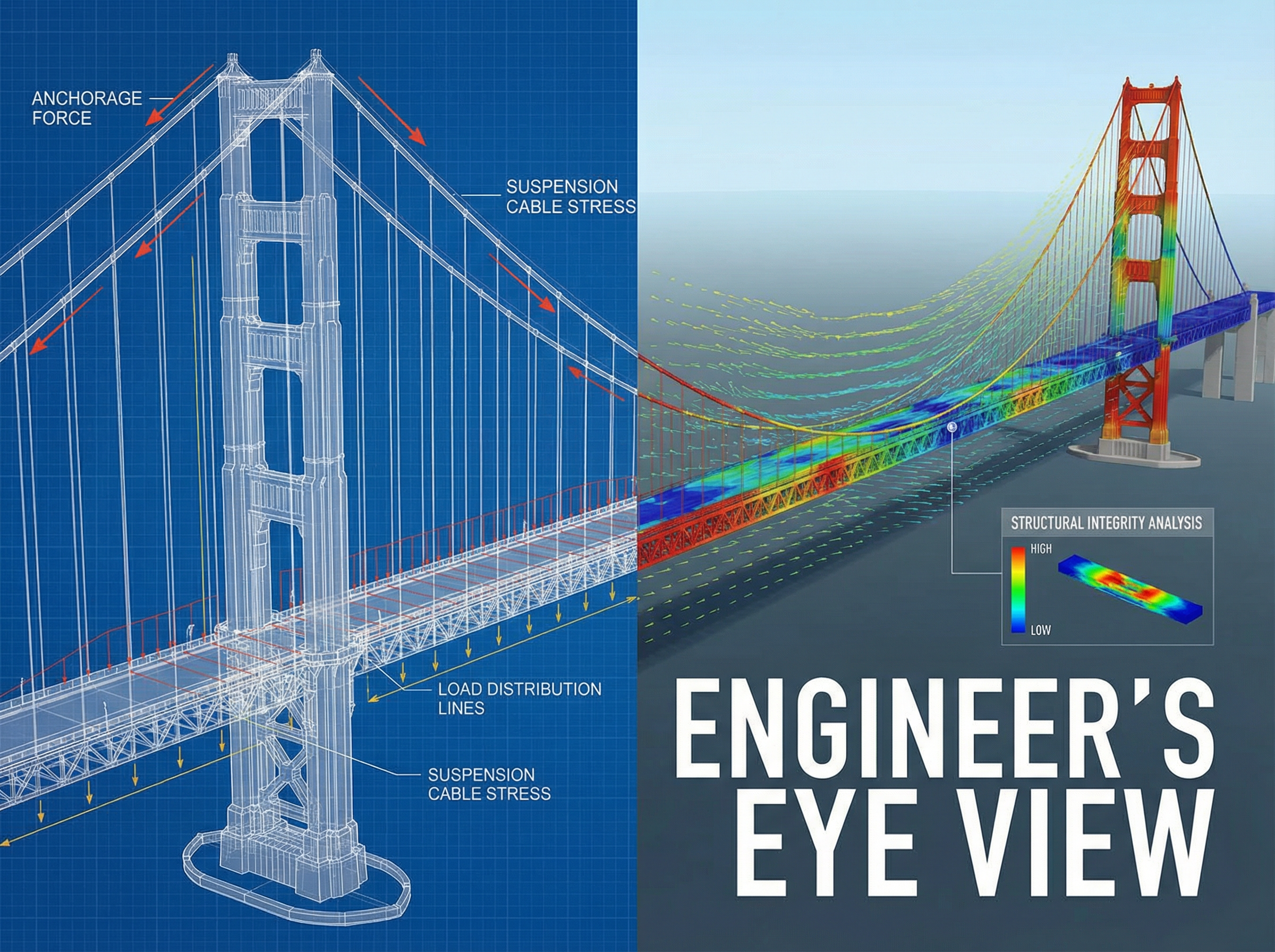
Interpretative rendering of how a specific group (engineers) visualizes a landmark.
How to Use This Prompt
- Copy the full prompt text with the copy button above.
- Replace any [bracketed] placeholders with your own subject, scene, or details.
- Paste it into Gemini / Nano Banana Pro — or hit "Try this Prompt" above to generate here for free — then tweak the wording against the example images.
Style Notes
- 3D Render
- CGI look — smooth surfaces, controlled global illumination, and depth that reads like a Blender/Cinema 4D render instead of a photograph.
- Cinematic
- Film-style rendering — widescreen framing, dramatic lighting contrast, graded colors (often teal-orange), and a sense of narrative in the scene.
- Group Scene
- Multiple characters in one frame — the hardest case for AI consistency; prompts usually assign each figure a position and role explicitly.
- Marketing Campaign
- Ad-ready imagery: clear product or message hierarchy, space reserved for copy and logos, and a polished commercial finish.
FAQ
How do I use this prompt with Gemini (Nano Banana Pro)?
Copy the full prompt with the copy button above, paste it into Gemini or any Nano Banana Pro-powered tool, and compare your result with the example images on this page. You can also click "Try this Prompt" to generate directly on this site — free daily generations, no sign-up needed.
Can I customize "Conceptual Visualization"?
Yes. Anything in [brackets] is a placeholder meant to be replaced with your own subject or details, and you can freely adjust subject, lighting, or style keywords — small wording changes often produce noticeably different results.
Which AI models does this prompt work with?
It was originally shared for Google's Gemini image models (including Nano Banana Pro). Most text-to-image models will understand it too, though composition and text rendering quality vary by model.