Skip to content
Back to Prompts

Convert the Subject in This Image Into

@Goodmanprotocol··212

Convert the subject in this image into a 4:5 mixed-reality transformation with a fully realistic background and a realistically rendered face, combined with bold cartoon apparel, h
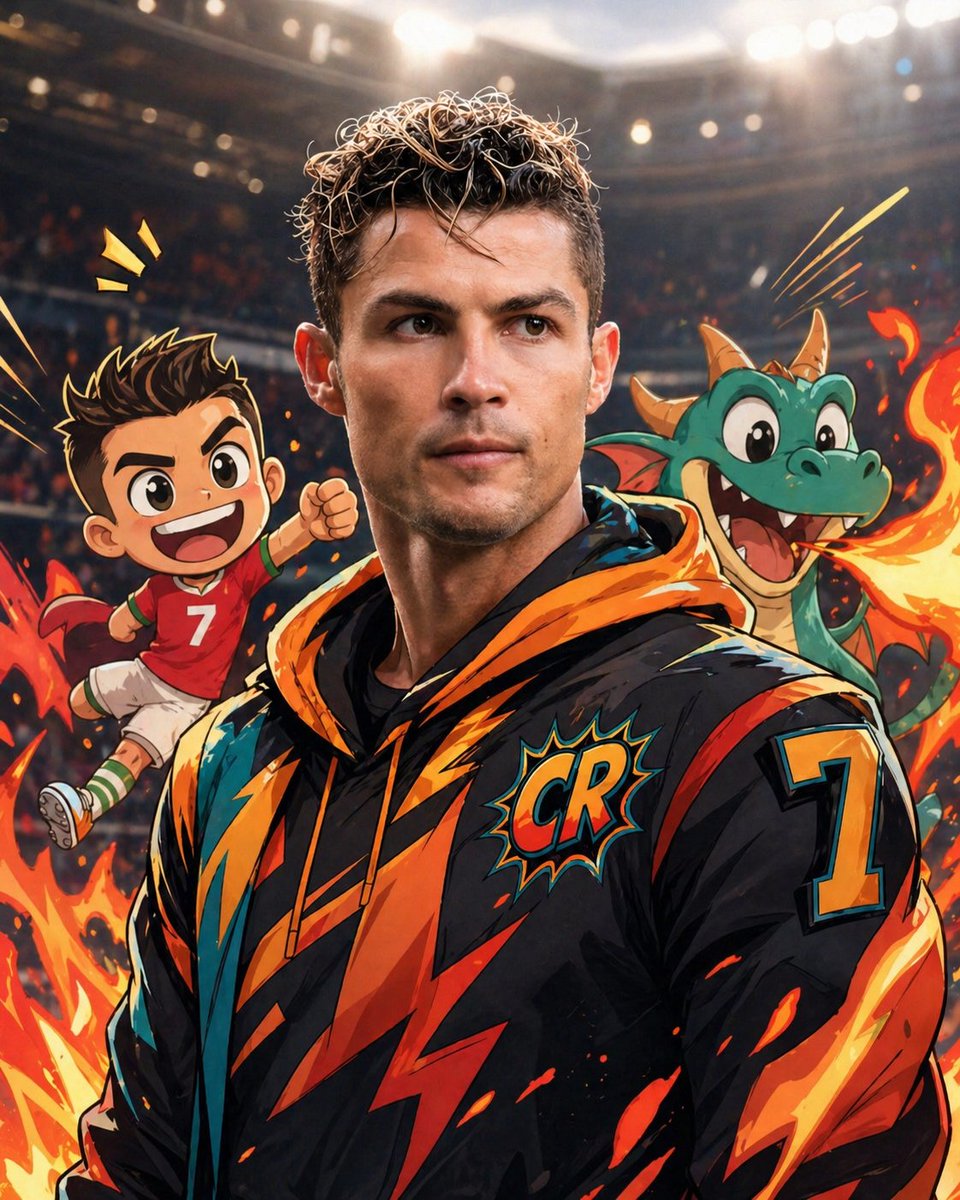
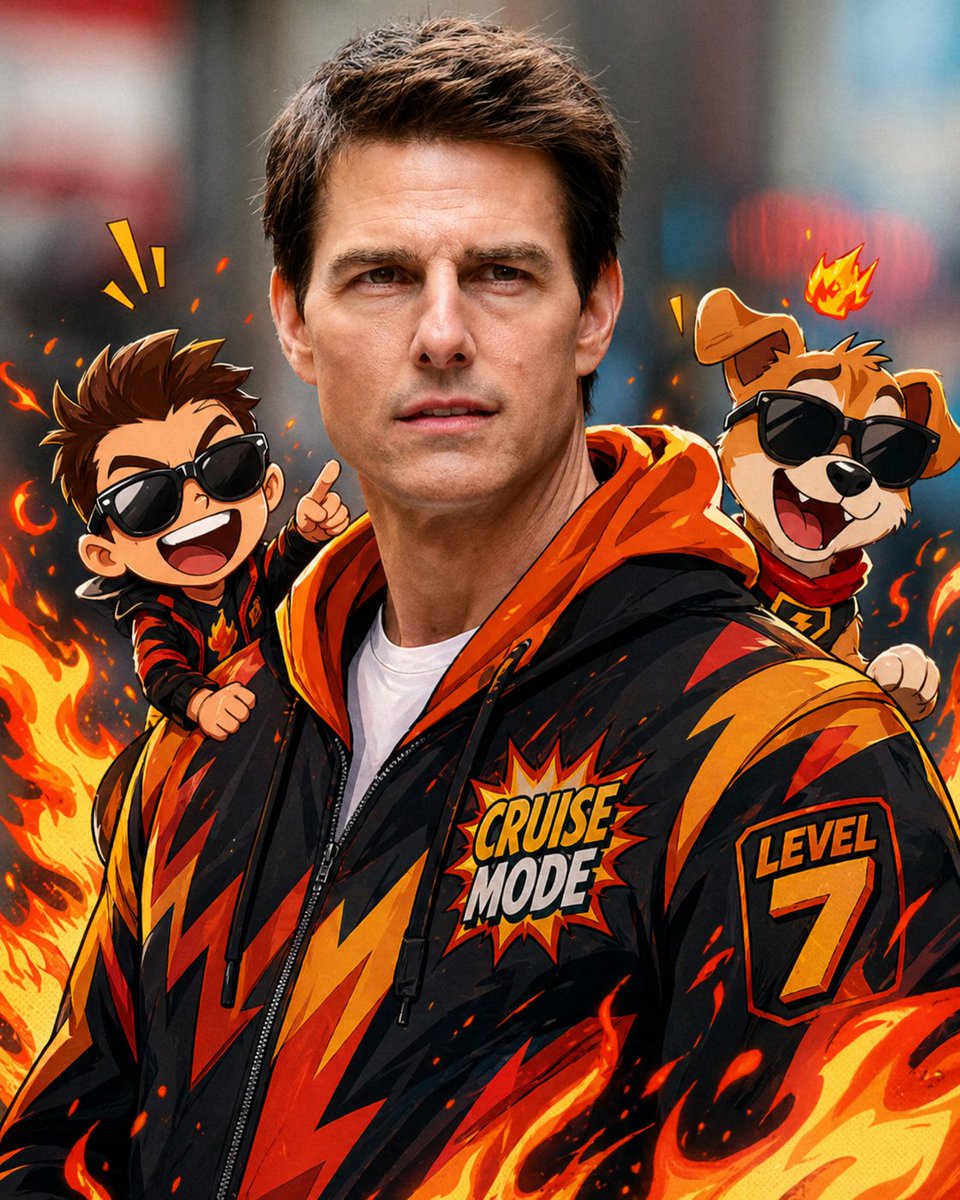
Convert the Subject in This Image Into — image 1
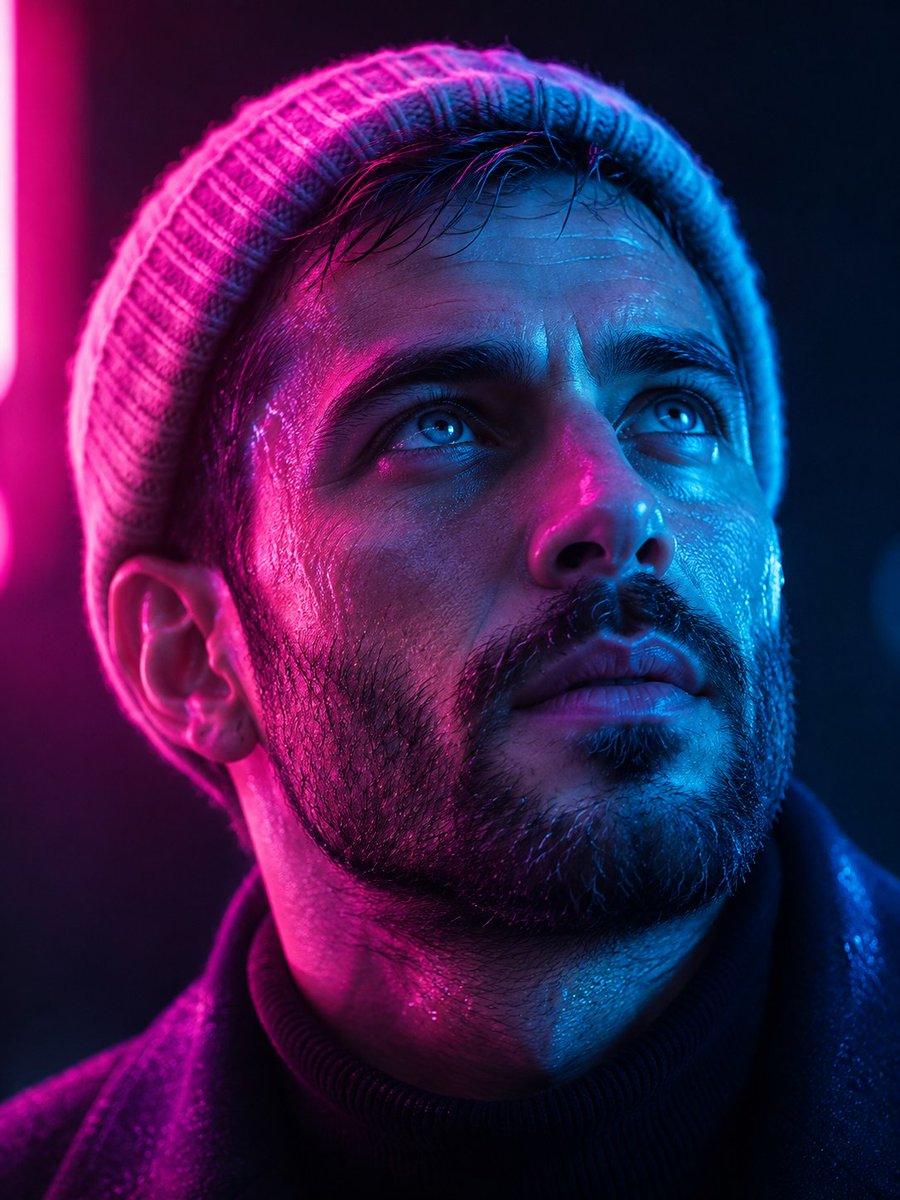
Convert the Subject in This Image Into — image 2
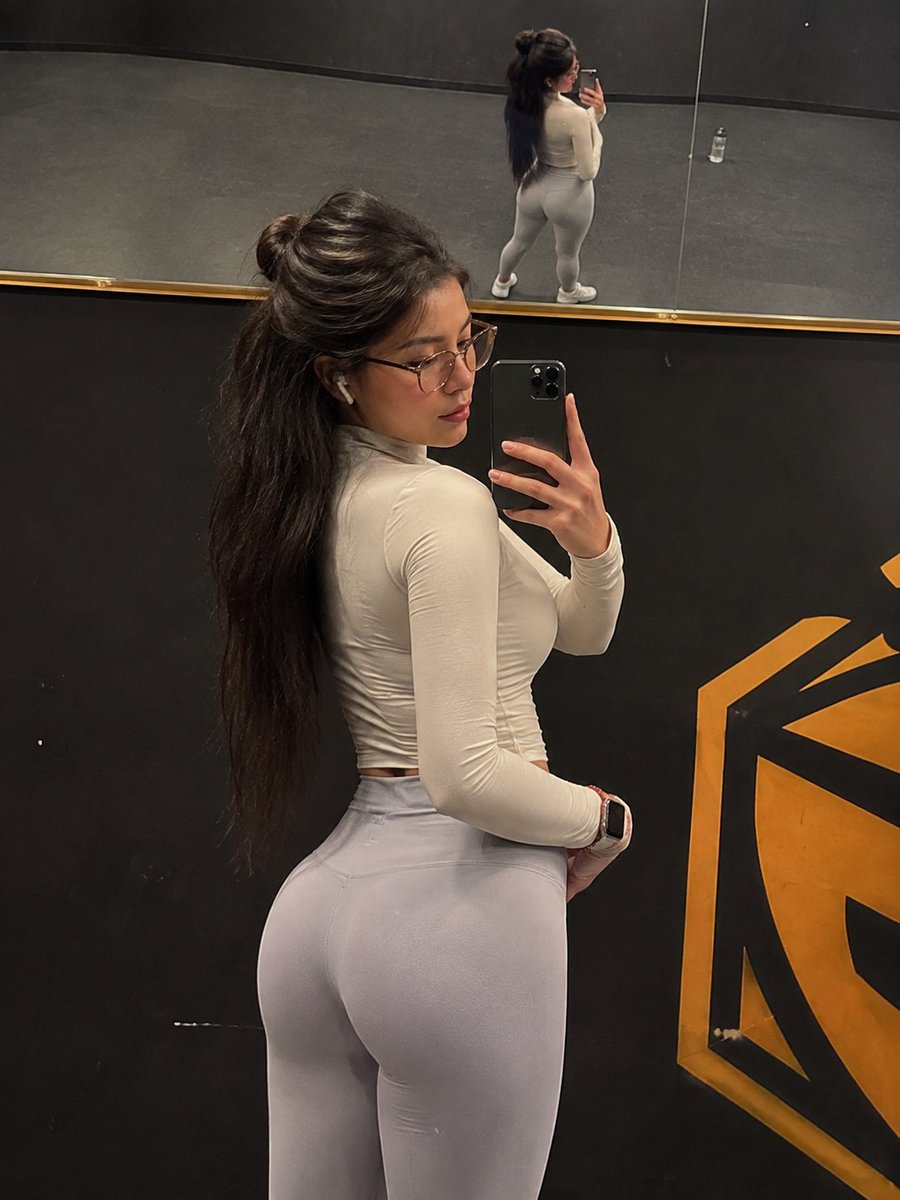
Convert the Subject in This Image Into — image 3
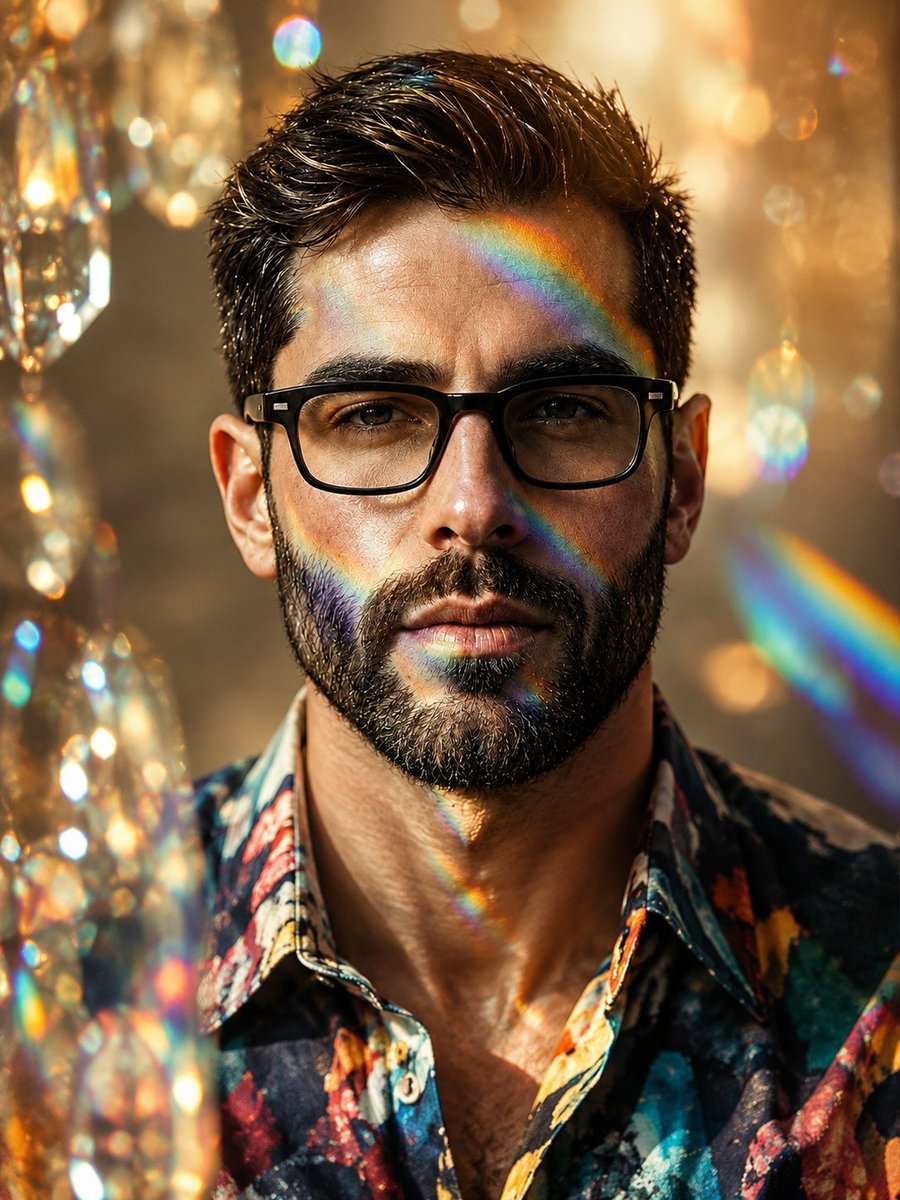
Convert the Subject in This Image Into — image 4
Prompt
Convert the subject in this image into a 4:5 mixed-reality transformation with a fully realistic background and a realistically rendered face, combined with bold cartoon apparel, hand-drawn comic fire effects, and playful cartoon companions. Use a live-action hybrid composition with the subject preserved as the clear identity anchor while the stylized elements read as designed overlays inside one coherent scene. CHARACTER: Preserve the subject’s recognizable facial identity, hair state, and facial hair pattern if presented exactly, then re-render the face with realistic live-action AAA structure, natural skin response, and clean hybrid integration. Ensure high brightness, low contrast, medium saturation, low sharpness details. Dress the figure in exaggerated cartoon clothing with simplified seams, and graphic trims that feel intentionally designed rather than photographed. Add funny cartoon characters as supporting visual accents with expressive silhouettes, rounded forms, and lively attitude, while keeping the subject as the primary focal figure. The body should remain human and believable, but the clothing and accessories should carry comic exaggeration and strong graphic personality. FACE & ANATOMY: Keep the subject’s core facial proportions, expression logic, and likeness intact, rendered with realistic but controlled hybrid facial detail. Use natural eye depth, believable skin, while avoiding any plastic toy look or full caricature distortion. The body should read as live-action proportioned, with the stylization concentrated in the outfit, props, and surrounding comic elements. ENVIRONMENT: Restyle the exact same environment as a realistic setting with clear depth and natural perspective. Build the scene as a mixed-reality stage where comic fire drawings, playful animated accents, and graphic energy bursts sit visibly inside the real space without breaking spatial coherence. Keep the background believable, structured, and physically present, with the stylized elements integrated as deliberate designed interventions. RENDER PIPELINE: Use a mixed-reality rendering pipeline that combines realistic plate-like environment treatment with stylized 2D graphic overlays and hybrid character compositing. Preserve live-action shading on the face and background, then layer cartoon clothing, comic effect shapes, and illustrated fire forms with crisp contour control and clean edge separation. The final finish must feel like a polished real-world composite with intentional animated design language, not a pure cartoon render and not a standard photograph. COLOR & LIGHT: Use clean low contrast, and bright comic-highlight behavior against a realistic ambient base. Shadows remain natural in the background and face, while the stylized garments and effects carry punchy neon-like energy and high chroma separation. MATERIALS & TEXTURES: Render skin with realistic live-action surface behavior, keep hair natural, and treat clothing as flat graphic textile design with simplified folds and bold color planes. Fire drawings, cartoon characters, and graphic accents should have smooth illustrated surfaces, crisp outlines, and clean fill shapes. DETAILS: Add comic motion marks, expressive flame shapes, and playful character-side energy cues that feel hand-authored and visibly illustrated. Maintain strong separation between realistic environment elements and stylized overlays through precise edge control, layered depth, and deliberate compositing logic. STYLE EXCLUSIONS: MUST Reject noise, artificial artifacts, grunge, AI noise, AI distortion, and flat vector art. Do not drift into painterly effects, generic anime shading, or plastic CGI toy surfaces.

How to Use This Prompt

  1. Copy the full prompt text with the copy button above.
  2. Replace any [bracketed] placeholders with your own subject, scene, or details.
  3. Paste it into Gemini / Nano Banana Pro — or hit "Try this Prompt" above to generate here for free — then tweak the wording against the example images.

Style Notes

3D Render
CGI look — smooth surfaces, controlled global illumination, and depth that reads like a Blender/Cinema 4D render instead of a photograph.
Illustration
Hand-drawn or digital-painting aesthetics — visible strokes, stylized shapes and colors, deliberately not photoreal.
Photo
Asks the model for photorealistic output — natural lighting, believable skin and materials, camera-like depth of field — rather than illustration or 3D looks.
Typography
Text is part of the artwork. Modern models like Nano Banana Pro can render legible styled lettering, but keep the exact wording short and quoted in the prompt.
Minimalist
Few elements, generous negative space, restrained palette — the model is told to leave things out, which makes composition errors much less likely.
Anime
Japanese animation aesthetics — clean line art, large expressive eyes, cel shading, and scene tropes drawn from anime rather than photography.
Cartoon
Simplified shapes, exaggerated proportions and expressions, flat or cel-shaded color — reads instantly and stays consistent across characters.
Hero Portrait
A single dominant subject shot like a key visual — tight framing, strong eye contact or pose, background simplified so the character carries the image.
Character Design
A character presented for reference: readable silhouette, costume and prop details, often multiple angles or expressions in one sheet.

FAQ

How do I use this prompt with Gemini (Nano Banana Pro)?

Copy the full prompt with the copy button above, paste it into Gemini or any Nano Banana Pro-powered tool, and compare your result with the example images on this page. You can also click "Try this Prompt" to generate directly on this site — free daily generations, no sign-up needed.

Can I customize "Convert the Subject in This Image Into"?

Yes. Anything in [brackets] is a placeholder meant to be replaced with your own subject or details, and you can freely adjust subject, lighting, or style keywords — small wording changes often produce noticeably different results.

Which AI models does this prompt work with?

It was originally shared for Google's Gemini image models (including Nano Banana Pro). Most text-to-image models will understand it too, though composition and text rendering quality vary by model.
Related Prompts