Skip to content
Back to Prompts

Design A Contemporary Swiss Style Editorial Poster For Moscow, Russia

@Naiknelofar788··59

Design a contemporary Swiss Style editorial poster for Moscow, Russia. Use a large bold sans-serif capital letter “M” as the main typographic structure. The “M” must be very clear, clean, geometric, solid, and dominan...
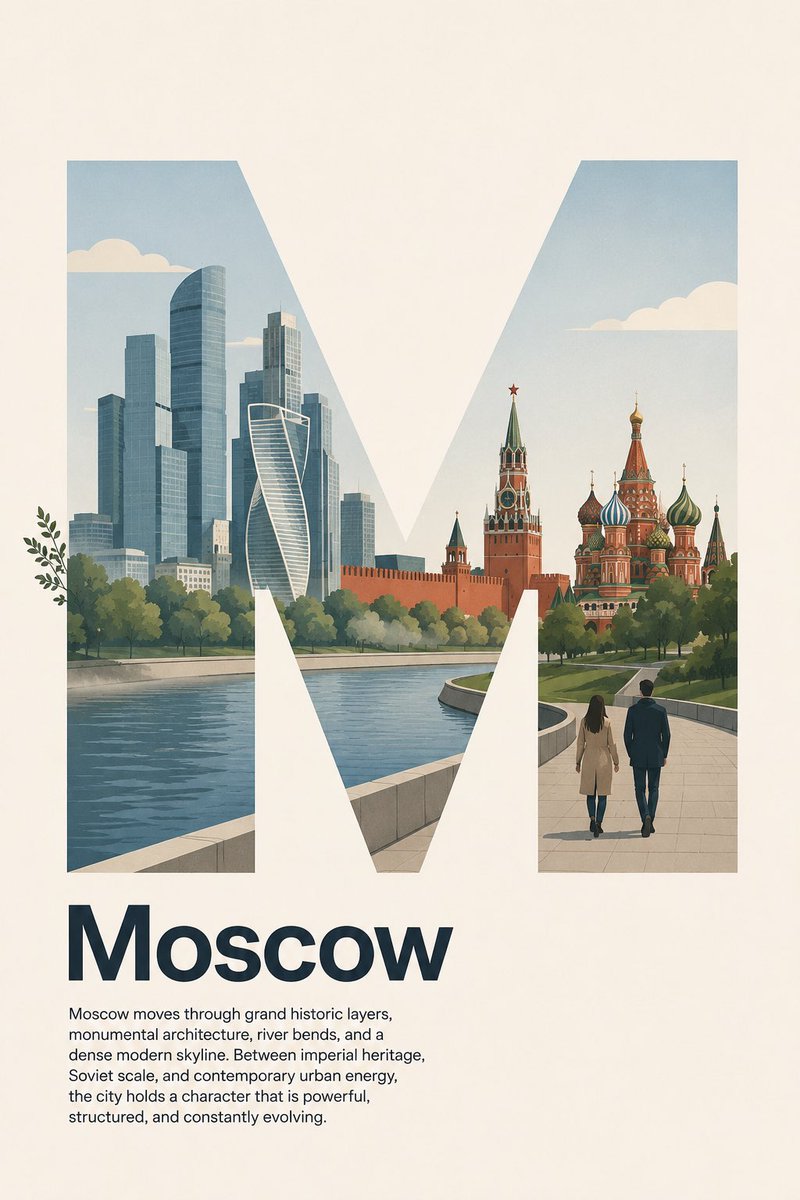
Design A Contemporary Swiss Style Editorial Poster For Moscow, Russia — image 1
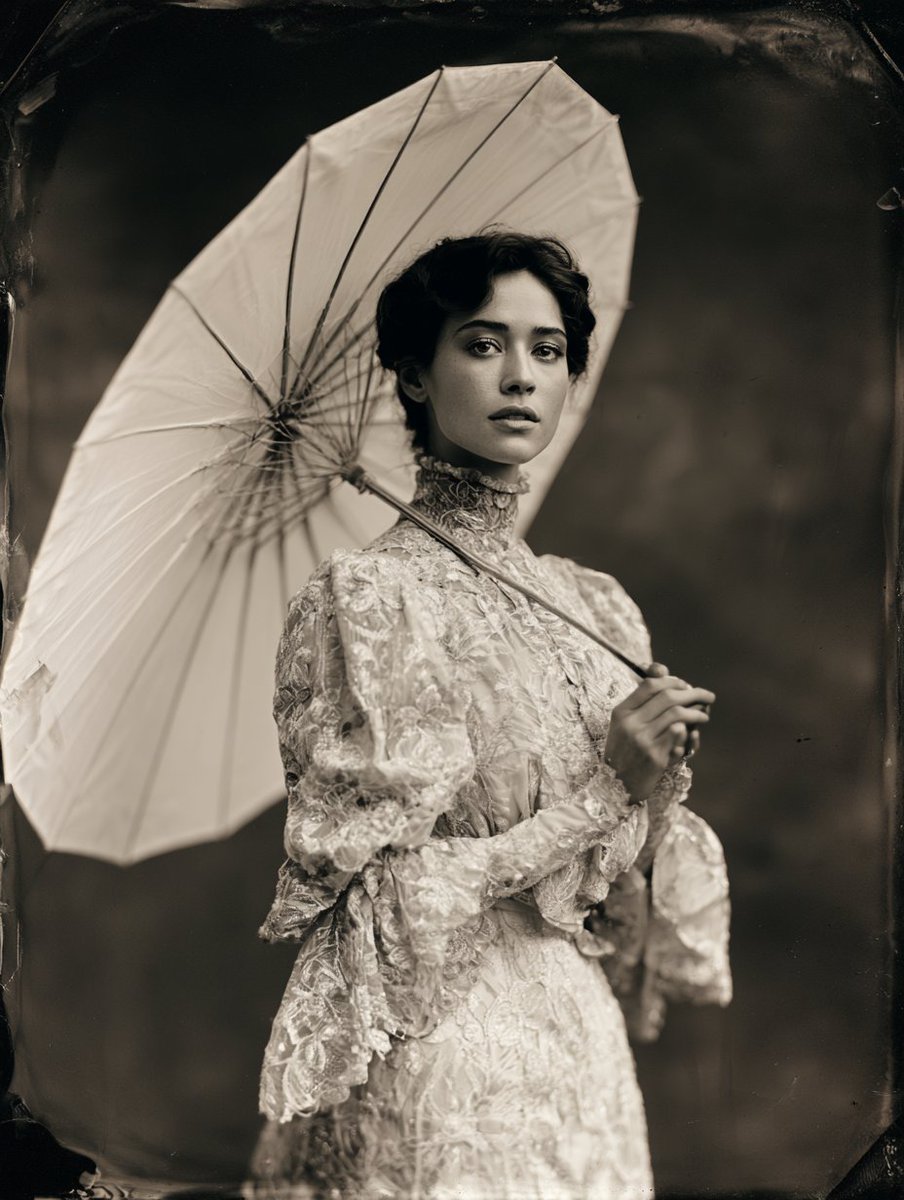
Design A Contemporary Swiss Style Editorial Poster For Moscow, Russia — image 2
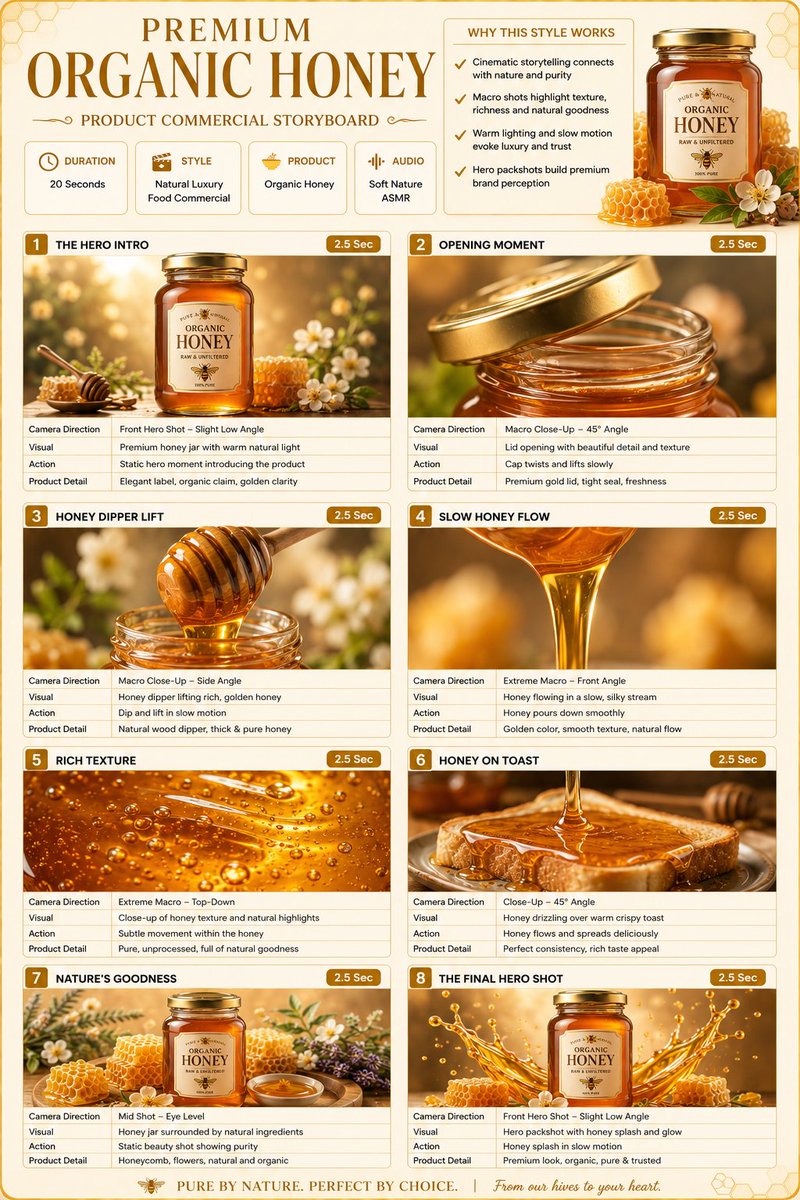
Design A Contemporary Swiss Style Editorial Poster For Moscow, Russia — image 3
Prompt
Design a contemporary Swiss Style editorial poster for Moscow, Russia. Use a large bold sans-serif capital letter “M” as the main typographic structure. The “M” must be very clear, clean, geometric, solid, and dominant, with no stroke outline, no border, no shadow outline, and no decorative treatment. The silhouette of the letter “M” must remain easy to read at first glance. Do not let the illustration obscure or distort the shape of the letter. The poster should follow a precise left-aligned Swiss grid system with generous negative space. Inside the “M”, create a simple, logical, and restrained flat illustration of Moscow’s city landscape character. Use only a few essential visual elements: simplified modern skyscrapers inspired by Moscow City business district, the calm curve of the Moscow River, a subtle silhouette of the Kremlin walls and towers, onion domes of Saint Basil’s Cathedral in a simplified geometric form, a soft green park landscape inspired by Gorky Park or Zaryadye Park, and two pedestrians on a clean riverside walkway. Keep the composition minimal, spacious, and easy to understand. Do not add too many landmarks, people, signs, vehicles, monuments, statues, fountains, trains, buses, or small decorative objects. The illustration should suggest Moscow’s identity as a capital city where imperial history, Soviet monumental scale, modern glass skyscrapers, riverfront public spaces, and vast urban rhythm coexist in a clean contemporary way. Use flat vector shapes, clean silhouettes, minimal linework, simplified architecture, and believable scale relationships. Keep the scene lightly lively but not busy. The illustration should support the letter “M”, not compete with it. Allow only extremely subtle overlap outside the “M” frame using simple organic or atmospheric elements only: a few leaves from riverside trees or soft atmospheric mist over the river may slightly extend beyond the letter edge. Keep 97% of the illustration inside the “M”. Do not let people, buildings, domes, towers, vehicles, faces, paths, signage, or complex objects overlap outside the letter. The “M” must remain clearly readable and visually dominant. Place the headline “Moscow” below the letter in bold sans-serif type, title case, not all caps, left aligned to the same grid. Under the headline, add this short body paragraph in small regular sans-serif text, also left aligned, with clean spacing and refined editorial hierarchy: “Moscow moves through grand historic layers, monumental architecture, river bends, and a dense modern skyline. Between imperial heritage, Soviet scale, and contemporary urban energy, the city holds a character that is powerful, structured, and constantly evolving.” No icons, no badges, no decorative symbols. The overall design should feel Swiss minimalist: strong grid, precise alignment, asymmetrical balance, clean typography, generous negative space, restrained composition, and modern cultural city poster aesthetics. Color palette: warm ivory background, deep navy or charcoal typography, concrete gray, glass blue, pine green, Kremlin red accents, river blue-gray, pale beige, and soft black accents. Matte paper finish, subtle paper grain, crisp edges, flat contemporary illustration, modern Moscow metropolitan mood, calm but strong, sophisticated, balanced, and print-ready. Negative prompt: photorealistic, 3D render, glossy, maximalist, overcrowded city, complex illustration, too many details, too many landmarks

How to Use This Prompt

  1. Copy the full prompt text with the copy button above.
  2. Replace any [bracketed] placeholders with your own subject, scene, or details.
  3. Paste it into Gemini / Nano Banana Pro — or hit "Try this Prompt" above to generate here for free — then tweak the wording against the example images.

Style Notes

Photo
Asks the model for photorealistic output — natural lighting, believable skin and materials, camera-like depth of field — rather than illustration or 3D looks.
Illustration
Hand-drawn or digital-painting aesthetics — visible strokes, stylized shapes and colors, deliberately not photoreal.
3D Render
CGI look — smooth surfaces, controlled global illumination, and depth that reads like a Blender/Cinema 4D render instead of a photograph.
Poster
Single-image layout designed to be read at a glance: dominant visual, title-friendly composition, high contrast for print or thumbnail.
Product Shot
E-commerce style product photography: the item isolated on a clean or styled surface, even studio light, true-to-material color.
Hero Portrait
A single dominant subject shot like a key visual — tight framing, strong eye contact or pose, background simplified so the character carries the image.
Character Design
A character presented for reference: readable silhouette, costume and prop details, often multiple angles or expressions in one sheet.
Fashion Look
Editorial fashion styling: garment detail and fabric texture take priority, with model poses and lighting borrowed from magazine shoots.
Architecture
Buildings and structures with believable perspective and materials — wide lenses, strong leading lines, attention to light on facades.
Minimalist
Few elements, generous negative space, restrained palette — the model is told to leave things out, which makes composition errors much less likely.

FAQ

How do I use this prompt with Gemini (Nano Banana Pro)?

Copy the full prompt with the copy button above, paste it into Gemini or any Nano Banana Pro-powered tool, and compare your result with the example images on this page. You can also click "Try this Prompt" to generate directly on this site — free daily generations, no sign-up needed.

Can I customize "Design A Contemporary Swiss Style Editorial Poster For Moscow, Russia"?

Yes. Anything in [brackets] is a placeholder meant to be replaced with your own subject or details, and you can freely adjust subject, lighting, or style keywords — small wording changes often produce noticeably different results.

Which AI models does this prompt work with?

It was originally shared for Google's Gemini image models (including Nano Banana Pro). Most text-to-image models will understand it too, though composition and text rendering quality vary by model.
Related Prompts