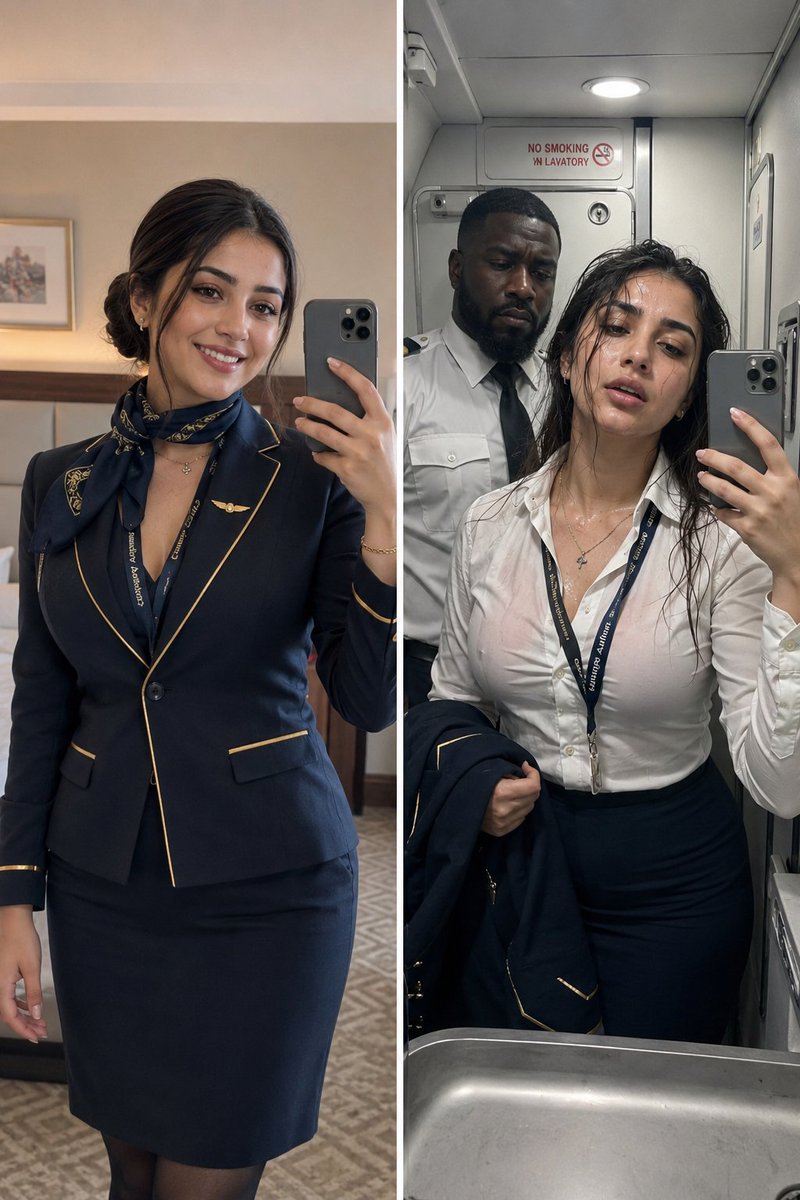
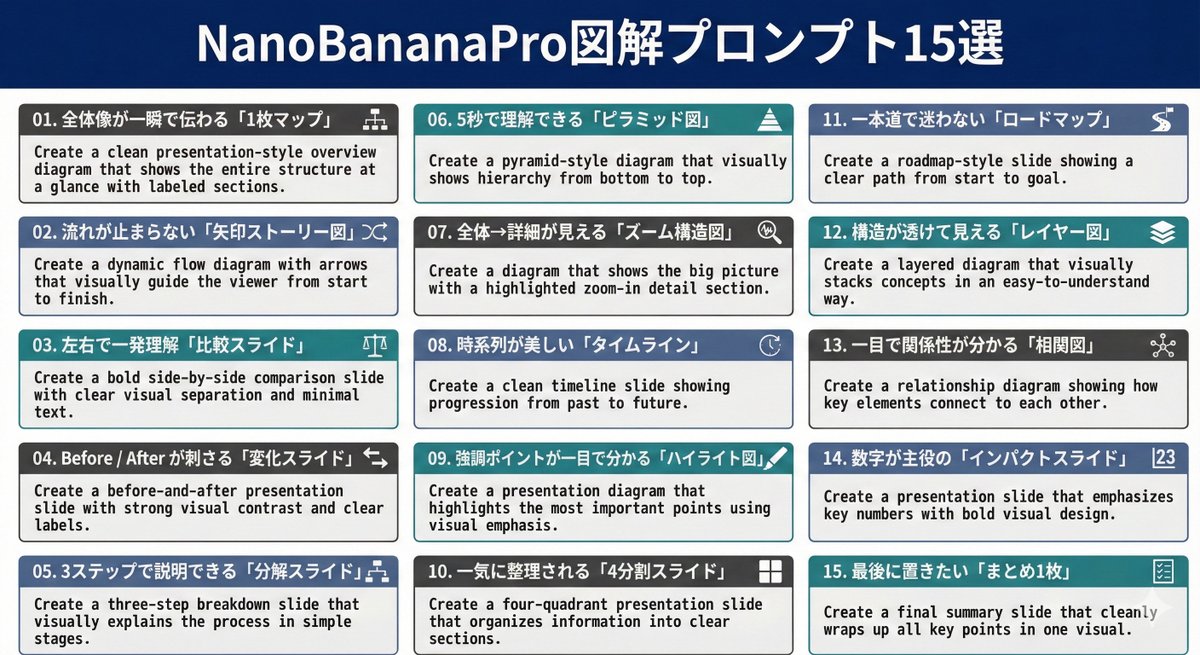
Infographic / Edu Visual - Nano Banana Pro Diagram Generation Prompts (15 Templates)
A collection of 15 specialized prompts for Nano Banana Pro, designed to generate various types of professional presentation diagrams and slides, such as flow charts, comparison slides, pyramid diagrams, and timelines, optimized for visual clarity and impact.
How to Use This Prompt
- Copy the full prompt text with the copy button above.
- Replace any [bracketed] placeholders with your own subject, scene, or details.
- Paste it into Gemini / Nano Banana Pro — or hit "Try this Prompt" above to generate here for free — then tweak the wording against the example images.
Style Notes
- Architecture
- Buildings and structures with believable perspective and materials — wide lenses, strong leading lines, attention to light on facades.
- Minimalist
- Few elements, generous negative space, restrained palette — the model is told to leave things out, which makes composition errors much less likely.
- Product Mockup
- The design presented in context — packaging on a shelf, app on a phone screen, tee on a model — to preview how it looks in the real world.
FAQ
How do I use this prompt with Gemini (Nano Banana Pro)?
Copy the full prompt with the copy button above, paste it into Gemini or any Nano Banana Pro-powered tool, and compare your result with the example images on this page. You can also click "Try this Prompt" to generate directly on this site — free daily generations, no sign-up needed.
Can I customize "Infographic / Edu Visual - Nano Banana Pro Diagram Generation Prompts (15 Templates)"?
Yes. Anything in [brackets] is a placeholder meant to be replaced with your own subject or details, and you can freely adjust subject, lighting, or style keywords — small wording changes often produce noticeably different results.
Which AI models does this prompt work with?
It was originally shared for Google's Gemini image models (including Nano Banana Pro). Most text-to-image models will understand it too, though composition and text rendering quality vary by model.
Related Prompts
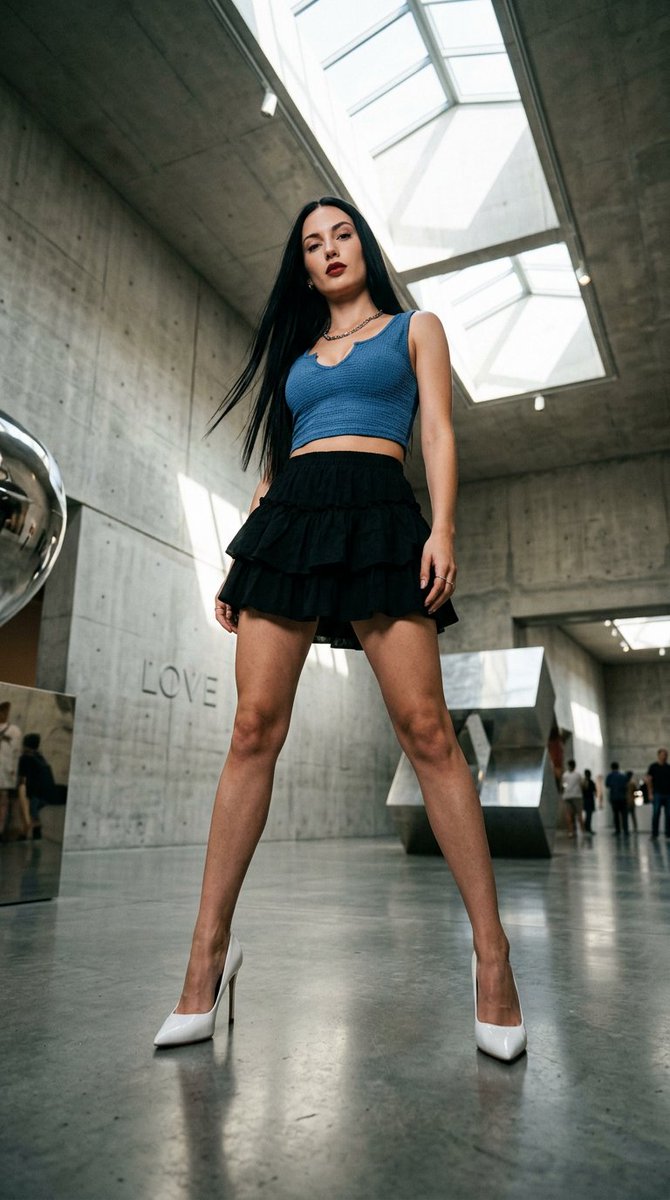
Worms Eye Museum Fashion Editorial Shot
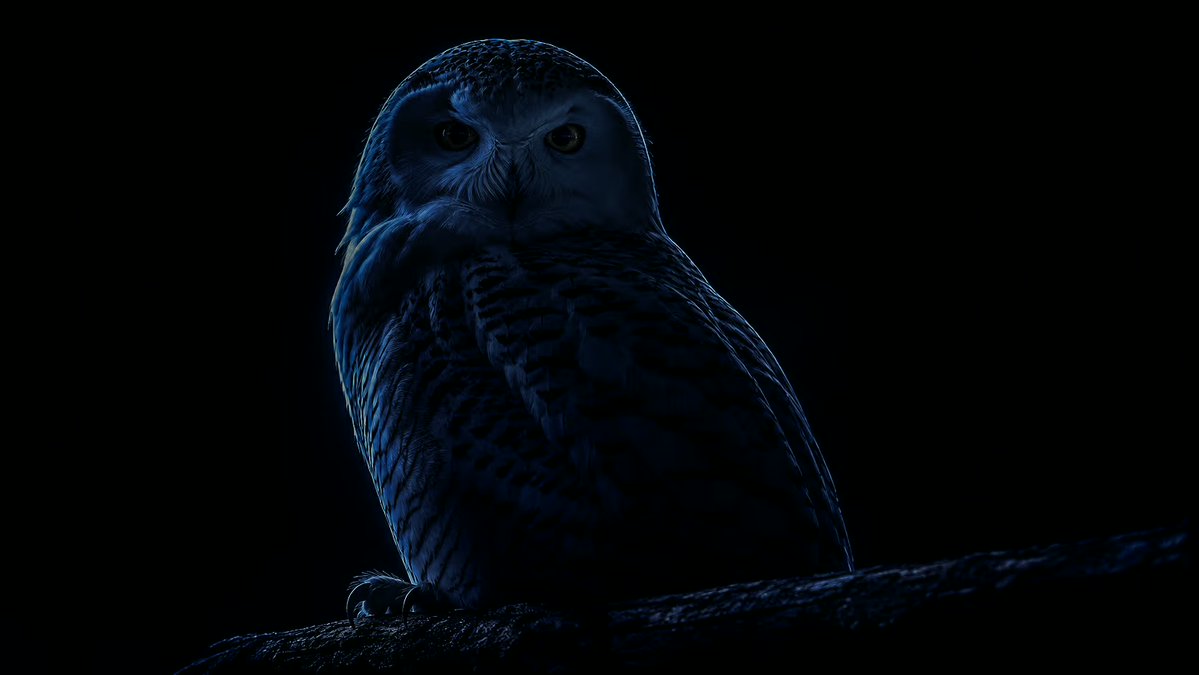
Arctic Edge-Light Sculptural Dark Portrait

A Highly Detailed 3d Collectible Toy Version Of A Stylish
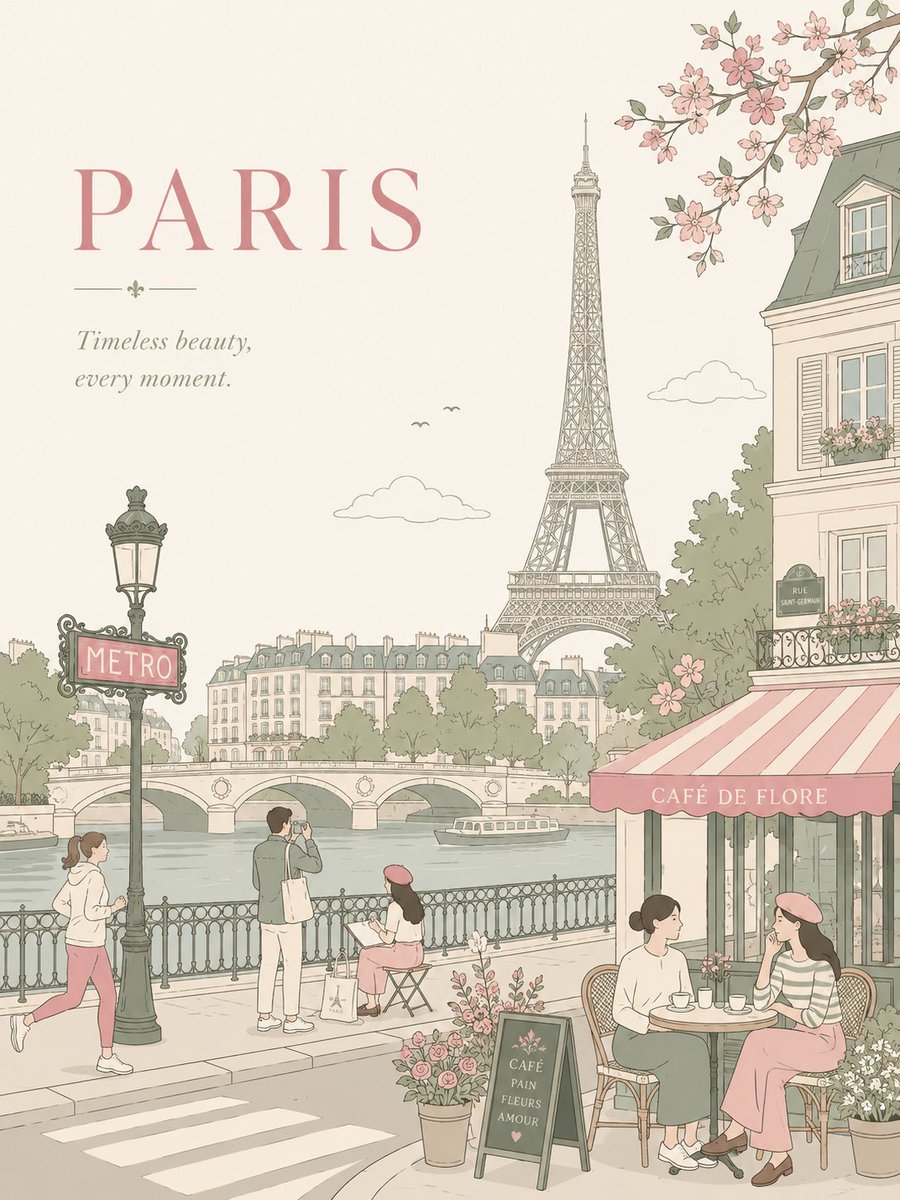
An Airy City Scene With Large Typography-Safe Negative Space In
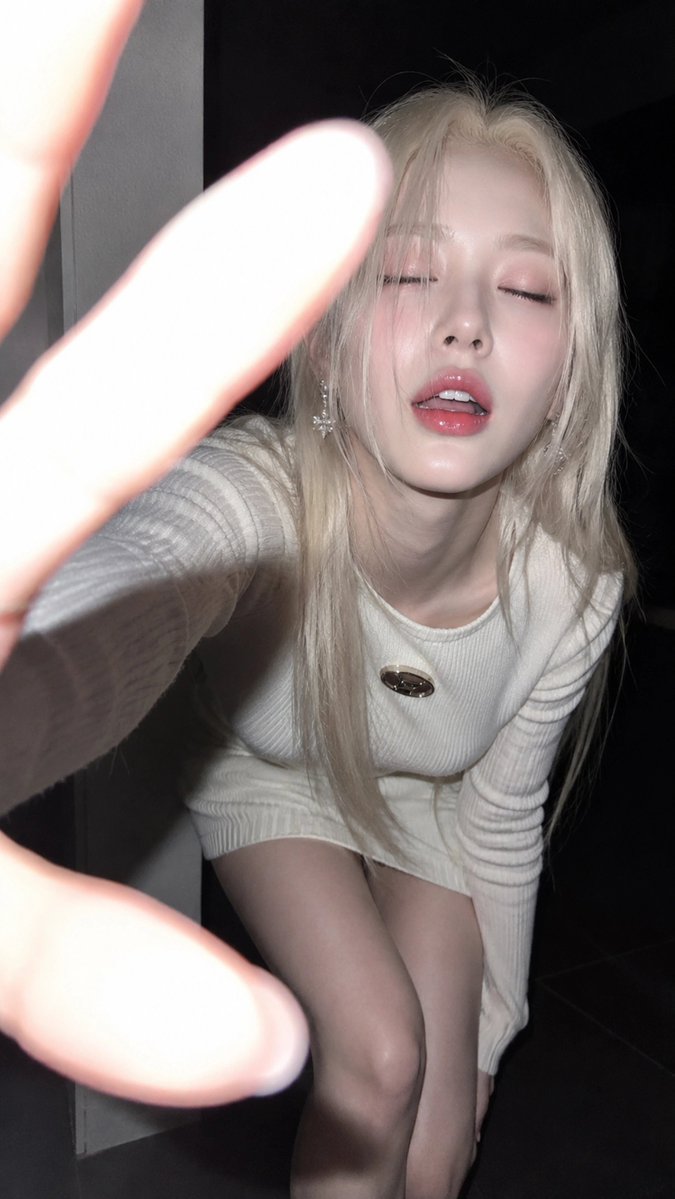
Subject : Description : A Young Adult Woman Aged 18+