Infographic / Edu Visual - Supermassive Black Hole Museum Presentation Board
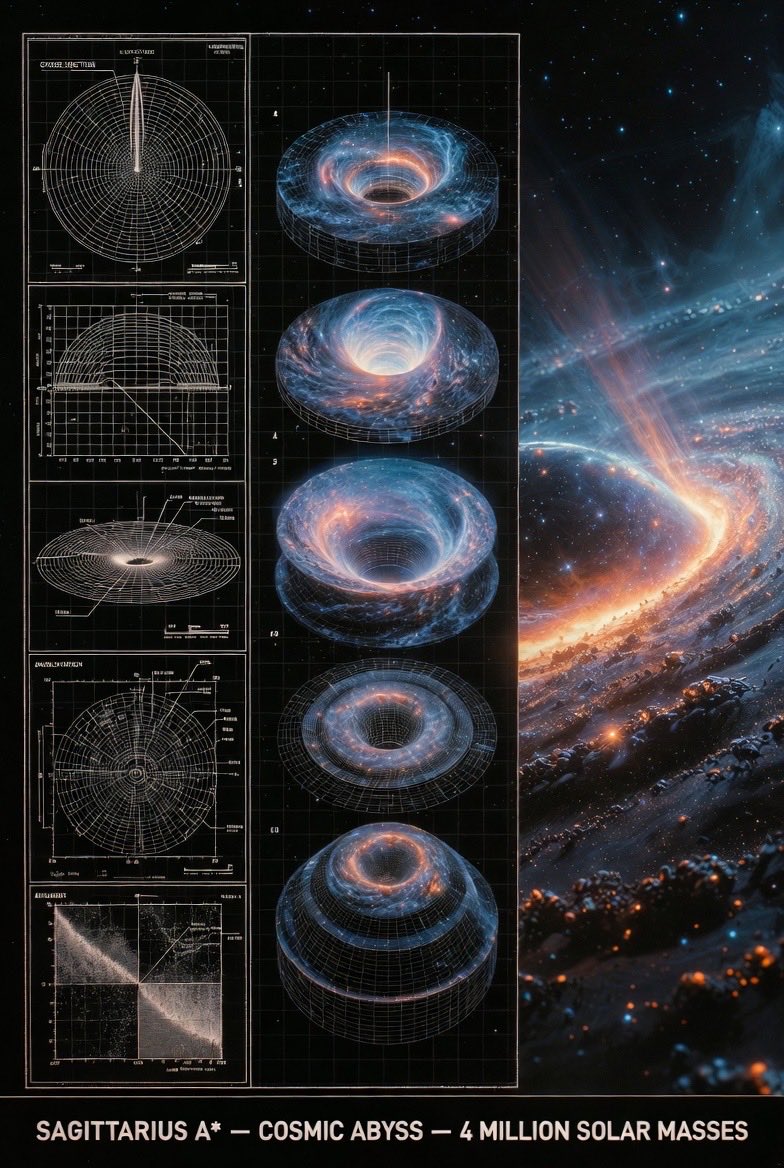
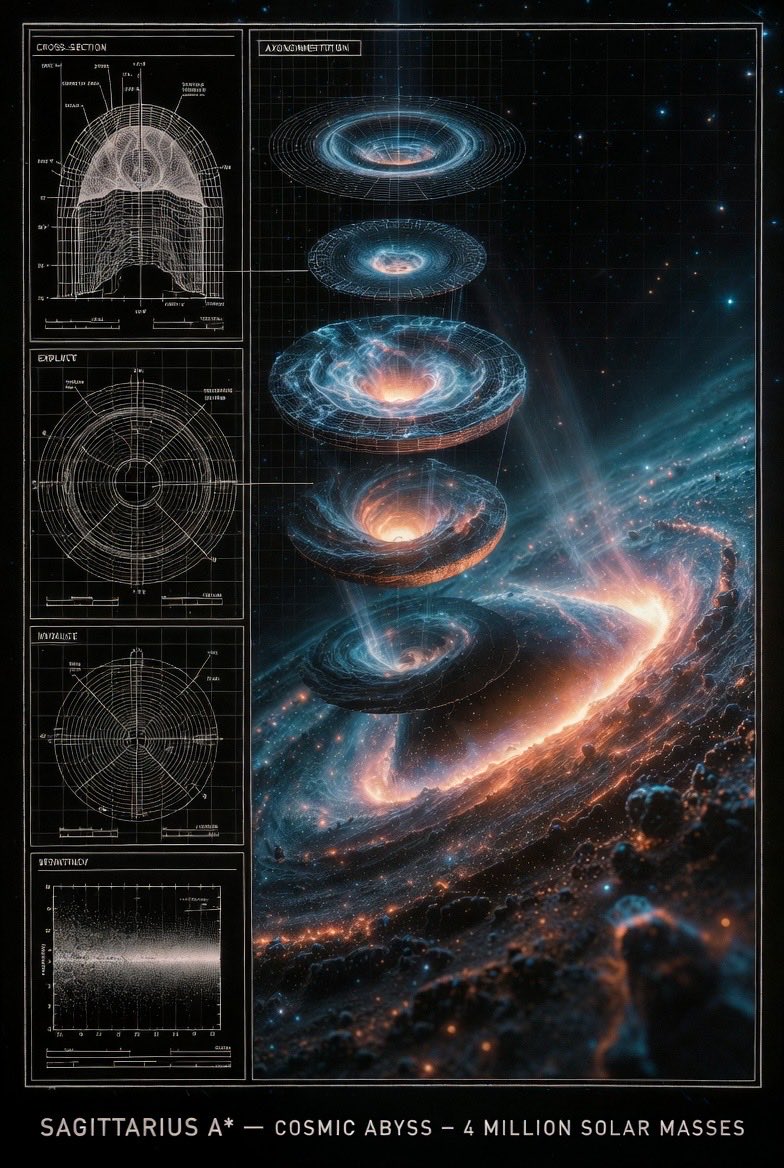
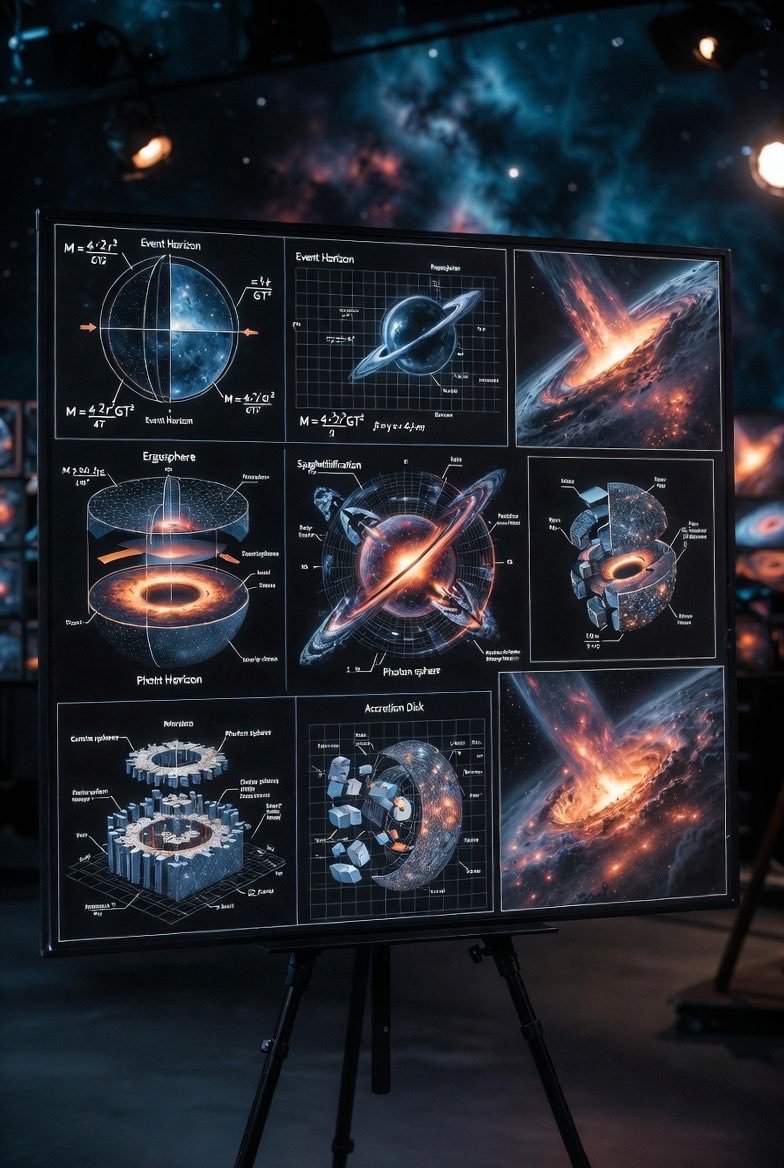
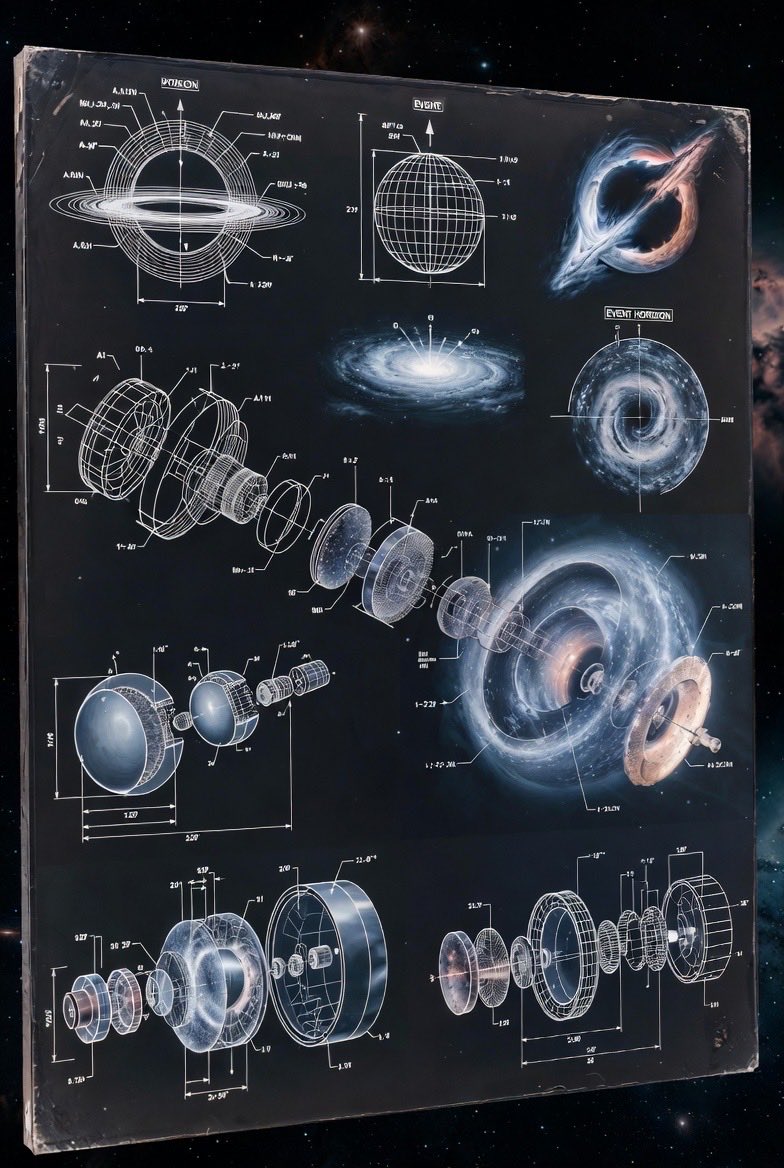
A detailed prompt for generating a museum-grade presentation board about a supermassive black hole (Sagittarius A*). The composition is split into three sections: scientific diagrams (left), an exploded axonometric view (center), and a photorealistic 3D render (right), transitioning from archival blueprint tones to cosmic colors.
How to Use This Prompt
- Copy the full prompt text with the copy button above.
- Replace any [bracketed] placeholders with your own subject, scene, or details.
- Paste it into Gemini / Nano Banana Pro — or hit "Try this Prompt" above to generate here for free — then tweak the wording against the example images.
Style Notes
- Cinematic
- Film-style rendering — widescreen framing, dramatic lighting contrast, graded colors (often teal-orange), and a sense of narrative in the scene.
- Hero Portrait
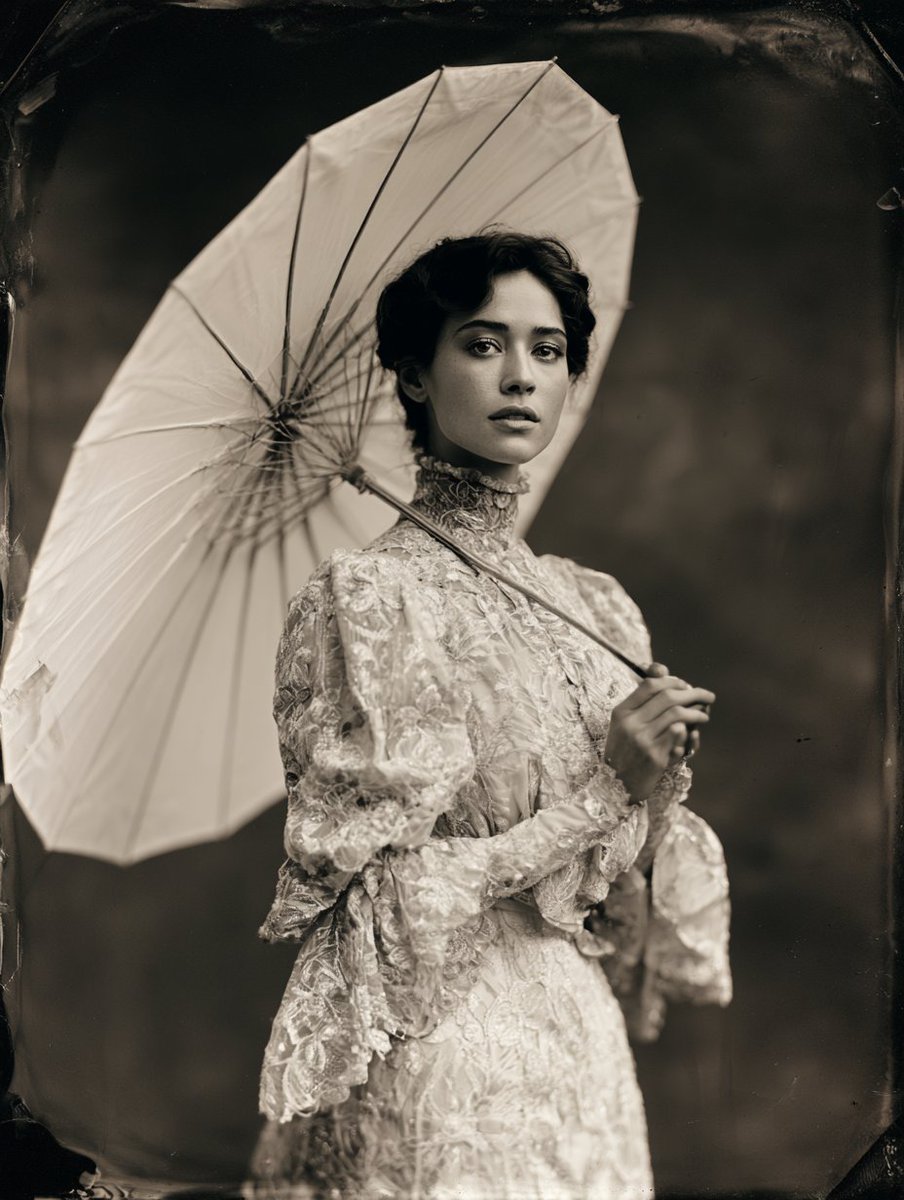
- A single dominant subject shot like a key visual — tight framing, strong eye contact or pose, background simplified so the character carries the image.
- Vibrant Colors
- High saturation and bold color blocking — eye-catching in feeds, but pair with simple composition to avoid visual noise.
FAQ
How do I use this prompt with Gemini (Nano Banana Pro)?
Copy the full prompt with the copy button above, paste it into Gemini or any Nano Banana Pro-powered tool, and compare your result with the example images on this page. You can also click "Try this Prompt" to generate directly on this site — free daily generations, no sign-up needed.
Can I customize "Infographic / Edu Visual - Supermassive Black Hole Museum Presentation Board"?
Yes. Anything in [brackets] is a placeholder meant to be replaced with your own subject or details, and you can freely adjust subject, lighting, or style keywords — small wording changes often produce noticeably different results.
Which AI models does this prompt work with?
It was originally shared for Google's Gemini image models (including Nano Banana Pro). Most text-to-image models will understand it too, though composition and text rendering quality vary by model.