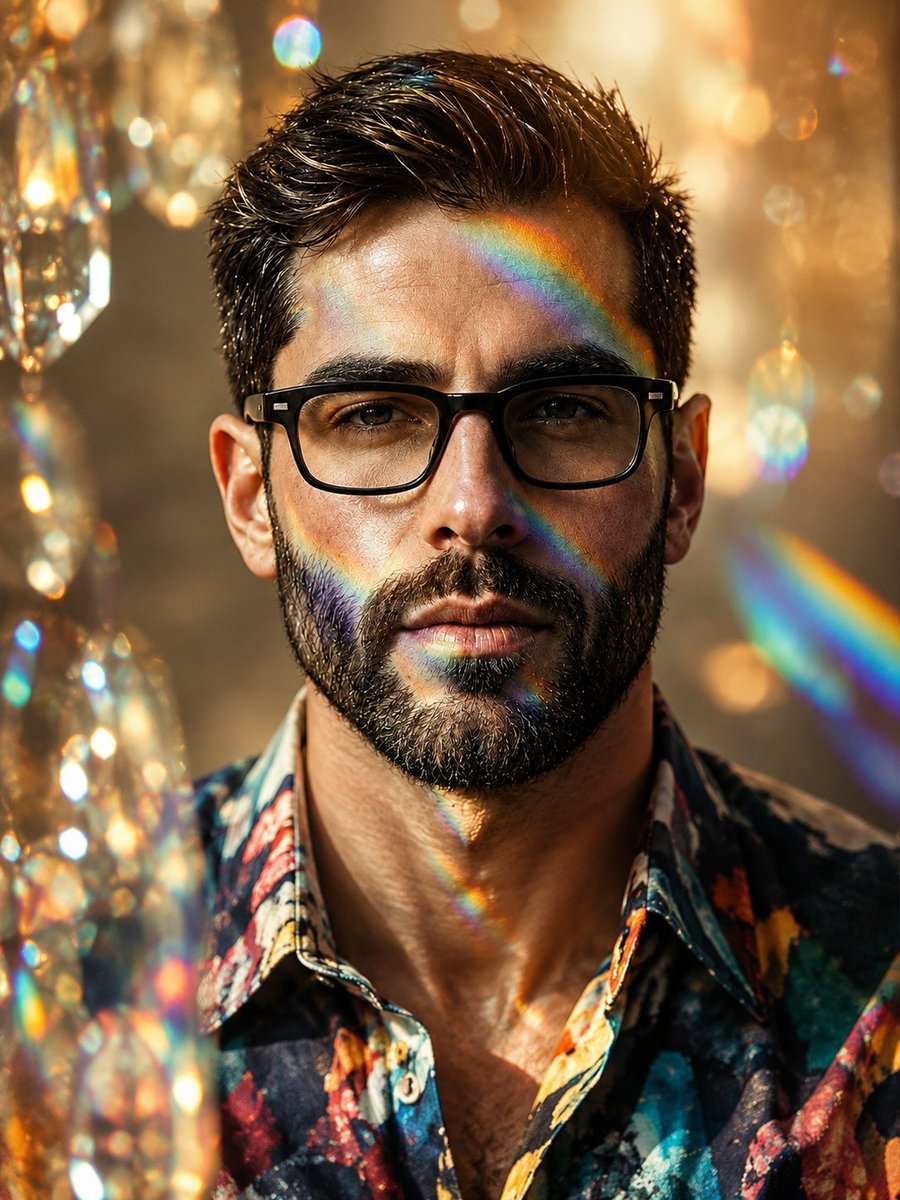
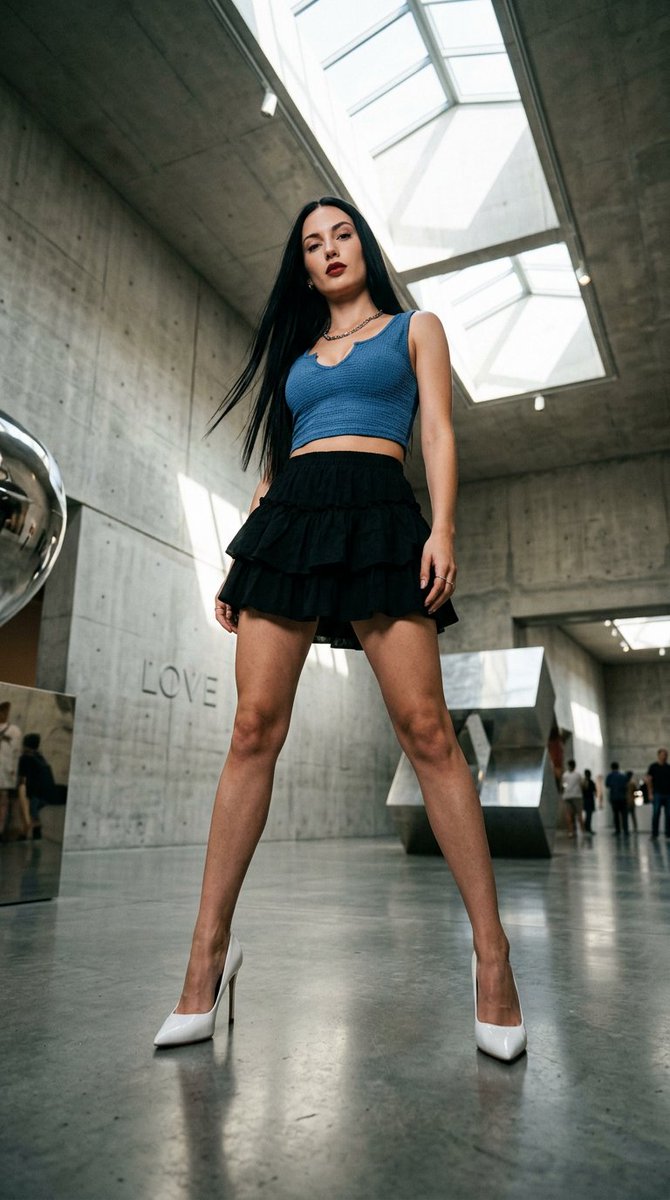
Open Passport Portal Into Any City Scene
A highly detailed, premium travel-art illustration.


How to Use This Prompt
- Copy the full prompt text with the copy button above.
- Replace any [bracketed] placeholders with your own subject, scene, or details.
- Paste it into Gemini / Nano Banana Pro — or hit "Try this Prompt" above to generate here for free — then tweak the wording against the example images.
Style Notes
- Poster
- Single-image layout designed to be read at a glance: dominant visual, title-friendly composition, high contrast for print or thumbnail.
- 3D Render
- CGI look — smooth surfaces, controlled global illumination, and depth that reads like a Blender/Cinema 4D render instead of a photograph.
- Illustration
- Hand-drawn or digital-painting aesthetics — visible strokes, stylized shapes and colors, deliberately not photoreal.
- Photo
- Asks the model for photorealistic output — natural lighting, believable skin and materials, camera-like depth of field — rather than illustration or 3D looks.
- Typography
- Text is part of the artwork. Modern models like Nano Banana Pro can render legible styled lettering, but keep the exact wording short and quoted in the prompt.
- Logo / Icon
- Symbol-first design — simple geometry that survives being scaled down, flat color, strong silhouette. Expect to vectorize the output before real use.
- Cinematic
- Film-style rendering — widescreen framing, dramatic lighting contrast, graded colors (often teal-orange), and a sense of narrative in the scene.
- Minimalist
- Few elements, generous negative space, restrained palette — the model is told to leave things out, which makes composition errors much less likely.
- Group Scene
- Multiple characters in one frame — the hardest case for AI consistency; prompts usually assign each figure a position and role explicitly.
FAQ
How do I use this prompt with Gemini (Nano Banana Pro)?
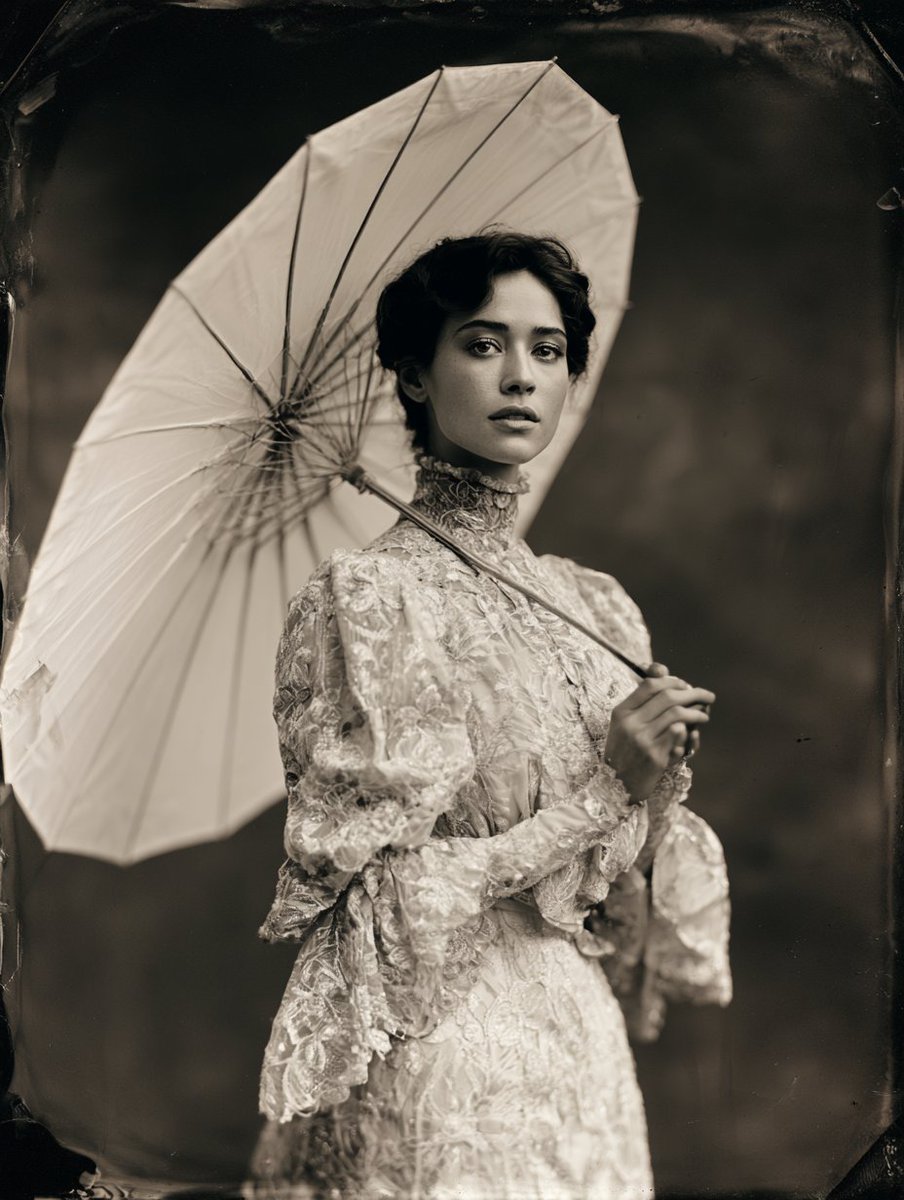
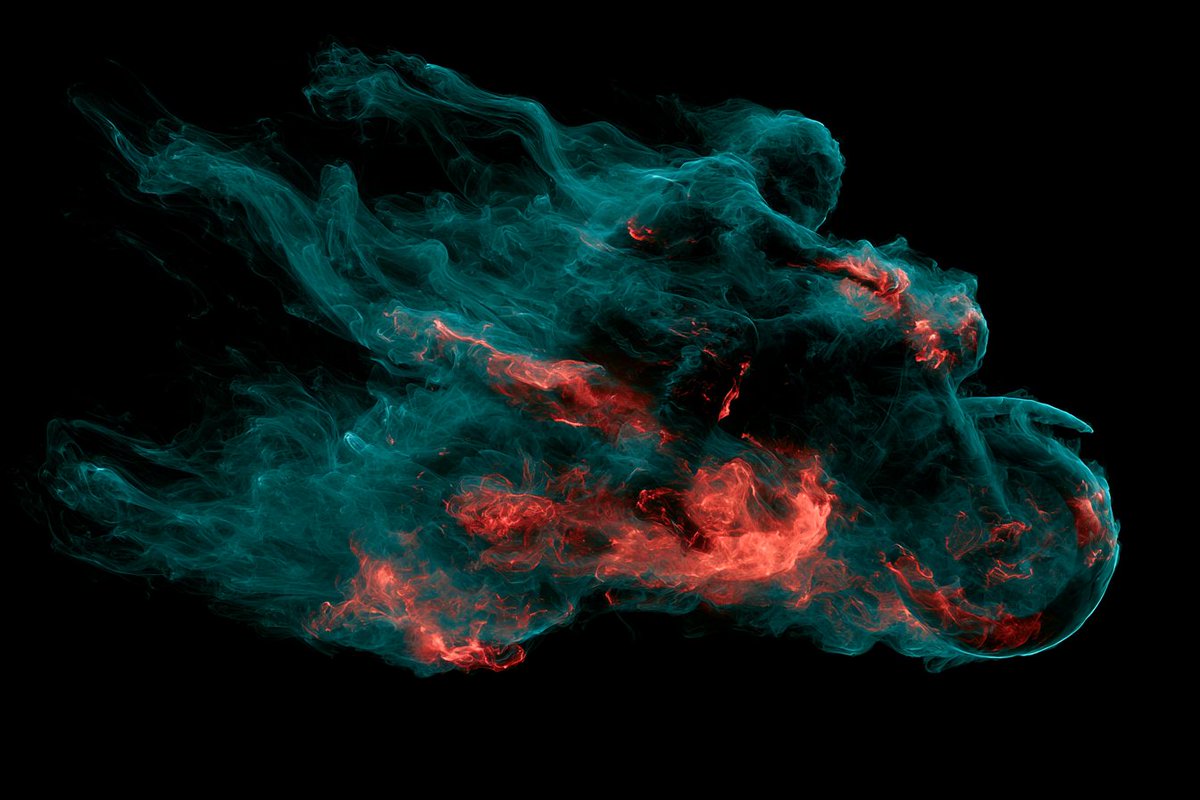
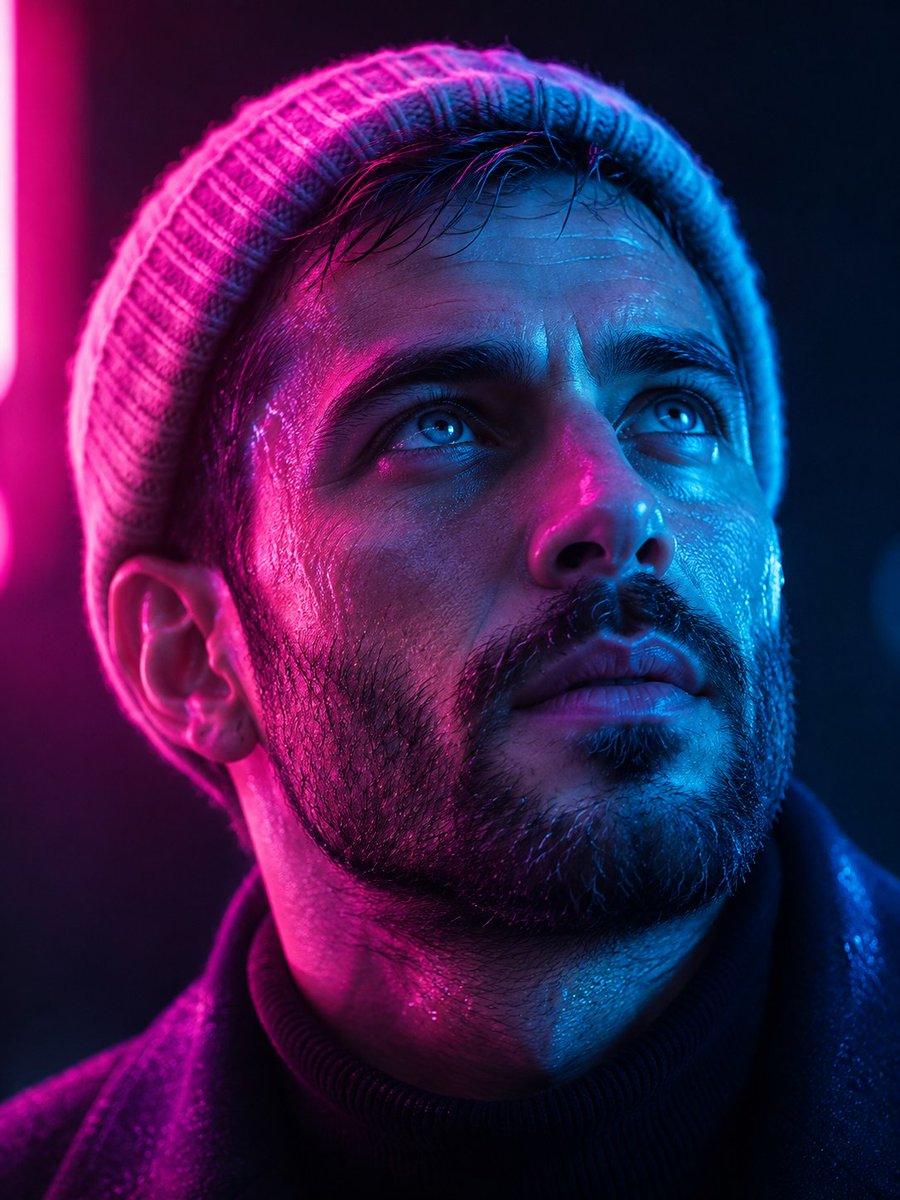
Copy the full prompt with the copy button above, paste it into Gemini or any Nano Banana Pro-powered tool, and compare your result with the example images on this page. You can also click "Try this Prompt" to generate directly on this site — free daily generations, no sign-up needed.
Can I customize "Open Passport Portal Into Any City Scene"?
Yes. Anything in [brackets] is a placeholder meant to be replaced with your own subject or details, and you can freely adjust subject, lighting, or style keywords — small wording changes often produce noticeably different results.
Which AI models does this prompt work with?
It was originally shared for Google's Gemini image models (including Nano Banana Pro). Most text-to-image models will understand it too, though composition and text rendering quality vary by model.