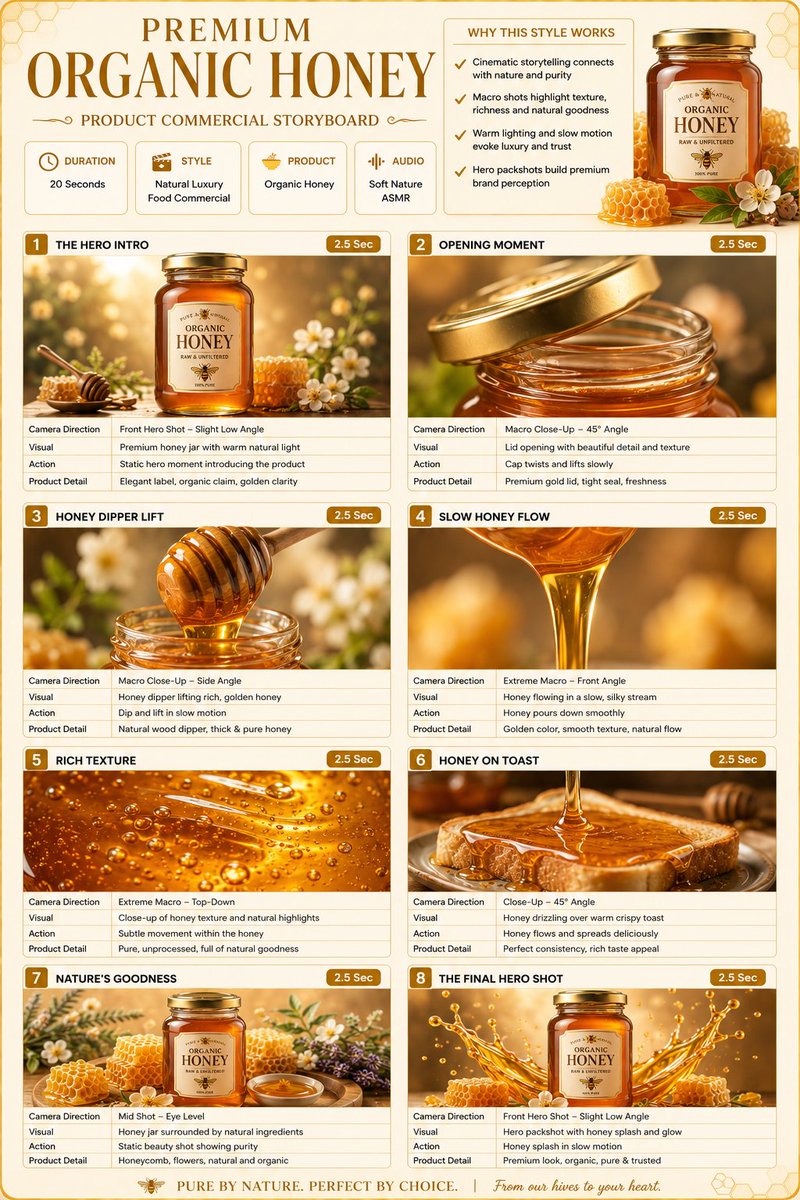
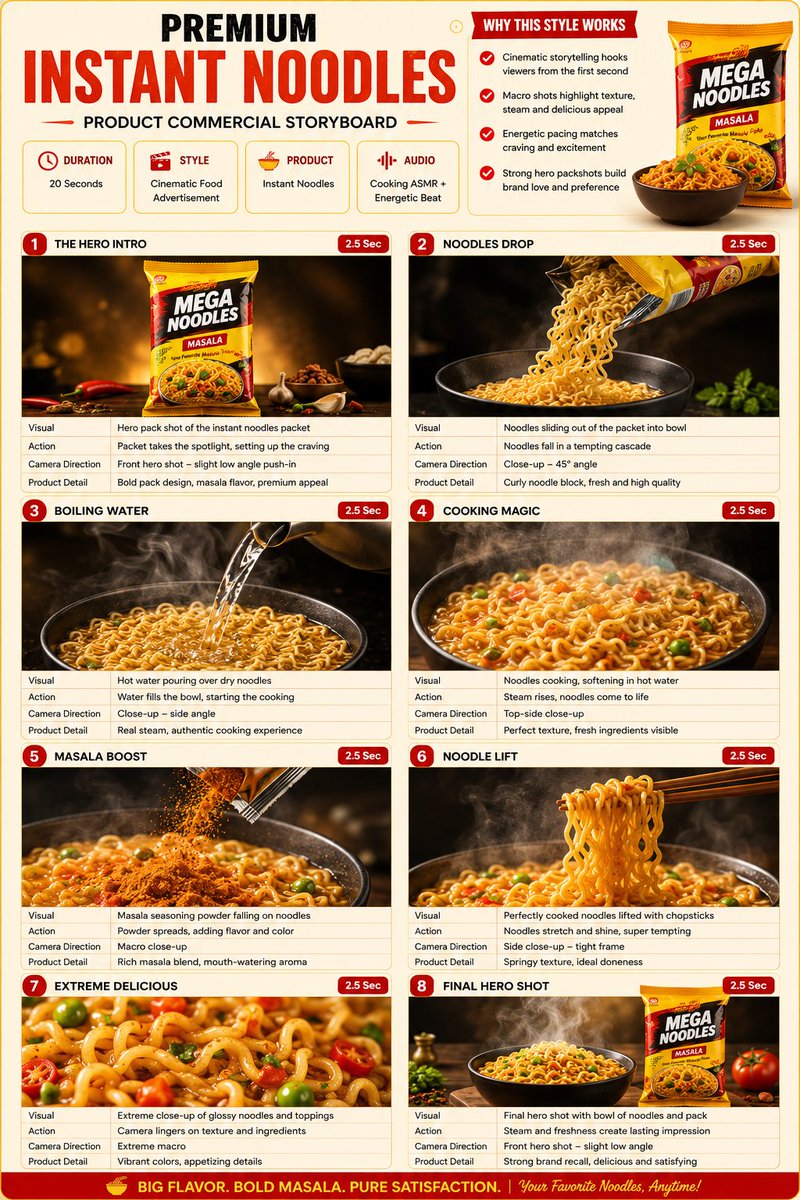
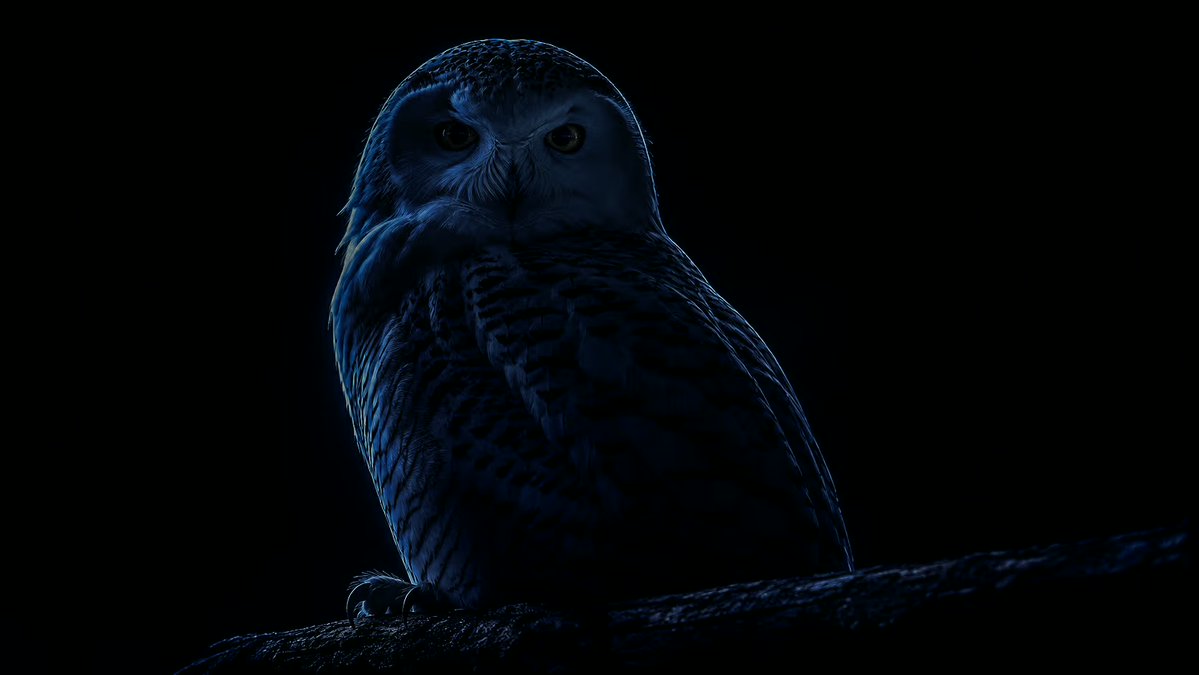
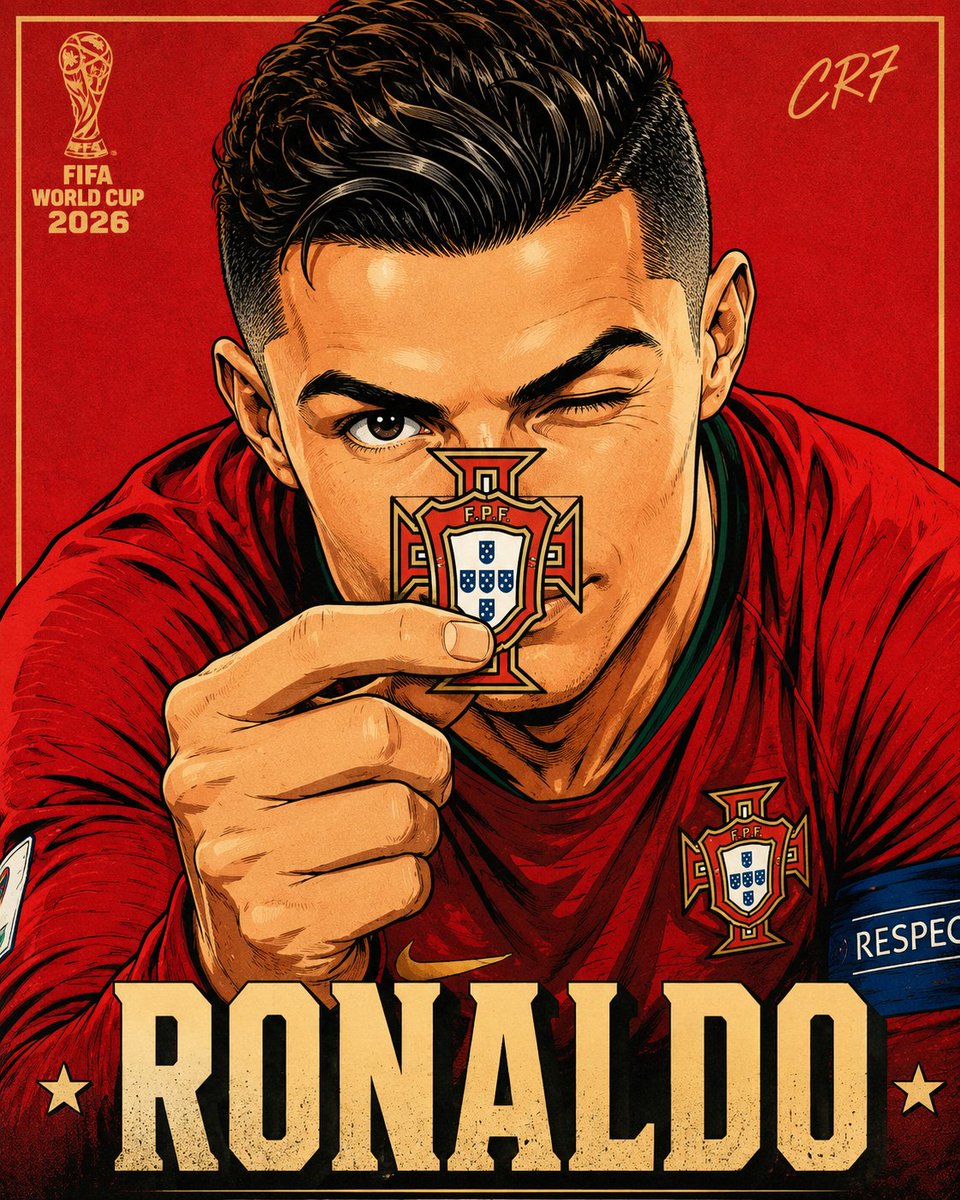
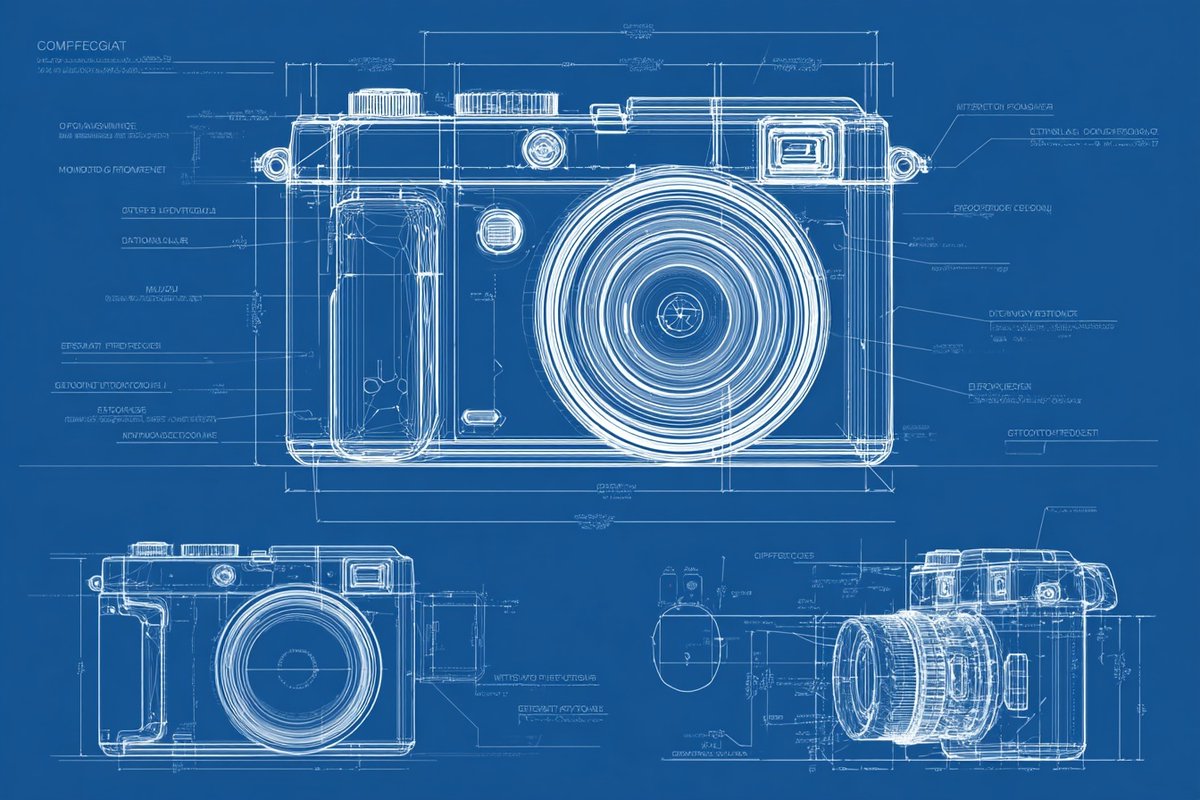
Precision Blueprint
[product name], technical blueprint drawing, orthographic view, front view + side view + top view, white vector line art, thin construction lines, precise measurements, annotation



How to Use This Prompt
- Copy the full prompt text with the copy button above.
- Replace any [bracketed] placeholders with your own subject, scene, or details.
- Paste it into Gemini / Nano Banana Pro — or hit "Try this Prompt" above to generate here for free — then tweak the wording against the example images.
Style Notes
- Illustration
- Hand-drawn or digital-painting aesthetics — visible strokes, stylized shapes and colors, deliberately not photoreal.
- Product Shot
- E-commerce style product photography: the item isolated on a clean or styled surface, even studio light, true-to-material color.
- Minimalist
- Few elements, generous negative space, restrained palette — the model is told to leave things out, which makes composition errors much less likely.
- Social Media Post
- Composition and aspect ratio tuned for feeds (Instagram, X, Xiaohongshu): bold focal subject, room for overlay text, colors that survive small screens.
- Marketing Campaign
- Ad-ready imagery: clear product or message hierarchy, space reserved for copy and logos, and a polished commercial finish.
FAQ
How do I use this prompt with Gemini (Nano Banana Pro)?
Copy the full prompt with the copy button above, paste it into Gemini or any Nano Banana Pro-powered tool, and compare your result with the example images on this page. You can also click "Try this Prompt" to generate directly on this site — free daily generations, no sign-up needed.
Can I customize "Precision Blueprint"?
Yes. Anything in [brackets] is a placeholder meant to be replaced with your own subject or details, and you can freely adjust subject, lighting, or style keywords — small wording changes often produce noticeably different results.
Which AI models does this prompt work with?
It was originally shared for Google's Gemini image models (including Nano Banana Pro). Most text-to-image models will understand it too, though composition and text rendering quality vary by model.