Product Marketing - Book Recommendation Engine to Automaton Prompt
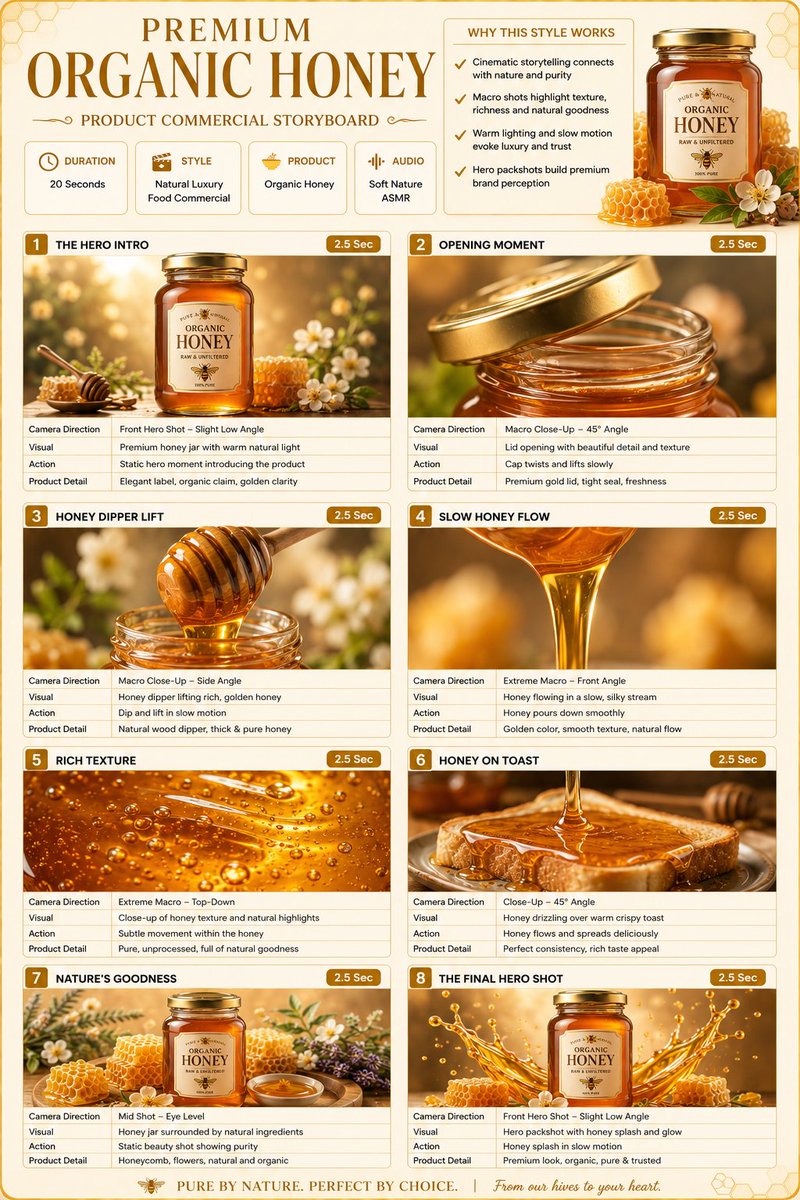
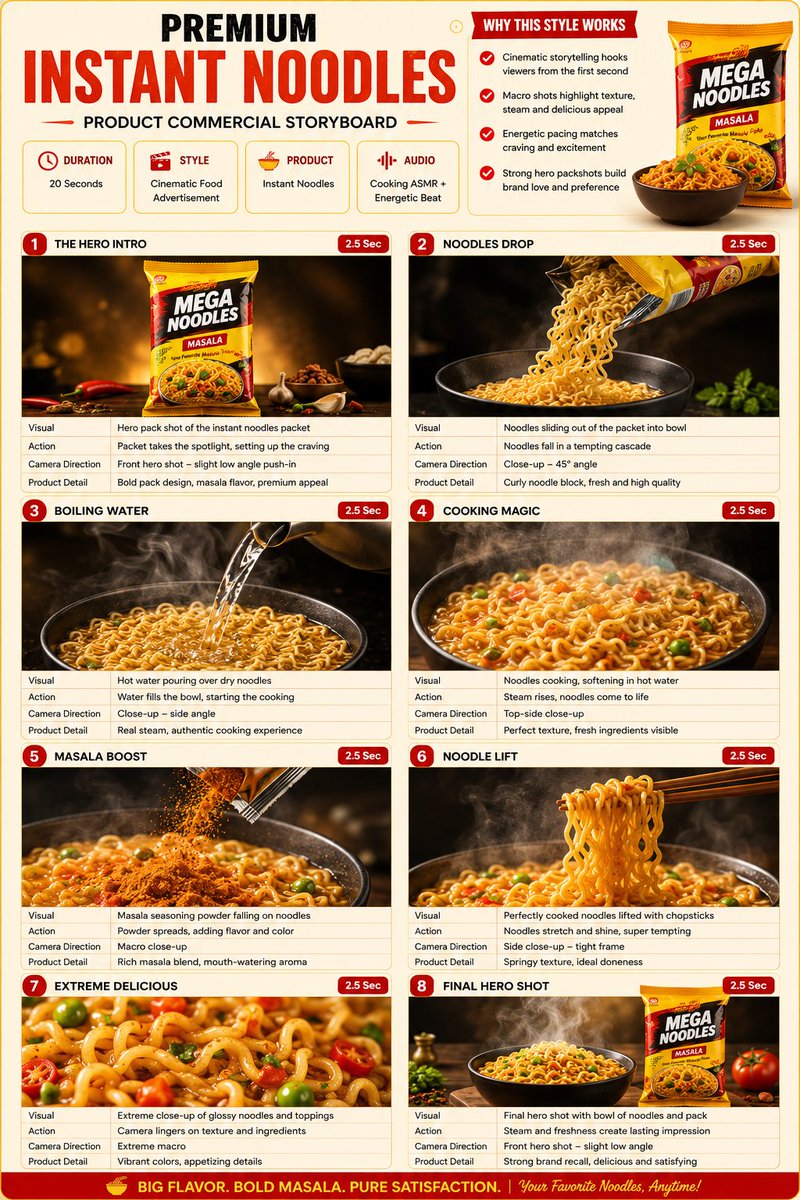
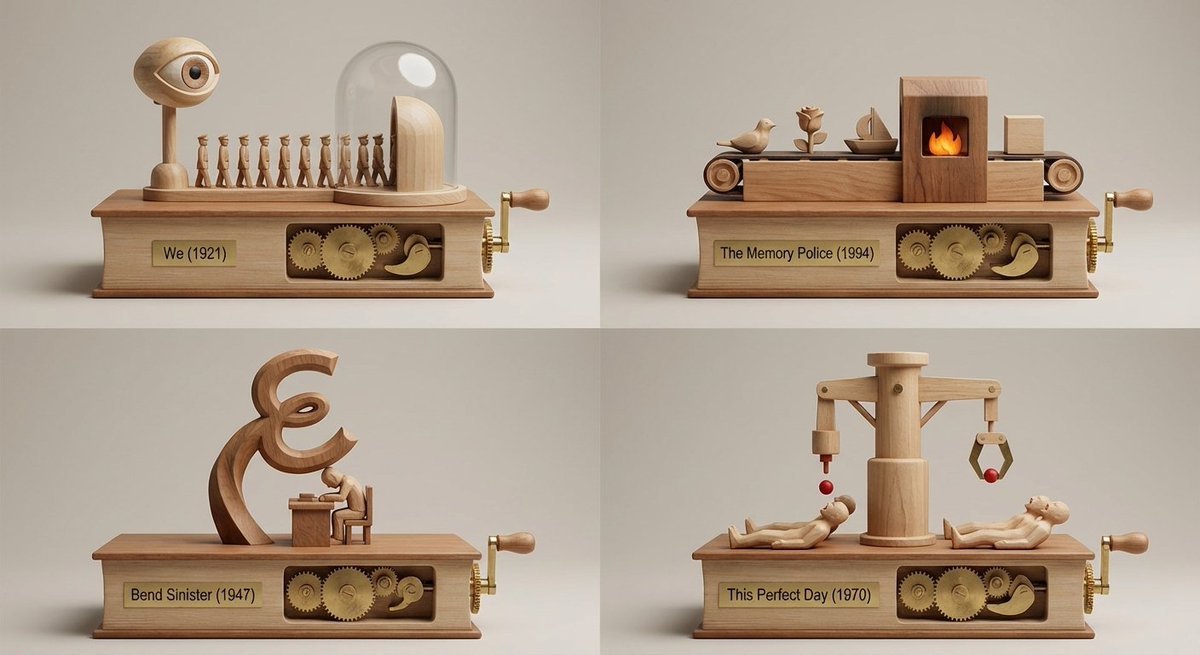
A complex, multi-step system prompt that instructs the AI to act as an elite book recommendation engine and kinetic sculpture designer. The AI must analyze a user-provided book (or image) for its 'vibe,' select four under-the-radar matching books, and then output a single image generation prompt describing a 2x2 grid of miniature wooden tabletop automatons, each representing one of the recommended books.
How to Use This Prompt
- Copy the full prompt text with the copy button above.
- Replace any [bracketed] placeholders with your own subject, scene, or details.
- Paste it into Gemini / Nano Banana Pro — or hit "Try this Prompt" above to generate here for free — then tweak the wording against the example images.
Style Notes
- Brand Identity
- A coherent visual system — consistent palette, typography and motif across the image — rather than a single pretty picture.
- Close-up
- Tight crop on the subject — texture and emotion over context; pairs naturally with high-detail and shallow depth of field.
- Marketing Campaign
- Ad-ready imagery: clear product or message hierarchy, space reserved for copy and logos, and a polished commercial finish.
- Product Mockup
- The design presented in context — packaging on a shelf, app on a phone screen, tee on a model — to preview how it looks in the real world.
- Product Shot
- E-commerce style product photography: the item isolated on a clean or styled surface, even studio light, true-to-material color.
FAQ
How do I use this prompt with Gemini (Nano Banana Pro)?
Copy the full prompt with the copy button above, paste it into Gemini or any Nano Banana Pro-powered tool, and compare your result with the example images on this page. You can also click "Try this Prompt" to generate directly on this site — free daily generations, no sign-up needed.
Can I customize "Product Marketing - Book Recommendation Engine to Automaton Prompt"?
Yes. Anything in [brackets] is a placeholder meant to be replaced with your own subject or details, and you can freely adjust subject, lighting, or style keywords — small wording changes often produce noticeably different results.
Which AI models does this prompt work with?
It was originally shared for Google's Gemini image models (including Nano Banana Pro). Most text-to-image models will understand it too, though composition and text rendering quality vary by model.