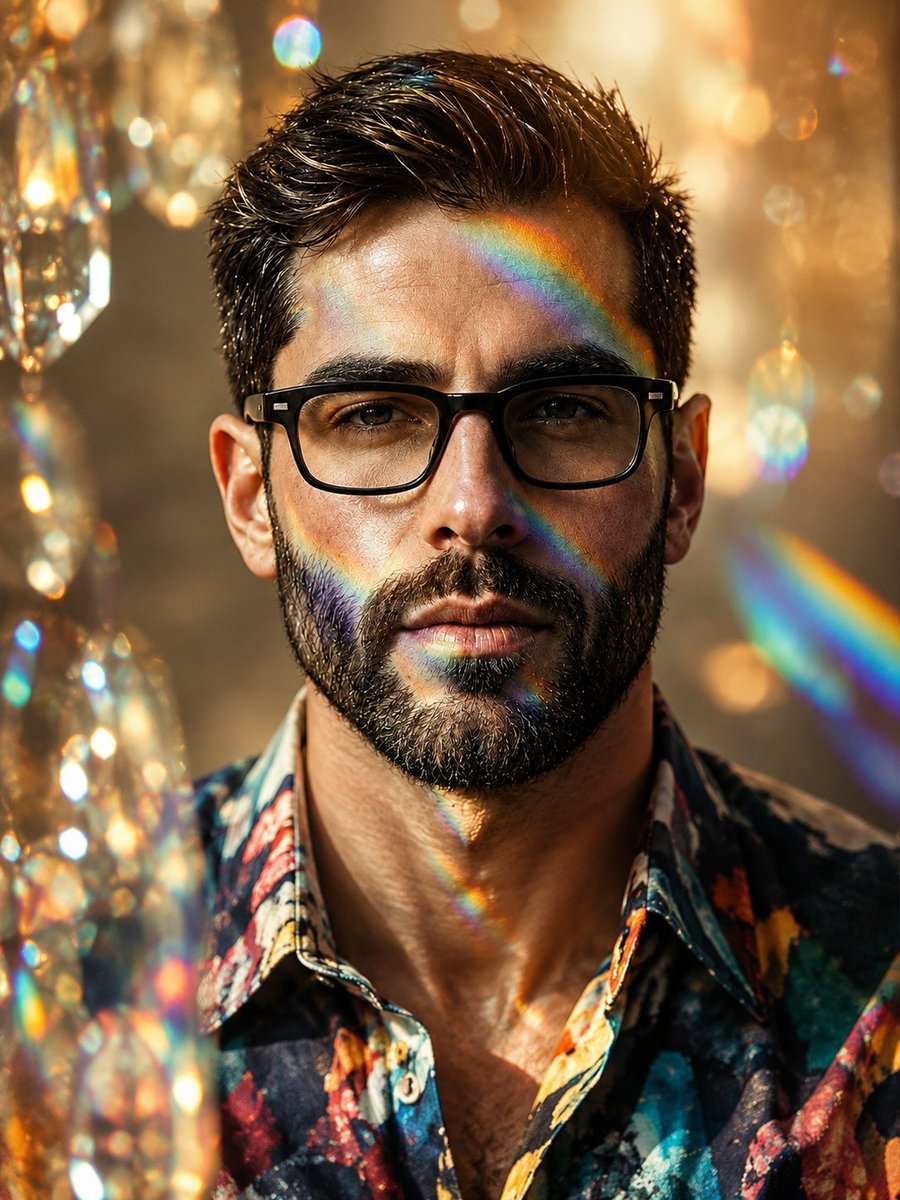
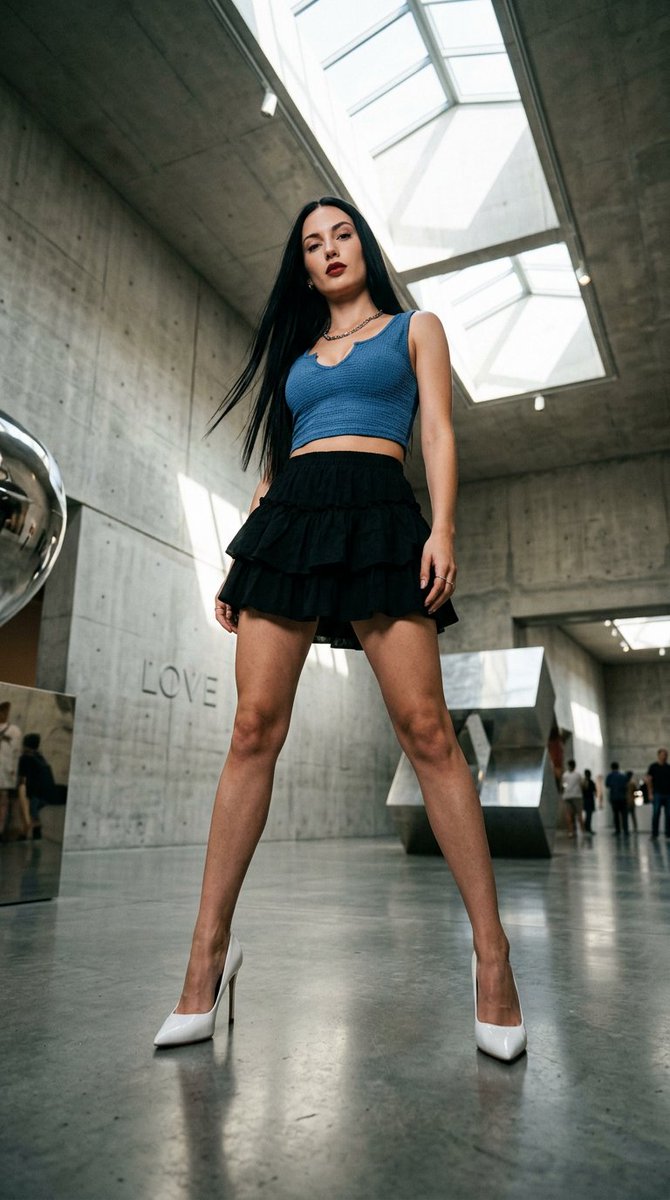
Transform the Uploaded Image Into Clean High-Quality
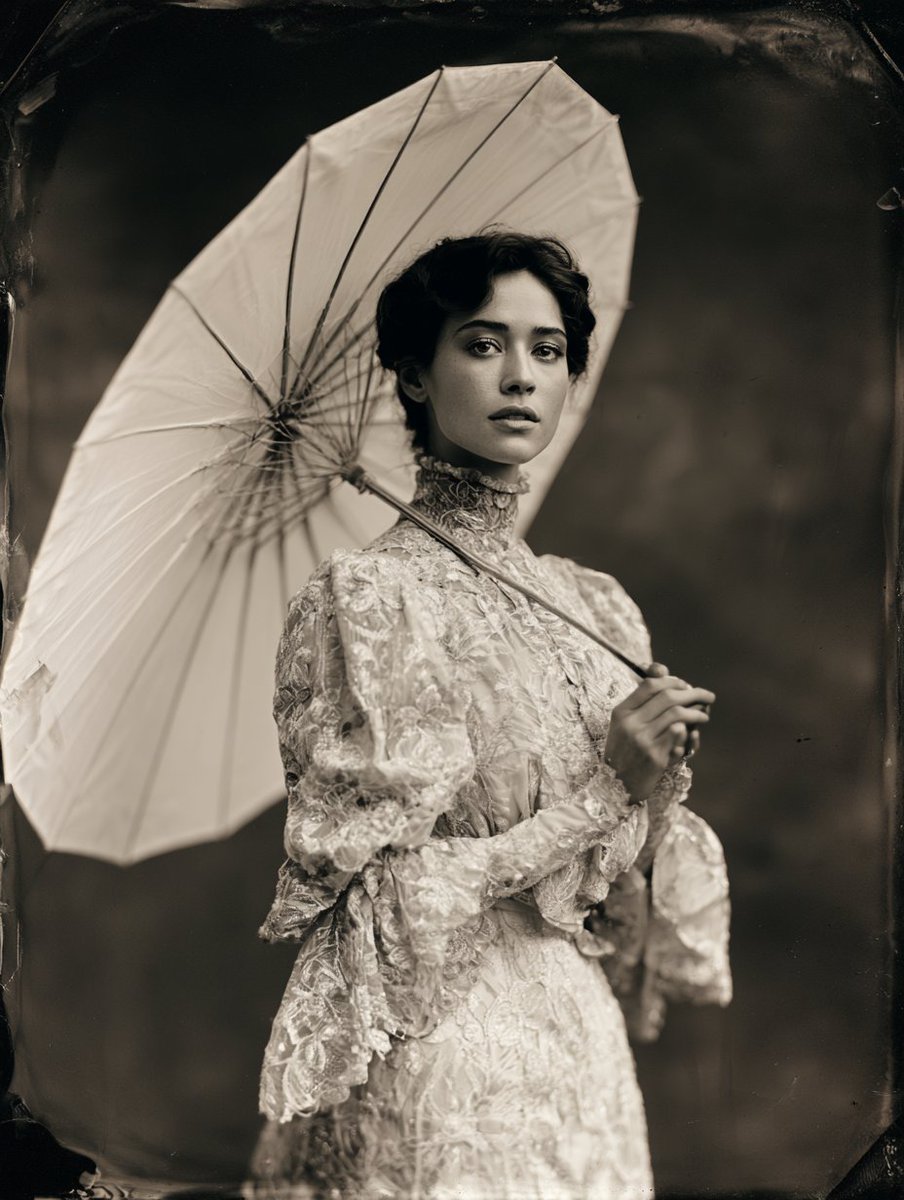
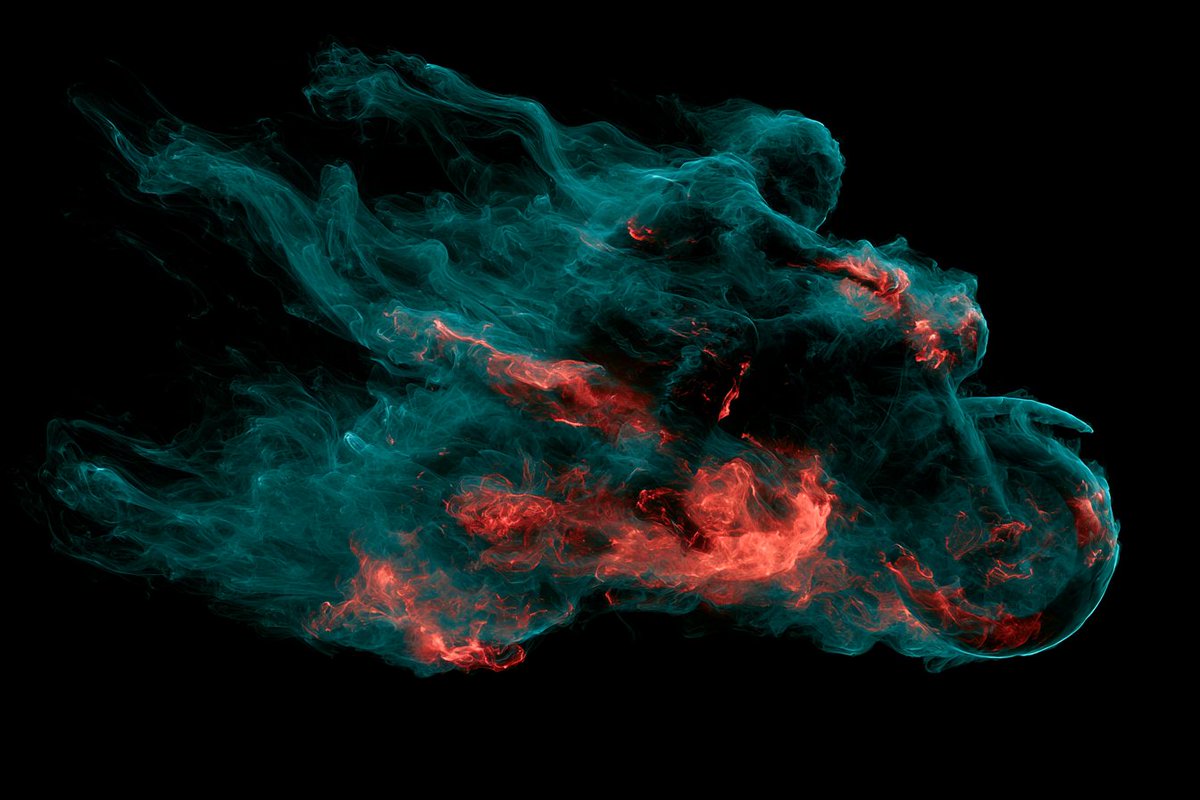
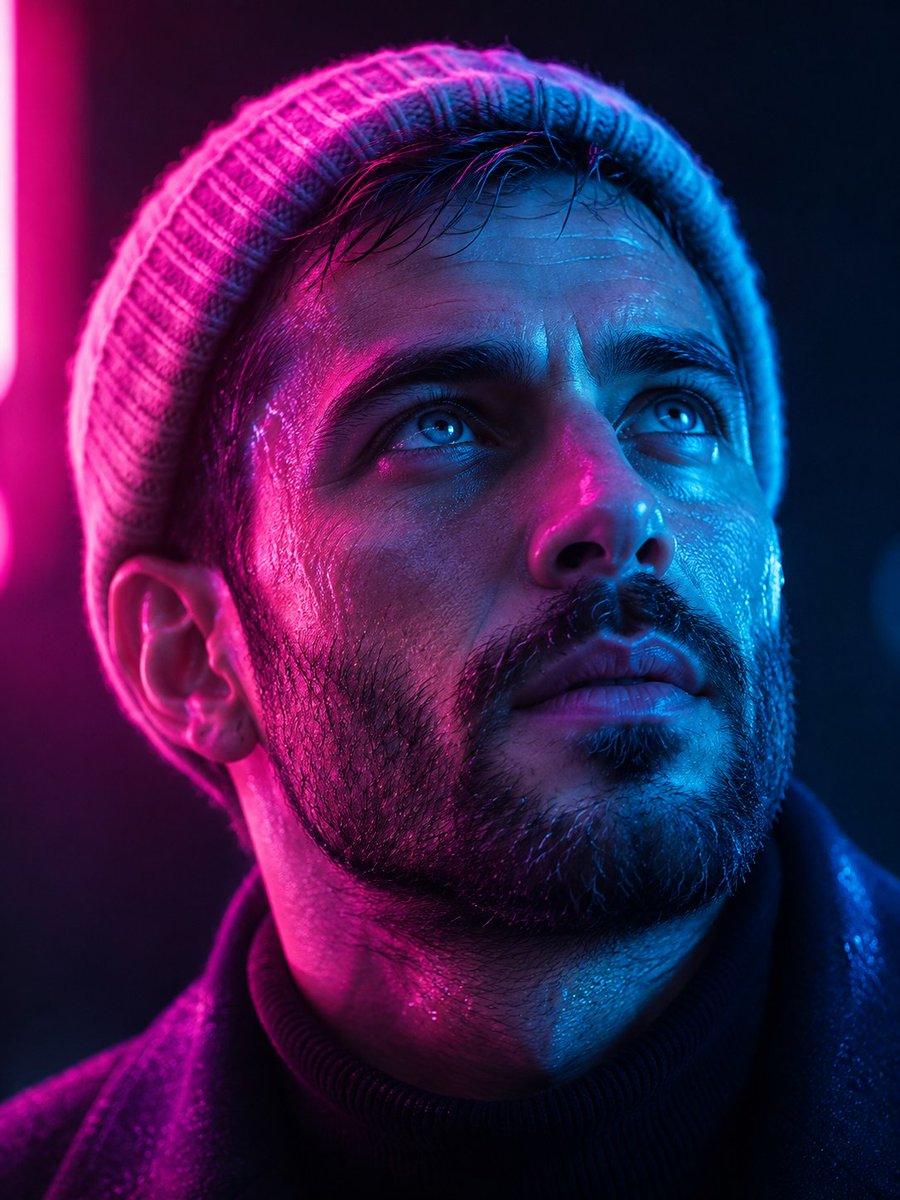
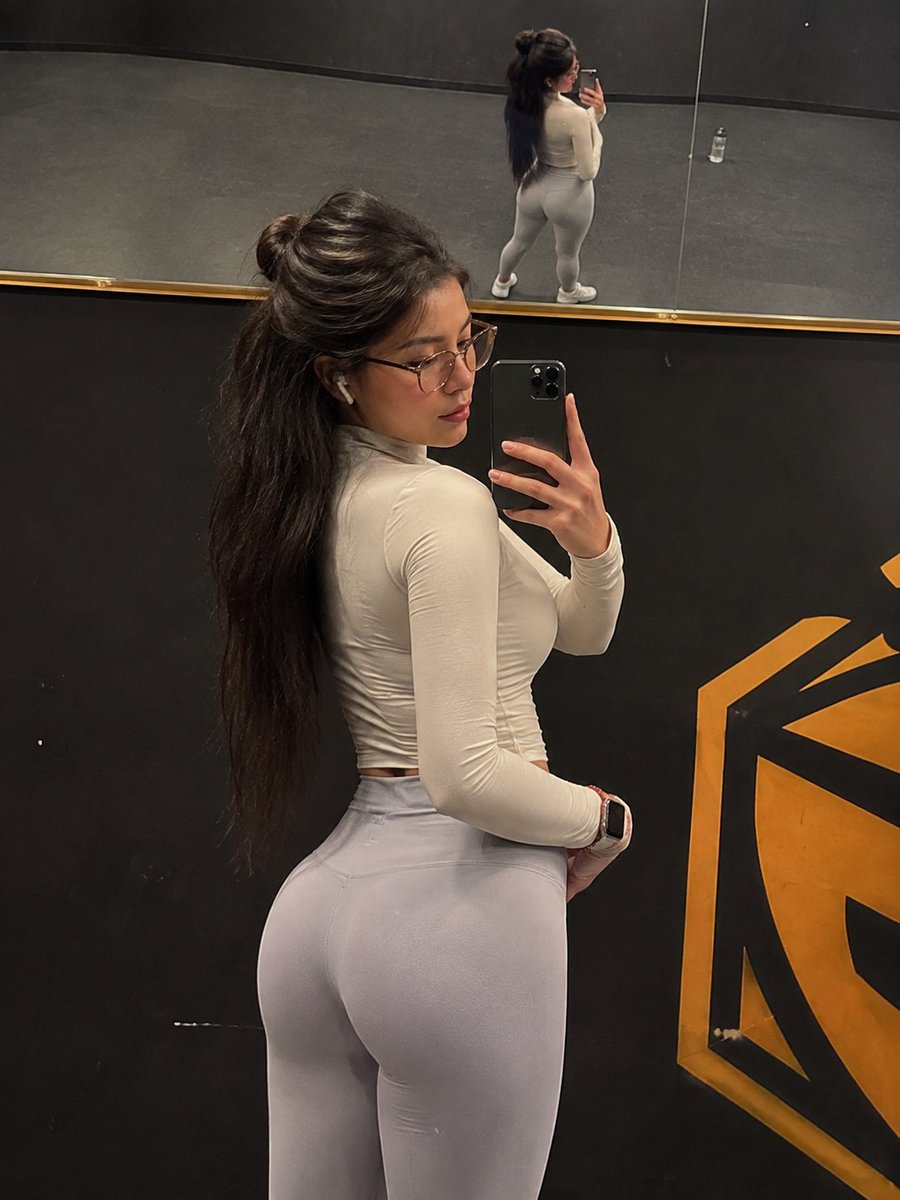
Transform the uploaded image into clean high-quality retro pixel art while preserving the original composition, subject placement, camera angle, proportions, pose, clothing, and ov

How to Use This Prompt
- Copy the full prompt text with the copy button above.
- Replace any [bracketed] placeholders with your own subject, scene, or details.
- Paste it into Gemini / Nano Banana Pro — or hit "Try this Prompt" above to generate here for free — then tweak the wording against the example images.
Style Notes
- 3D Render
- CGI look — smooth surfaces, controlled global illumination, and depth that reads like a Blender/Cinema 4D render instead of a photograph.
- Photo
- Asks the model for photorealistic output — natural lighting, believable skin and materials, camera-like depth of field — rather than illustration or 3D looks.
- Minimalist
- Few elements, generous negative space, restrained palette — the model is told to leave things out, which makes composition errors much less likely.
- Vintage Print
- Aged print artifacts — grain, halftone dots, faded inks, retro typefaces — evoking mid-century posters and old magazines.
- Hero Portrait
- A single dominant subject shot like a key visual — tight framing, strong eye contact or pose, background simplified so the character carries the image.
- Fashion Look
- Editorial fashion styling: garment detail and fabric texture take priority, with model poses and lighting borrowed from magazine shoots.
- Vehicle
- Automotive rendering — reflective paint, wheel and grille detail, low dramatic angles borrowed from car commercials.
- Architecture
- Buildings and structures with believable perspective and materials — wide lenses, strong leading lines, attention to light on facades.
- Soft Light
- Diffused, low-contrast lighting — gentle shadows and flattering skin tones, like window light or an overcast day.
FAQ
How do I use this prompt with Gemini (Nano Banana Pro)?
Copy the full prompt with the copy button above, paste it into Gemini or any Nano Banana Pro-powered tool, and compare your result with the example images on this page. You can also click "Try this Prompt" to generate directly on this site — free daily generations, no sign-up needed.
Can I customize "Transform the Uploaded Image Into Clean High-Quality"?
Yes. Anything in [brackets] is a placeholder meant to be replaced with your own subject or details, and you can freely adjust subject, lighting, or style keywords — small wording changes often produce noticeably different results.
Which AI models does this prompt work with?
It was originally shared for Google's Gemini image models (including Nano Banana Pro). Most text-to-image models will understand it too, though composition and text rendering quality vary by model.