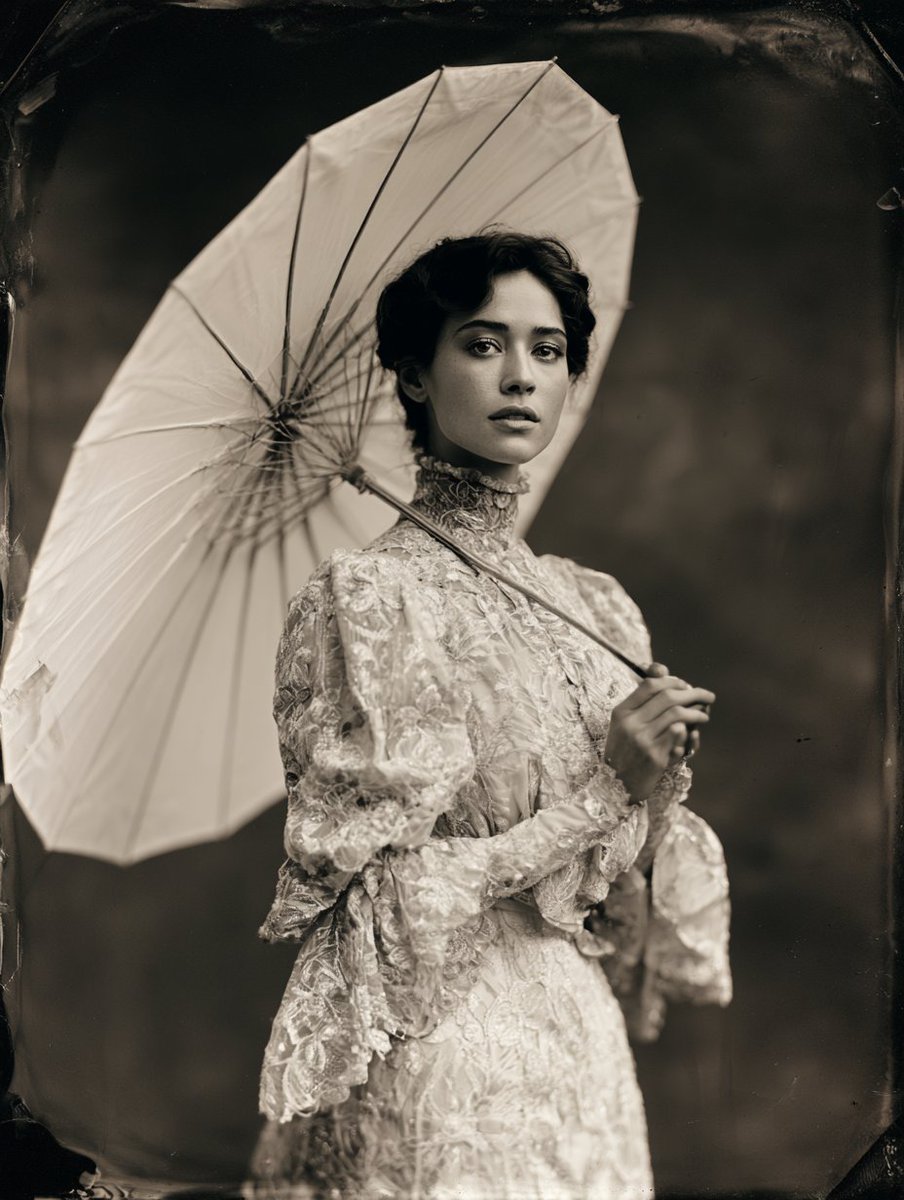
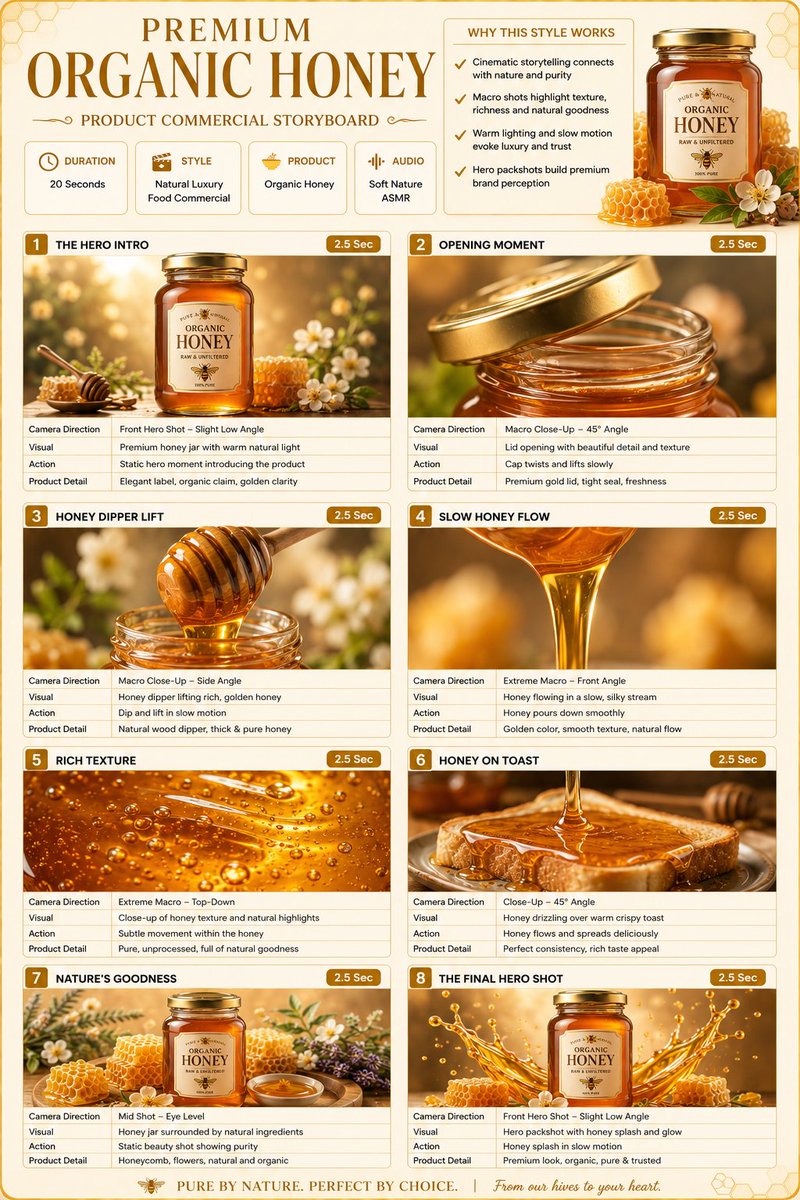
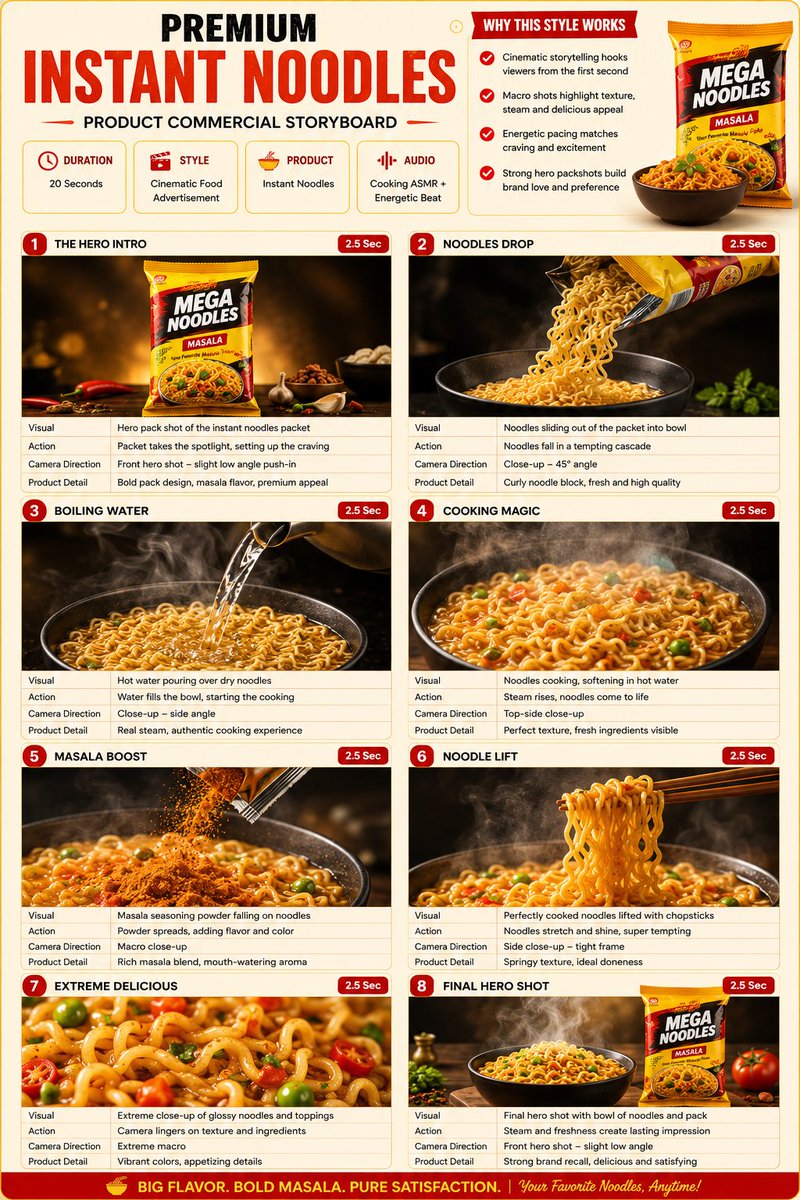
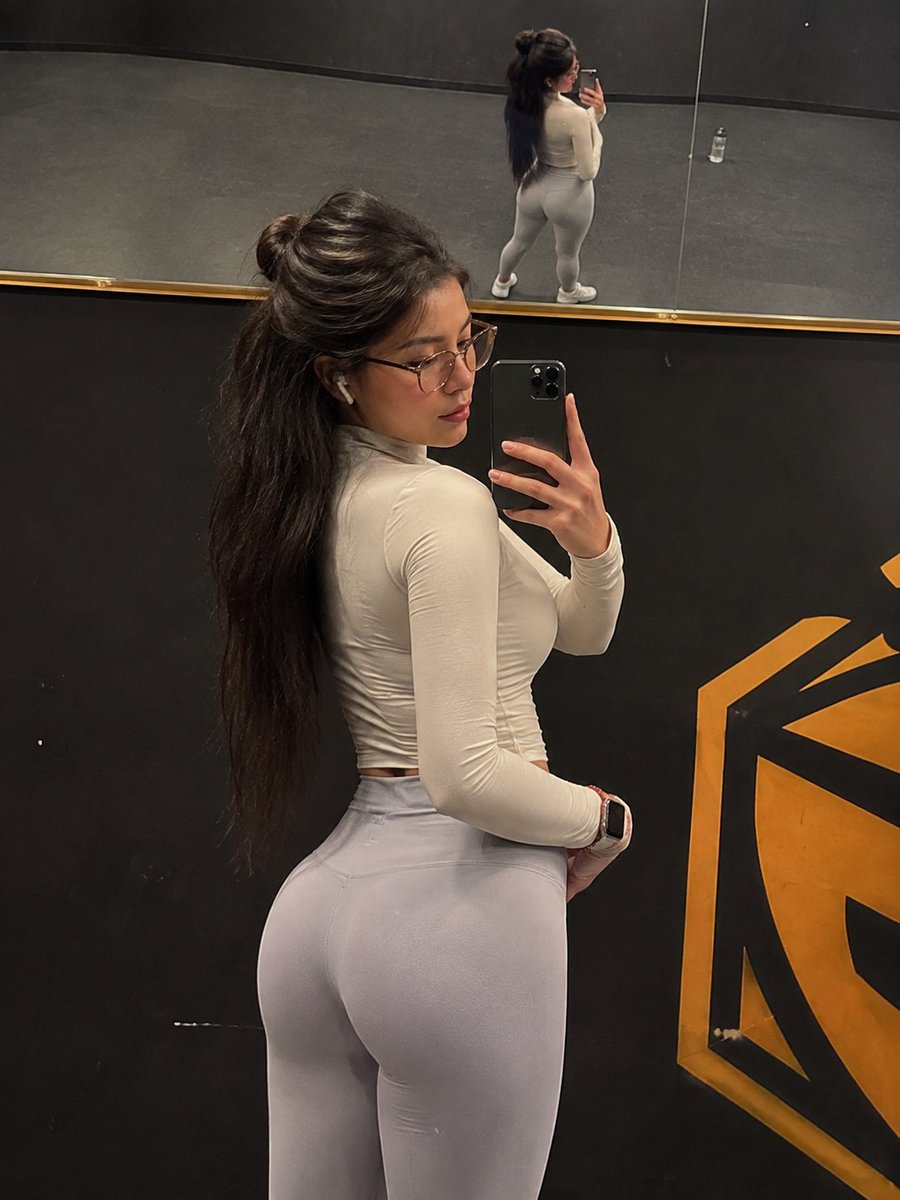
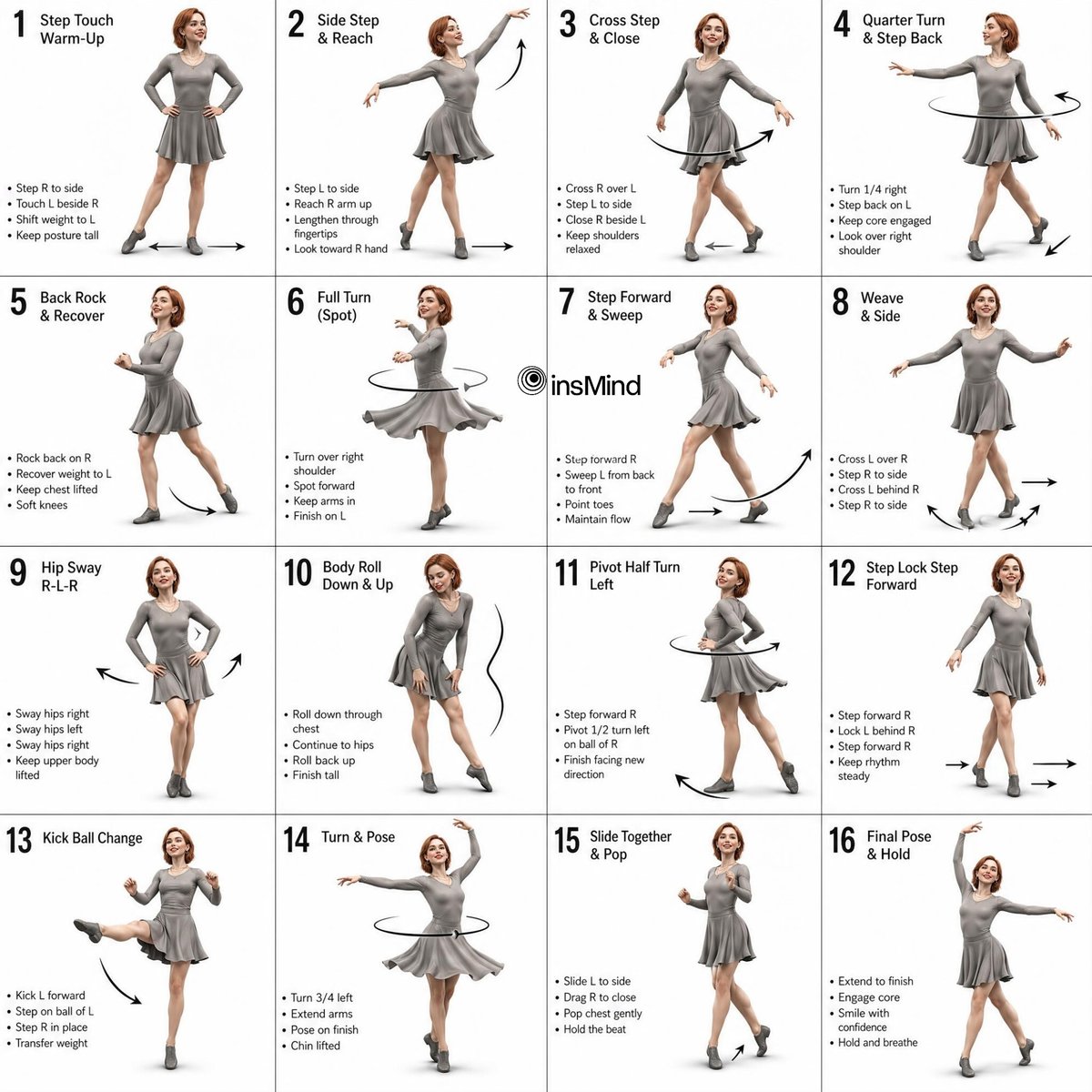
Detailed 3D Dance Choreography Guide in Grayscale Grid
This prompt generates a 3D-rendered female dancer in a multi-panel grid, designed as a technical choreography guide with grayscale shading and detailed motion indicators.
How to Use This Prompt
- Copy the full prompt text with the copy button above.
- Replace any [bracketed] placeholders with your own subject, scene, or details.
- Paste it into Gemini / Nano Banana Pro — or hit "Try this Prompt" above to generate here for free — then tweak the wording against the example images.
Style Notes
- 3D Render
- CGI look — smooth surfaces, controlled global illumination, and depth that reads like a Blender/Cinema 4D render instead of a photograph.
- Minimalist
- Few elements, generous negative space, restrained palette — the model is told to leave things out, which makes composition errors much less likely.
- Character Design
- A character presented for reference: readable silhouette, costume and prop details, often multiple angles or expressions in one sheet.
- Studio Lighting
- Controlled artificial light (softboxes, rim lights) — clean shadows and highlight control, the standard look of commercial portrait and product work.
- Blog Illustration
- Editorial spot art: a clear concept metaphor, friendly palette, and enough negative space to sit beside an article headline.
- High Detail
- Pushes the model toward micro-texture and fine rendering — pores, fabric weave, surface wear — at the cost of a busier image.
FAQ
How do I use this prompt with Gemini (Nano Banana Pro)?
Copy the full prompt with the copy button above, paste it into Gemini or any Nano Banana Pro-powered tool, and compare your result with the example images on this page. You can also click "Try this Prompt" to generate directly on this site — free daily generations, no sign-up needed.
Can I customize "Detailed 3D Dance Choreography Guide in Grayscale Grid"?
Yes. Anything in [brackets] is a placeholder meant to be replaced with your own subject or details, and you can freely adjust subject, lighting, or style keywords — small wording changes often produce noticeably different results.
Which AI models does this prompt work with?
It was originally shared for Google's Gemini image models (including Nano Banana Pro). Most text-to-image models will understand it too, though composition and text rendering quality vary by model.