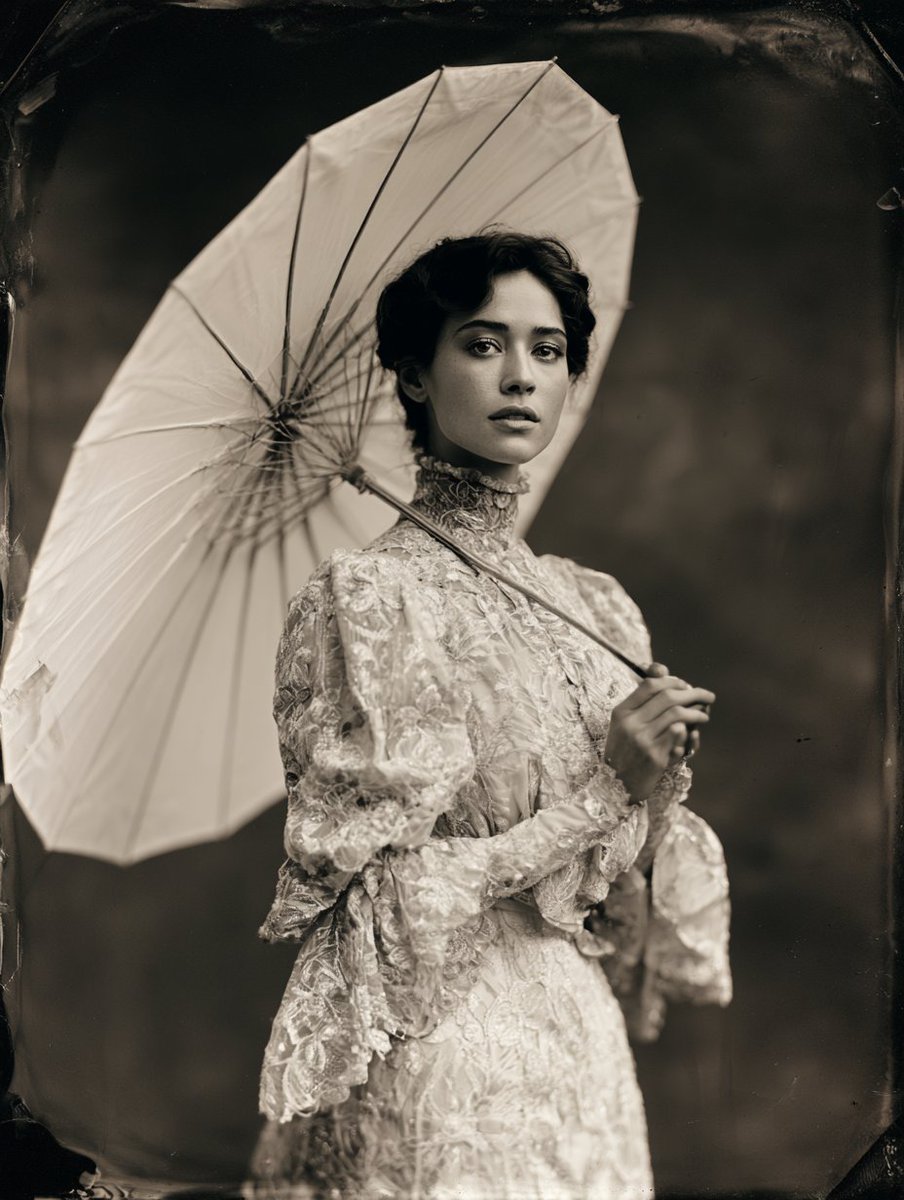
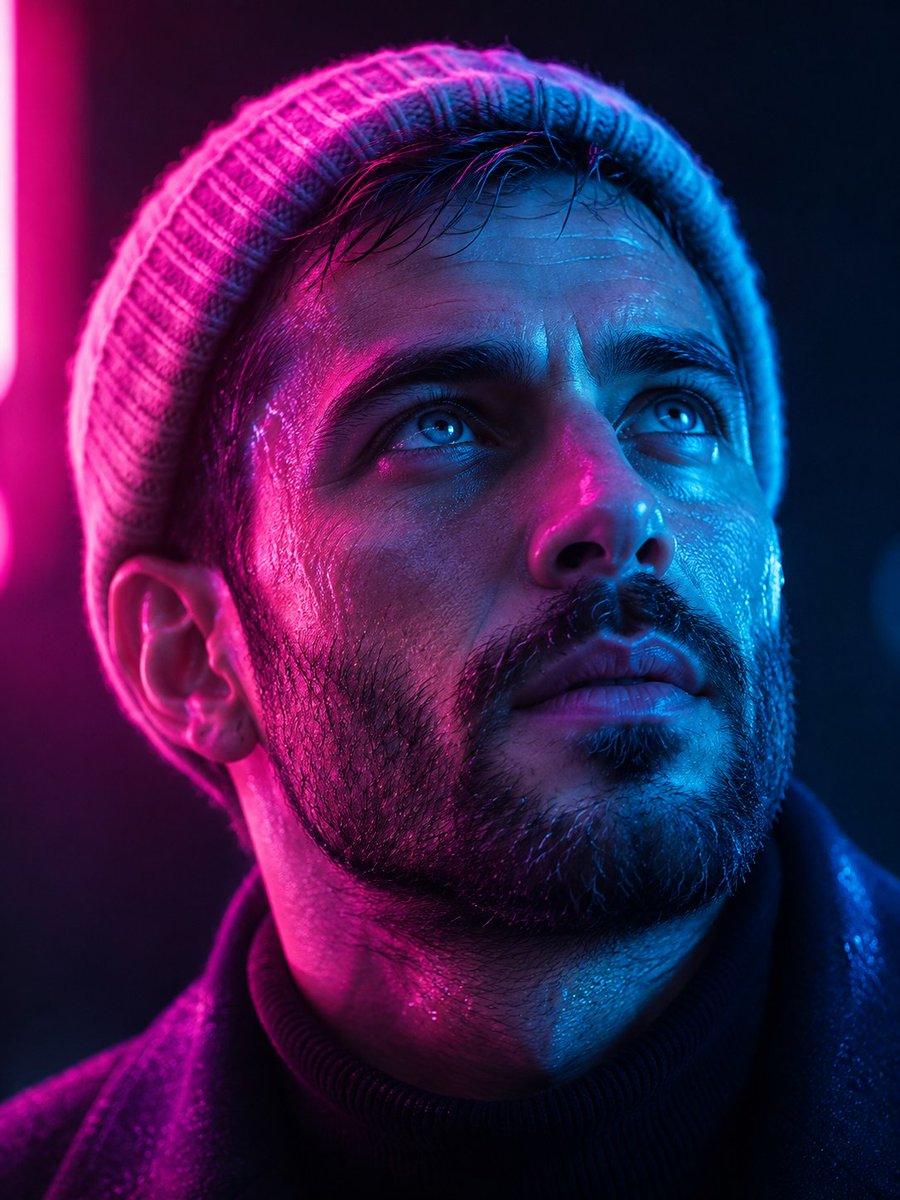
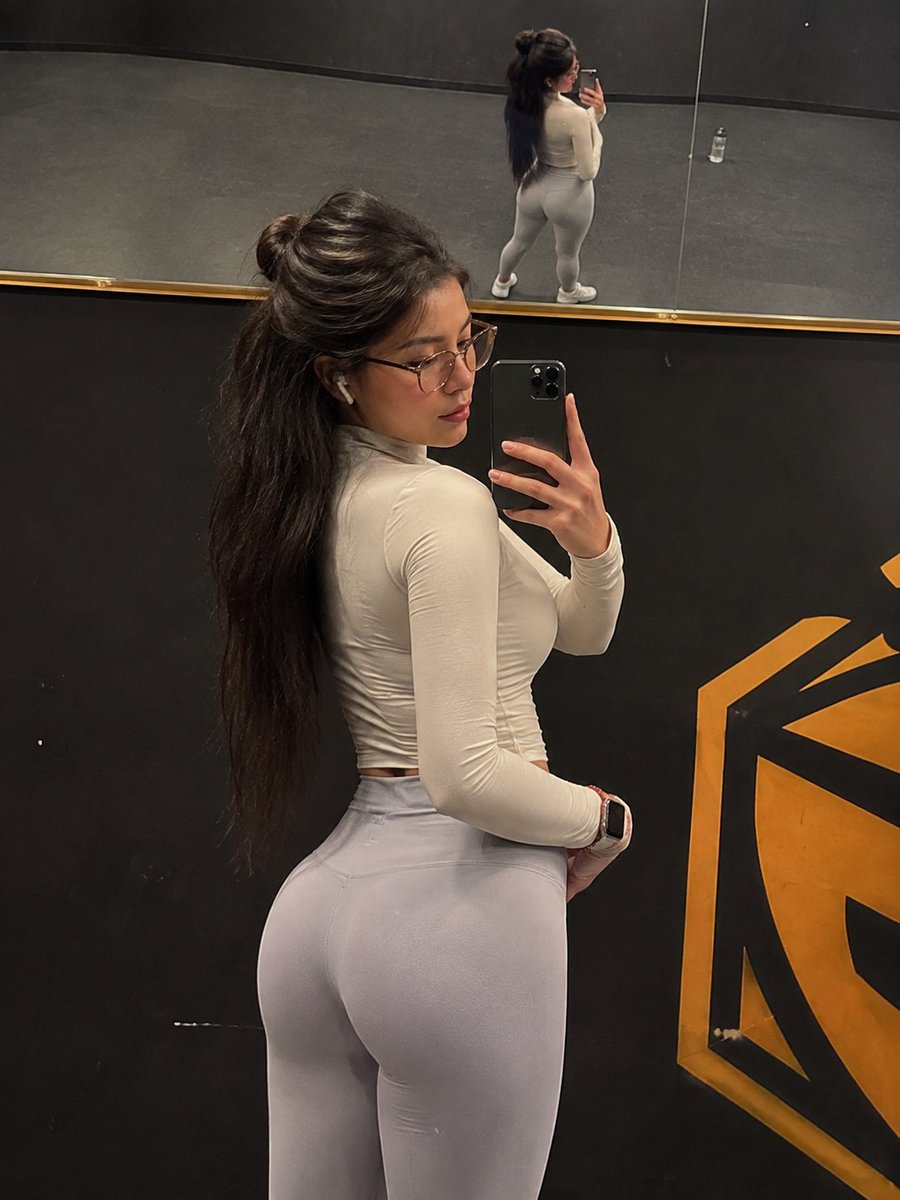
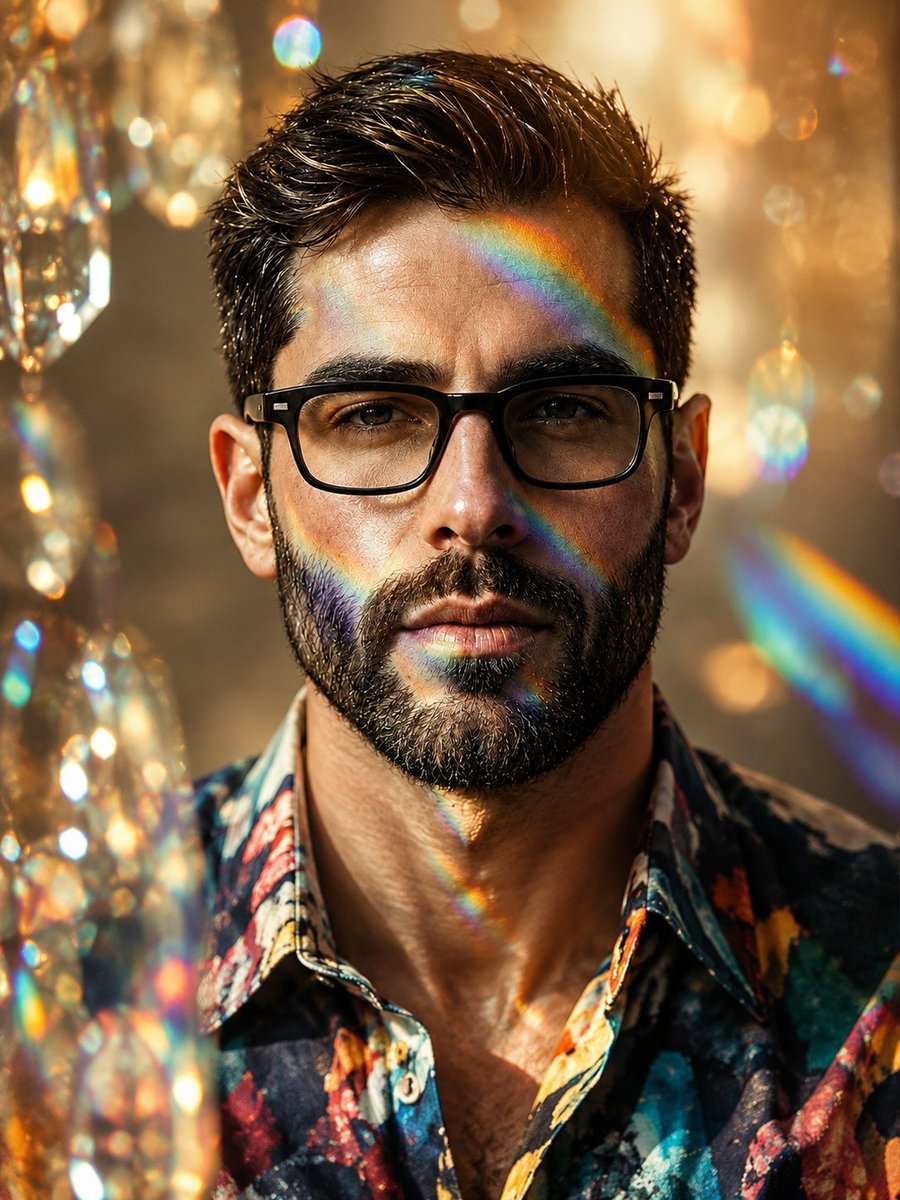
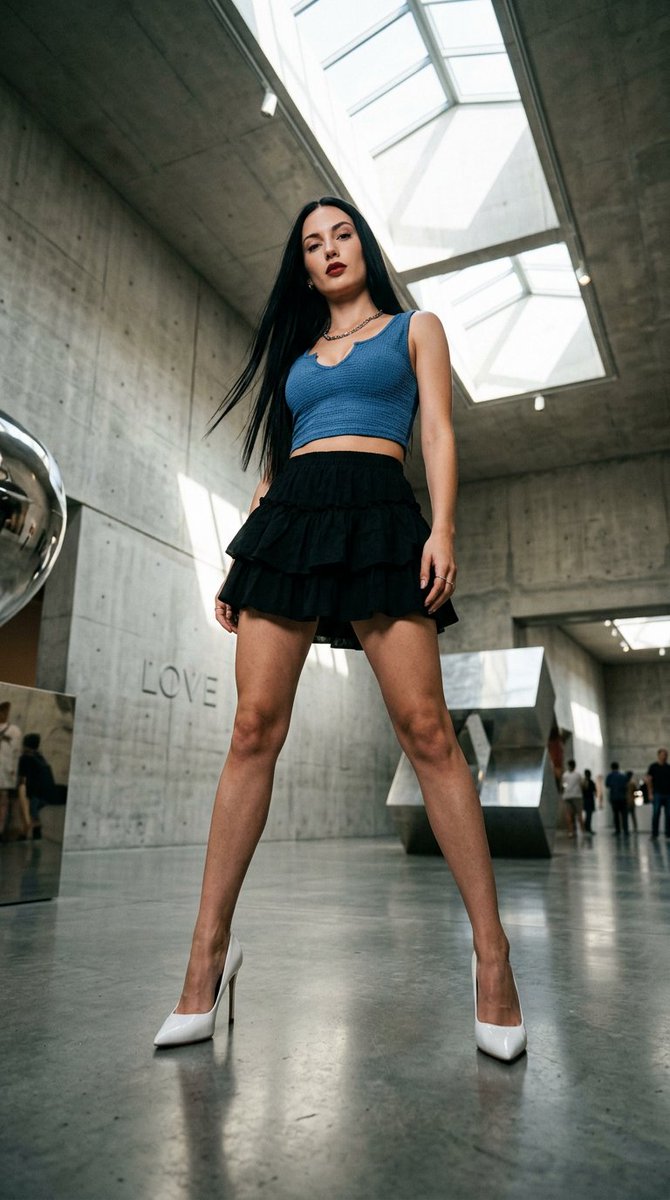
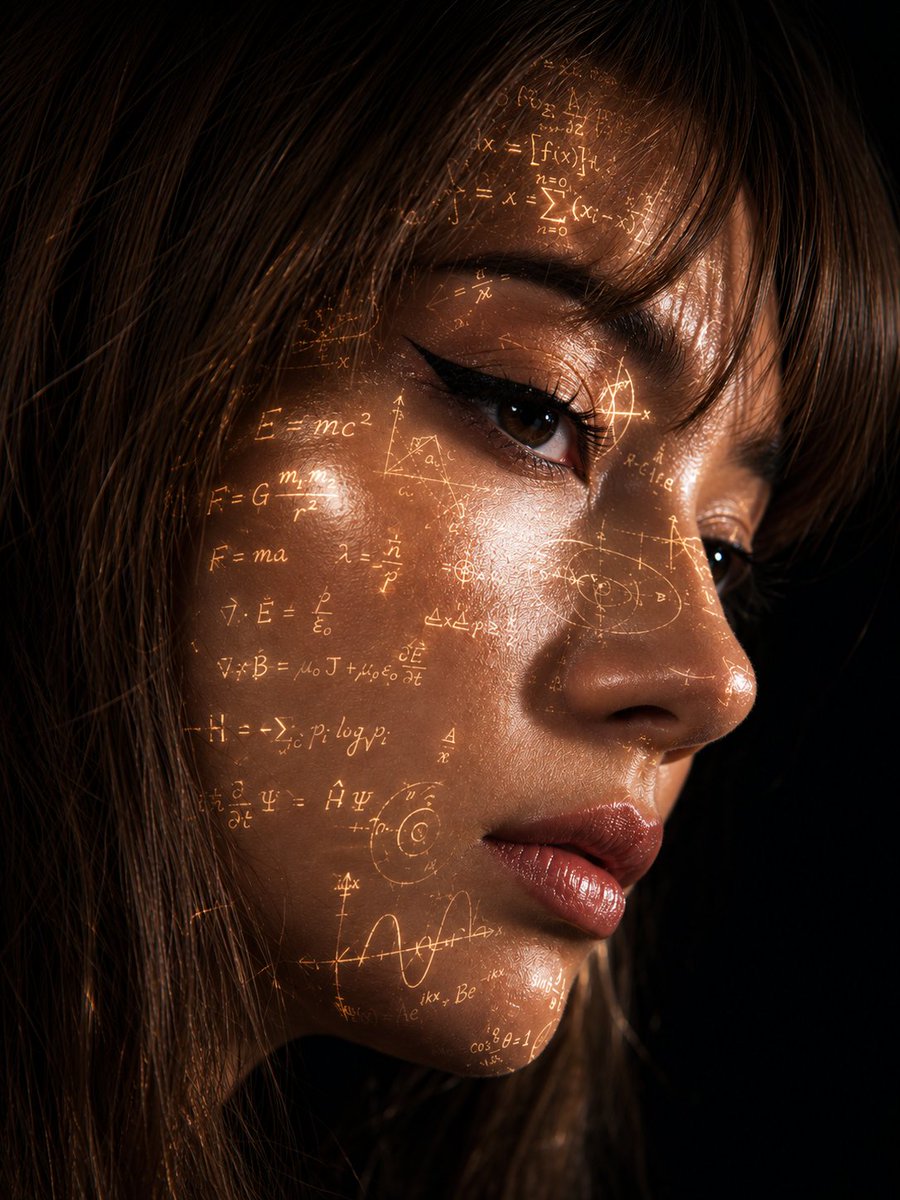
YouTube Thumbnail - Smartphone Screen Illusion Portrait Template
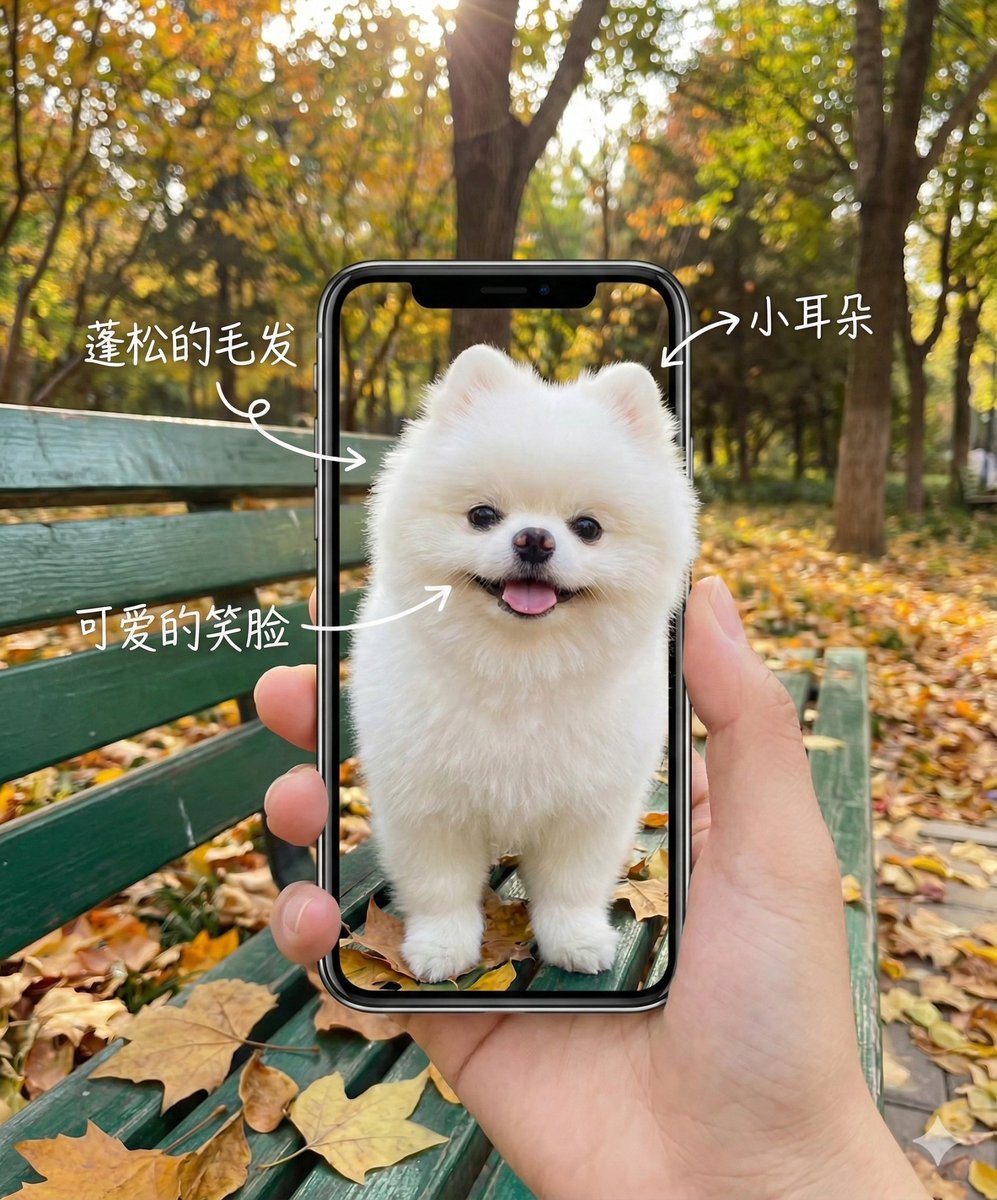
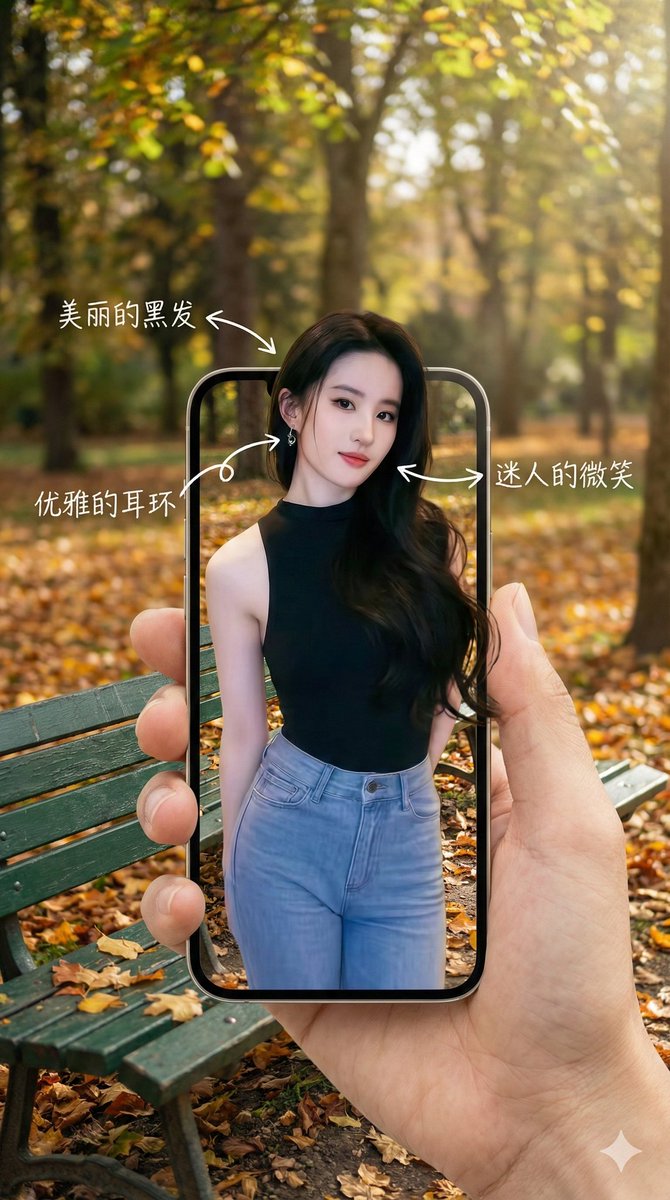
A highly effective Nano Banana Pro prompt template that creates a visual illusion where a subject's image on a smartphone screen aligns perfectly with the blurred background behind the phone. The subject appears to pop out of the screen, with handwritten annotations pointing to their features. The prompt is designed to be easily customized by replacing the subject.
How to Use This Prompt
- Copy the full prompt text with the copy button above.
- Replace any [bracketed] placeholders with your own subject, scene, or details.
- Paste it into Gemini / Nano Banana Pro — or hit "Try this Prompt" above to generate here for free — then tweak the wording against the example images.
Style Notes
- Cinematic
- Film-style rendering — widescreen framing, dramatic lighting contrast, graded colors (often teal-orange), and a sense of narrative in the scene.
- Hero Portrait
- A single dominant subject shot like a key visual — tight framing, strong eye contact or pose, background simplified so the character carries the image.
- High Detail
- Pushes the model toward micro-texture and fine rendering — pores, fabric weave, surface wear — at the cost of a busier image.
- Illustration
- Hand-drawn or digital-painting aesthetics — visible strokes, stylized shapes and colors, deliberately not photoreal.
- Nature Landscape
- Wide scenic composition with believable atmospherics — layered depth, weather and time-of-day cues doing most of the mood work.
- Product Mockup
- The design presented in context — packaging on a shelf, app on a phone screen, tee on a model — to preview how it looks in the real world.
FAQ
How do I use this prompt with Gemini (Nano Banana Pro)?
Copy the full prompt with the copy button above, paste it into Gemini or any Nano Banana Pro-powered tool, and compare your result with the example images on this page. You can also click "Try this Prompt" to generate directly on this site — free daily generations, no sign-up needed.
Can I customize "YouTube Thumbnail - Smartphone Screen Illusion Portrait Template"?
Yes. Anything in [brackets] is a placeholder meant to be replaced with your own subject or details, and you can freely adjust subject, lighting, or style keywords — small wording changes often produce noticeably different results.
Which AI models does this prompt work with?
It was originally shared for Google's Gemini image models (including Nano Banana Pro). Most text-to-image models will understand it too, though composition and text rendering quality vary by model.