返回 Prompt 库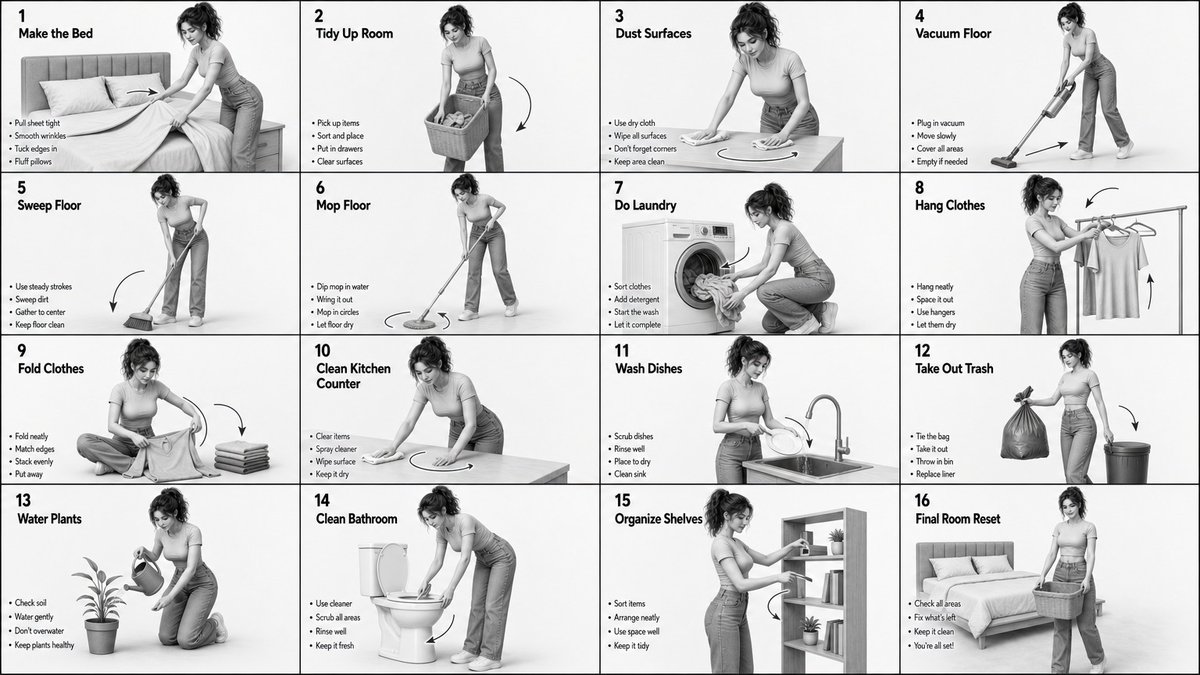
Create a Monochrome Grayscale 4×4 Instructional Storyboard
Create a monochrome grayscale 4×4 instructional storyboard showing a full household chore sequence.
Prompt
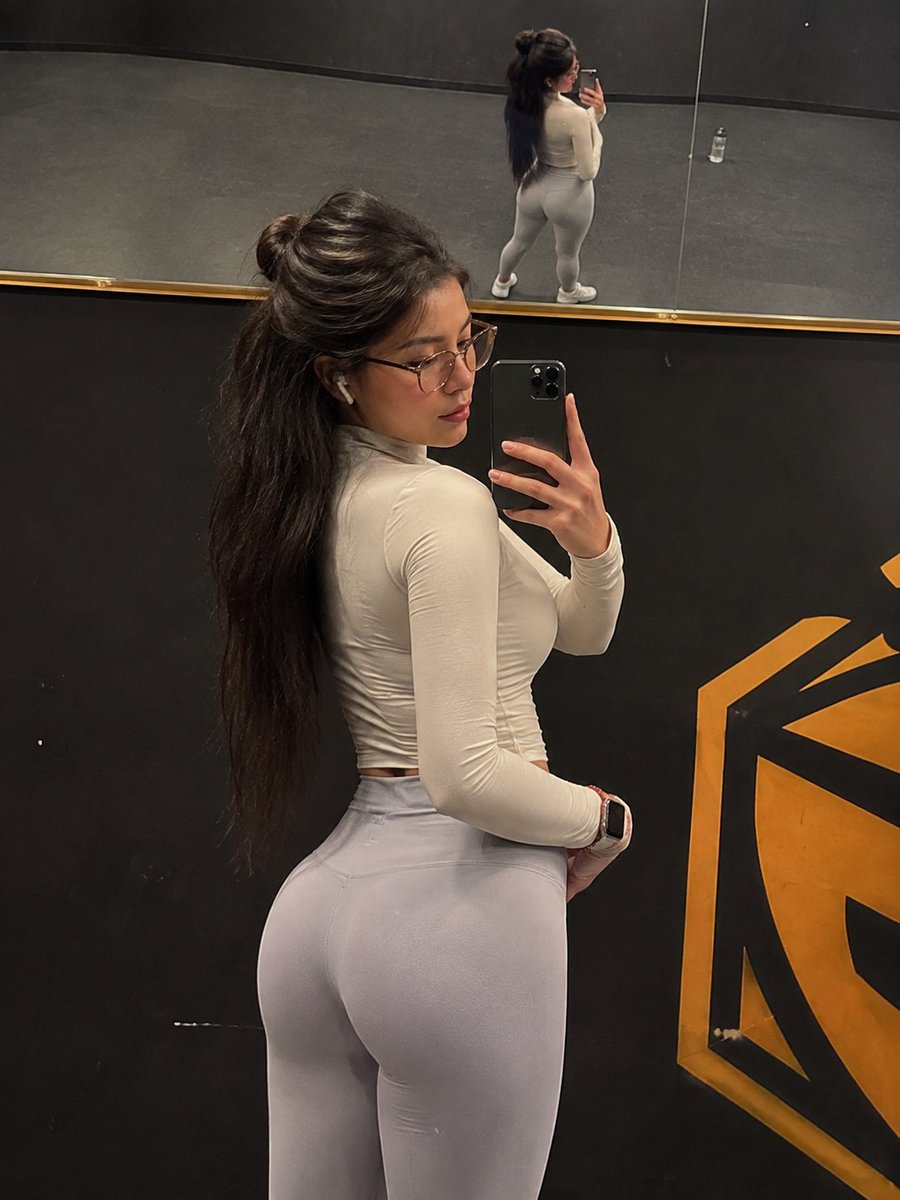
Create a monochrome grayscale 4×4 instructional storyboard showing a full household chore sequence. Use a clean white background, soft studio lighting, and high contrast to emphasize posture, movement, and object interaction. The character must match the provided reference image in face, skin tone, proportions, and overall likeness, with natural makeup, a soft expression, and consistent identity across all 16 panels.
The character should wear a modern modest outfit: a fitted crop top with a clean neckline, high-waisted straight or slightly wide-leg jeans, and optional minimal sneakers or barefoot indoor styling. Keep fabric movement natural with subtle folds and tension.
Each panel must be the same size, separated by thin black lines, and clearly numbered 1 to 16. Show a full-body pose in each frame performing a different chore in a minimal environment with only essential props. No clutter, no complex background, no extra characters.
Include in every panel: top-left step number and task title, center full-body action pose, bottom-left 3–4 short instruction lines, and motion arrows or guides showing movement flow.
Use this chore sequence: Make the Bed, Tidy the Room, Dust Surfaces, Vacuum Floor, Sweep Floor, Mop Floor, Do Laundry, Hang Clothes, Fold Clothes, Clean Kitchen Counter, Wash Dishes, Take Out Trash, Water Plants, Clean Bathroom, Organize Shelves, Final Room Reset.
Use motion indicators appropriately: curved arrows for wiping and folding, straight arrows for movement, and circular arrows for scrubbing and mopping.
Style should be highly detailed 3D, smooth grayscale shading, soft shadows, clean linework, and polished concept-art quality. No color, no revealing clothing, no extra background detail, only the subject, props, and instructional elements.
3D RenderMinimalistHero PortraitCharacter DesignFashion LookFood & DrinkArchitectureStudio LightingBlack & WhiteSocial Media Post
如何使用这个 Prompt
- 用上方的复制按钮复制完整提示词。
- 把方括号 [ ] 里的占位内容替换成你自己的主体、场景或细节。
- 粘贴到 Gemini / Nano Banana Pro 生成,或直接点上面的「试试这个 Prompt」在本站免费生成,再对照示例图微调用词。
风格说明
- 3D Render
- CGI 质感:表面平滑、全局光照可控,纵深像 Blender/C4D 渲染而非照片。
- Minimalist
- 元素极少、留白充分、配色克制——让模型「做减法」,也大幅降低构图出错的概率。
- Hero Portrait
- 把单一主体拍成主视觉:紧凑构图、有力的眼神或姿态,背景简化,让人物撑起整张画面。
- Character Design
- 角色设定图:剪影可读、服装道具细节完整,常在一张图里呈现多角度或多表情。
- Fashion Look
- 时尚大片式造型:突出服装细节与面料质感,模特姿态和布光借鉴杂志拍摄。
- Food & Drink
- 以食欲为先的造型:油亮的质感、蒸汽或水珠、暖光、主菜浅景深。
- Architecture
- 建筑题材:透视与材质可信,常用广角、强引导线,讲究立面上的光影。
- Studio Lighting
- 可控的人造光(柔光箱、轮廓光):阴影干净、高光可控,是商业人像和产品摄影的标准打光。
- Social Media Post
- 为社交信息流(Instagram、X、小红书)优化的构图与画幅:主体突出、预留文案位置、配色在小屏幕上依然醒目。
常见问题
这个 Prompt 怎么在 Gemini(Nano Banana Pro)里使用?
点击上方的复制按钮拿到完整提示词,粘贴到 Gemini 或任何支持 Nano Banana Pro 的工具里,再对照本页示例图检查效果。也可以直接点「试试这个 Prompt」在本站生成——每天有免费次数,无需注册。
可以修改「Create a Monochrome Grayscale 4×4 Instructional Storyboard」这个提示词吗?
可以。方括号 [ ] 里的内容是占位参数,本来就应该替换成你自己的主体或细节;主体、光线、风格关键词也都可以自由调整,措辞上的小改动往往带来明显不同的结果。
这个提示词适用于哪些 AI 模型?
它最初是为 Google 的 Gemini 图像模型(含 Nano Banana Pro)分享的。大多数文生图模型也能理解,但构图和文字渲染质量会因模型而异。