返回 Prompt 库
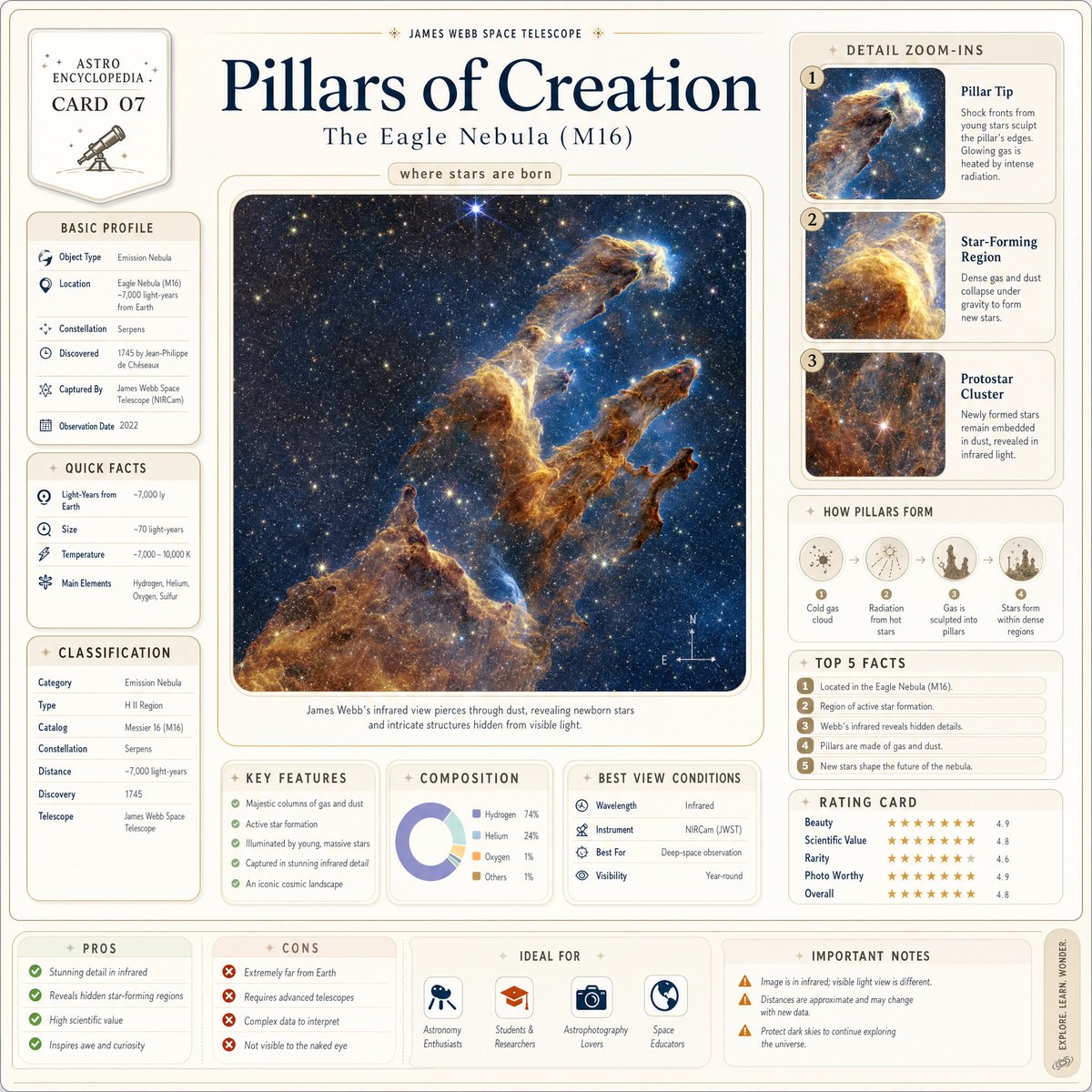
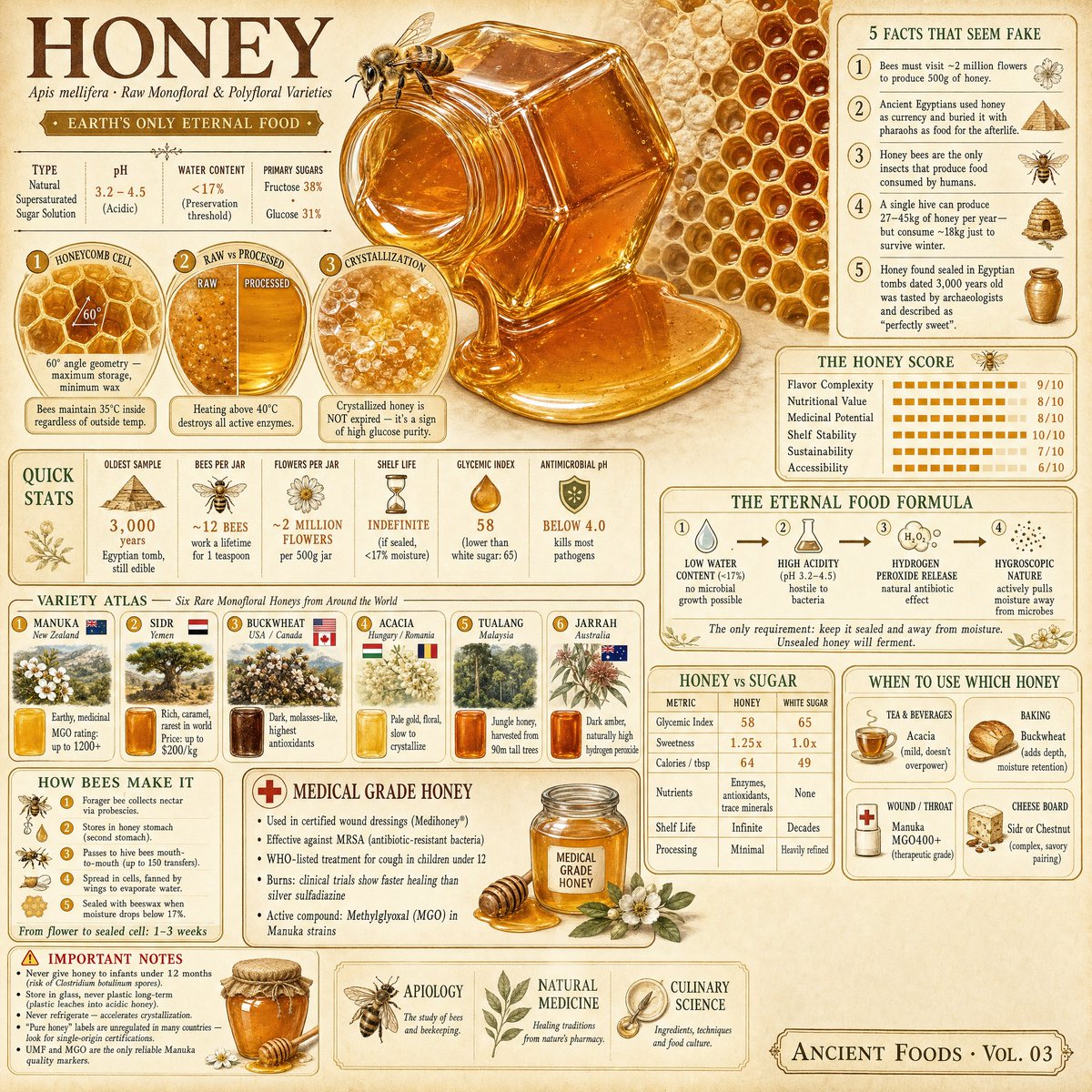
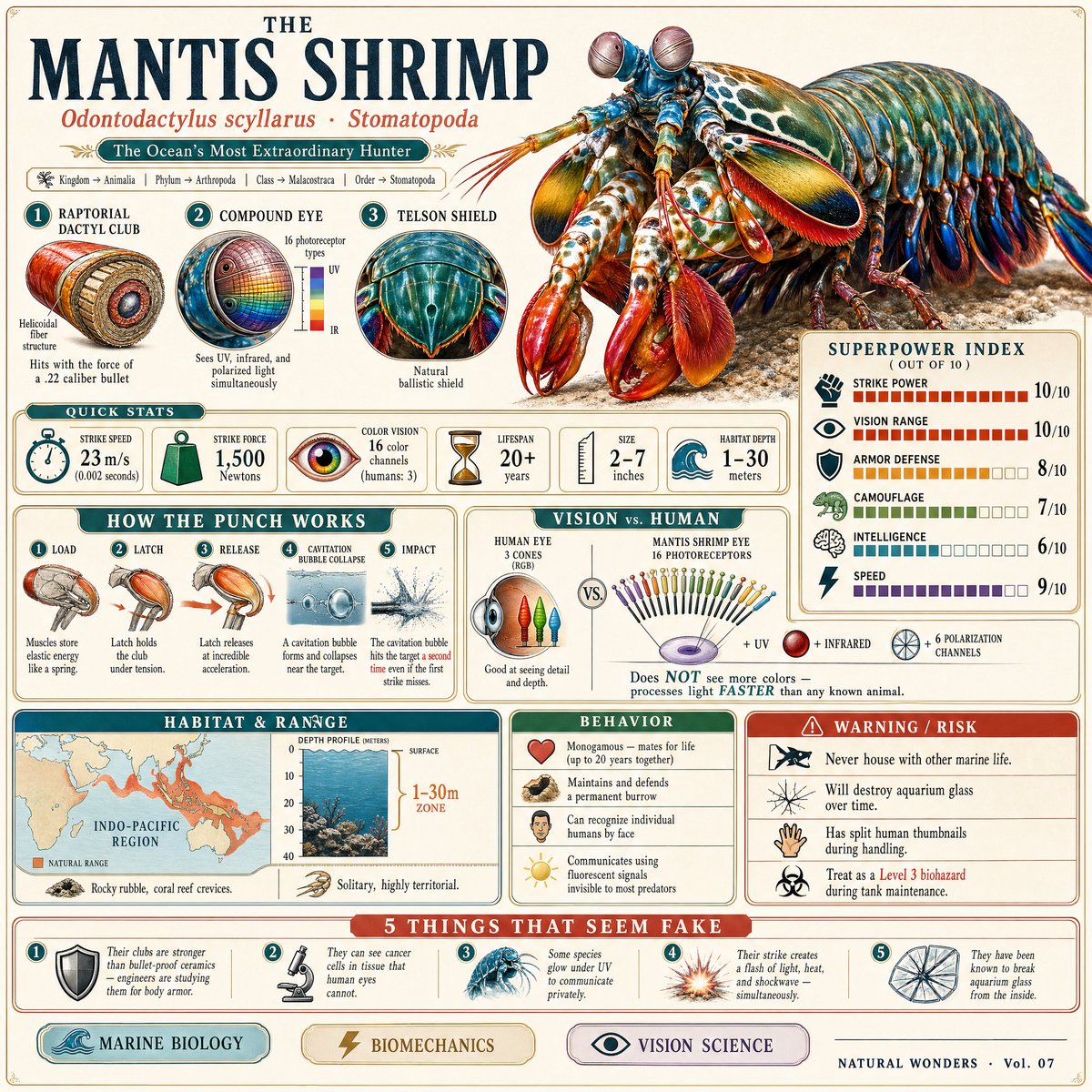


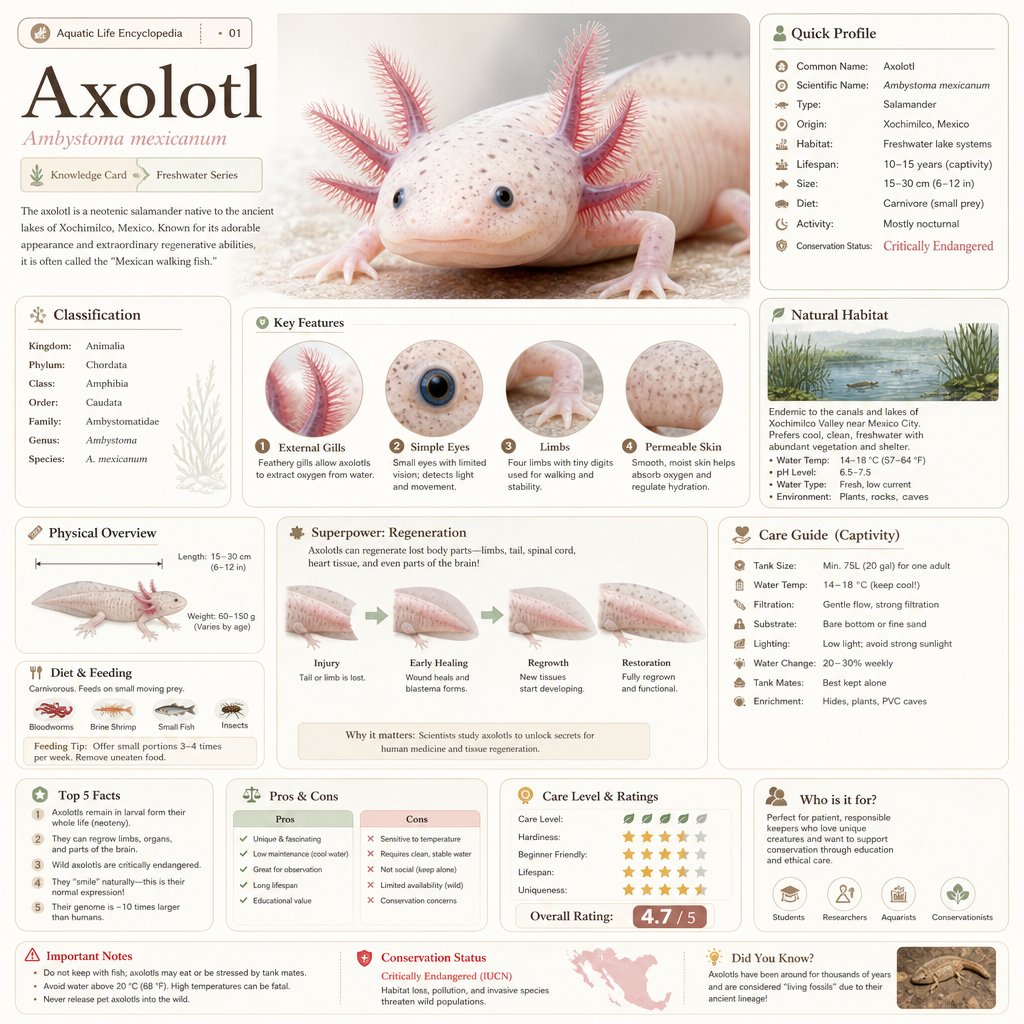
任意主题百科风科普信息图
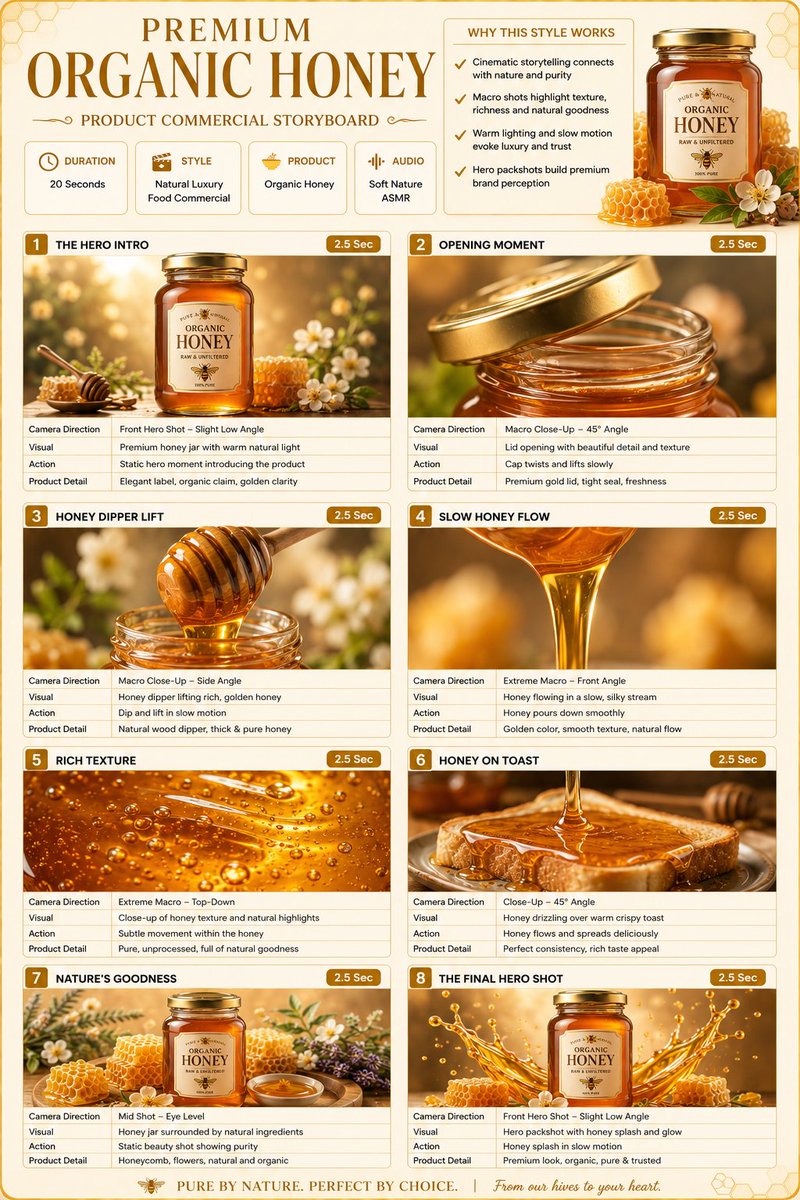
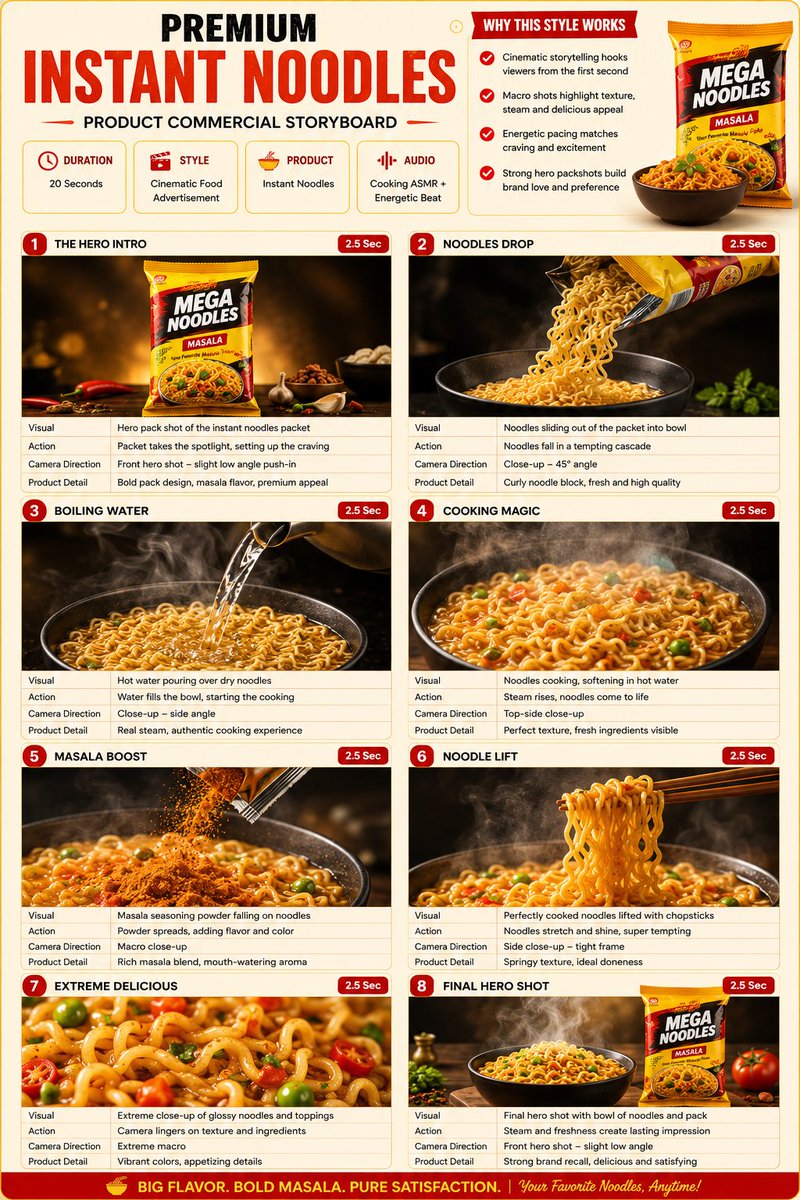
Based on { TOPIC }, create a high-quality vertical “encyclopedia-style educational infographic image.” This image should NOT look like a regular poster or a simple illustration.
Prompt
Based on { TOPIC }, create a high-quality vertical “encyclopedia-style educational infographic image.”
This image should NOT look like a regular poster or a simple illustration. Instead, it should feel like a structured knowledge guide that combines:
the feeling of a collectible reference handbook
a modern encyclopedia page
a lifestyle knowledge card
and a highly shareable social-media infographic
The overall style should resemble a premium natural-history guidebook mixed with modern editorial infographic design.
The image should include:
One beautiful and highly detailed main subject image
Several zoomed-in detail sections highlighting important features
Multiple modular information panels with rounded corners
Clear title hierarchy and highlighted key labels
Concise yet information-rich encyclopedia content
Visual scoring systems, quick summaries, or “Top 5” modules
The information sections should automatically adapt to the topic. Select and combine relevant categories such as:
Basic profile
Classification / taxonomy
Physical characteristics
Behavior / ecology / habits
Structure or formation mechanisms
Growth conditions or usage methods
Care, maintenance, or optimization tips
Risks, warnings, and important notes
Suitable users or application scenarios
Pros and cons comparison
Quick rating tags or summary cards
Visual requirements:
Clean light-colored background
Soft and elegant color palette
Gentle shadows
Small refined icons
Rounded information boxes
Organized editorial layout
High information density without feeling crowded
Comfortable reading experience
The final result should feel like a real publishable encyclopedia knowledge card designed for reading, collecting, and creating as part of a consistent series — NOT like a commercial advertisement poster.
The image must strongly emphasize:
“knowledge integration + modular information design + handbook/reference-style presentation.”
PosterIllustrationLogo / IconMinimalistCharacter DesignGroup SceneVehiclePortrait OrientationLuxurySocial Media Post
如何使用这个 Prompt
- 用上方的复制按钮复制完整提示词。
- 把方括号 [ ] 里的占位内容替换成你自己的主体、场景或细节。
- 粘贴到 Gemini / Nano Banana Pro 生成,或直接点上面的「试试这个 Prompt」在本站免费生成,再对照示例图微调用词。
风格说明
- Poster
- 一眼可读的单图版式:主视觉突出、构图为标题留位、高对比度,适合印刷或缩略图。
- Illustration
- 手绘或数字绘画审美:可见笔触、造型和色彩风格化,有意与照片写实拉开距离。
- Logo / Icon
- 符号优先的设计:几何简洁、缩小后仍可辨认、平面配色、剪影有力。实际使用前通常还需矢量化。
- Minimalist
- 元素极少、留白充分、配色克制——让模型「做减法」,也大幅降低构图出错的概率。
- Character Design
- 角色设定图:剪影可读、服装道具细节完整,常在一张图里呈现多角度或多表情。
- Group Scene
- 多人同框:AI 一致性最难的场景,提示词通常要明确给每个人物分配位置和角色。
- Vehicle
- 汽车渲染:漆面反光、轮毂与格栅细节,借鉴汽车广告的低机位戏剧性视角。
- Portrait Orientation
- 竖版画幅(如 3:4、9:16):手机屏幕、Stories、应用商店截图的原生格式。
- Luxury
- 高端感符号:昂贵材质(大理石、丝绸、拉丝金属)、低调的金黑配色、克制而疏朗的构图。
- Social Media Post
- 为社交信息流(Instagram、X、小红书)优化的构图与画幅:主体突出、预留文案位置、配色在小屏幕上依然醒目。
常见问题
这个 Prompt 怎么在 Gemini(Nano Banana Pro)里使用?
点击上方的复制按钮拿到完整提示词,粘贴到 Gemini 或任何支持 Nano Banana Pro 的工具里,再对照本页示例图检查效果。也可以直接点「试试这个 Prompt」在本站生成——每天有免费次数,无需注册。
可以修改「任意主题百科风科普信息图」这个提示词吗?
可以。方括号 [ ] 里的内容是占位参数,本来就应该替换成你自己的主体或细节;主体、光线、风格关键词也都可以自由调整,措辞上的小改动往往带来明显不同的结果。
这个提示词适用于哪些 AI 模型?
它最初是为 Google 的 Gemini 图像模型(含 Nano Banana Pro)分享的。大多数文生图模型也能理解,但构图和文字渲染质量会因模型而异。