返回 Prompt 库


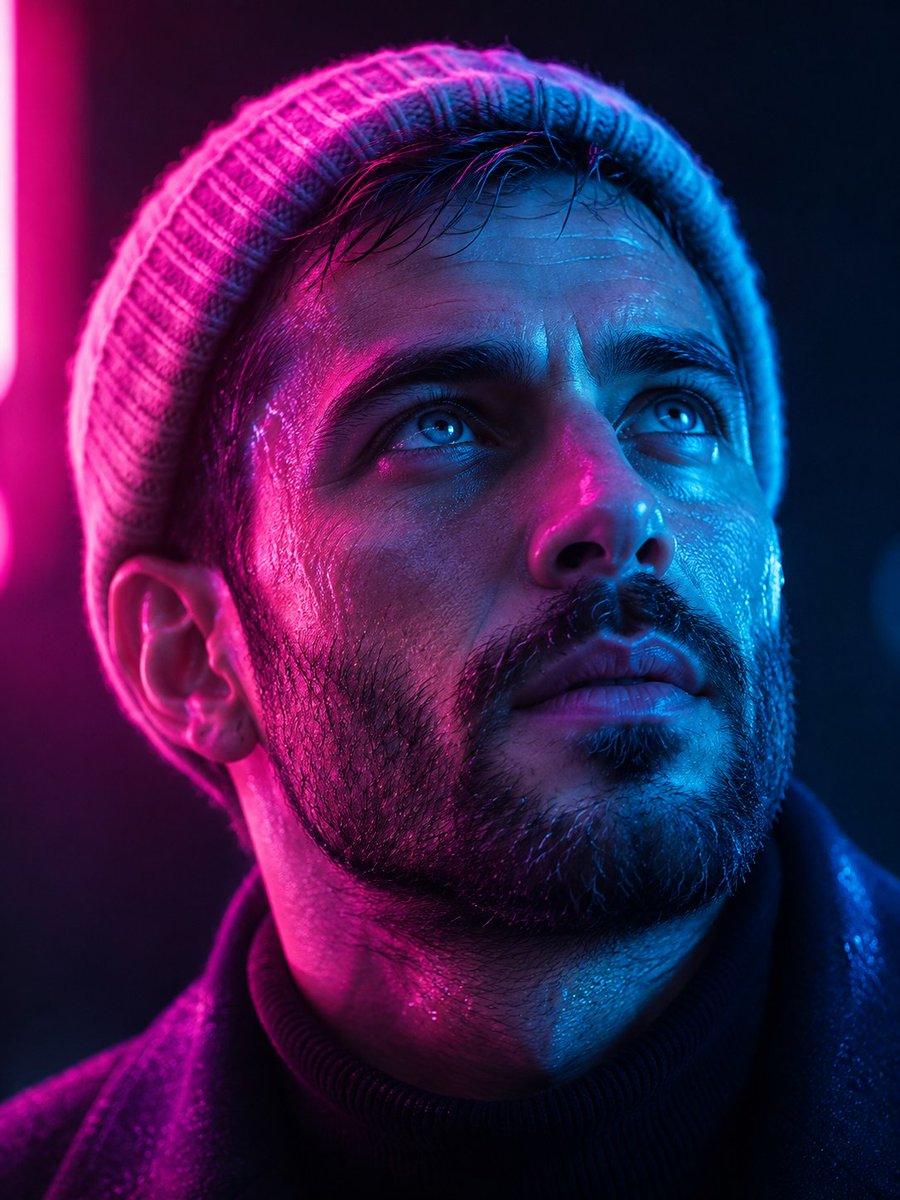
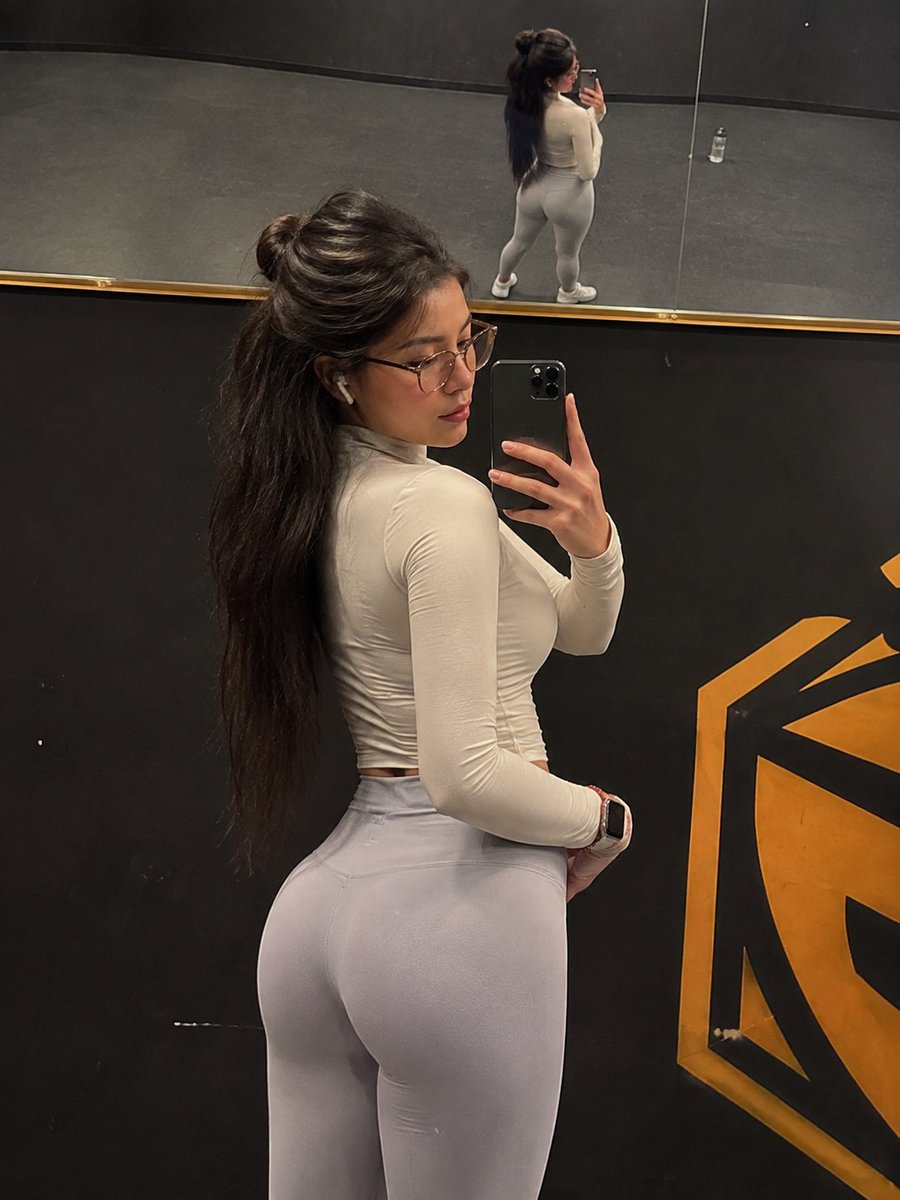
城市打卡冰箱贴纪念海报
create a matching travel poster image divided into two parts (top and bottom), in the style of a ‘city check-in / fridge magnet’ souvenir.
Prompt
create a matching travel poster image divided into two parts (top and bottom), in the style of a ‘city check-in / fridge magnet’ souvenir.
【Layout Structure】
Use a vertical 3:4 composition, divided into two sections:
• The top section uses a simple solid-color background.
• The bottom section keeps the original photo completely unchanged.
【Top Section: Fridge Magnet Icon】
Extract the most recognizable subject element from the real photo in the bottom section:
1. Keep the original outlines, colors, and recognizable features.
2. Design it like a travel souvenir fridge magnet.
3. Add sharp edges and a metallic border.
4. Place the icon in the center.
5. Leave plenty of empty space around the icon.
【Background Color】
The top background color should be a solid color taken from the dominant tone of the original image.
【Overall Style】
The final result should look like a stylish travel photo card / souvenir postcard.”
如何使用这个 Prompt
- 用上方的复制按钮复制完整提示词。
- 把方括号 [ ] 里的占位内容替换成你自己的主体、场景或细节。
- 粘贴到 Gemini / Nano Banana Pro 生成,或直接点上面的「试试这个 Prompt」在本站免费生成,再对照示例图微调用词。
风格说明
- Poster
- 一眼可读的单图版式:主视觉突出、构图为标题留位、高对比度,适合印刷或缩略图。
- Photo
- 要求模型输出照片级真实感:自然光线、可信的皮肤与材质、类似相机的景深,而不是插画或 3D 质感。
- Logo / Icon
- 符号优先的设计:几何简洁、缩小后仍可辨认、平面配色、剪影有力。实际使用前通常还需矢量化。
- Vehicle
- 汽车渲染:漆面反光、轮毂与格栅细节,借鉴汽车广告的低机位戏剧性视角。
- Portrait Orientation
- 竖版画幅(如 3:4、9:16):手机屏幕、Stories、应用商店截图的原生格式。
- Social Media Post
- 为社交信息流(Instagram、X、小红书)优化的构图与画幅:主体突出、预留文案位置、配色在小屏幕上依然醒目。
- Marketing Campaign
- 广告级画面:产品或信息层级清晰,为文案和 Logo 预留空间,整体呈现商业化的精修质感。
常见问题
这个 Prompt 怎么在 Gemini(Nano Banana Pro)里使用?
点击上方的复制按钮拿到完整提示词,粘贴到 Gemini 或任何支持 Nano Banana Pro 的工具里,再对照本页示例图检查效果。也可以直接点「试试这个 Prompt」在本站生成——每天有免费次数,无需注册。
可以修改「城市打卡冰箱贴纪念海报」这个提示词吗?
可以。方括号 [ ] 里的内容是占位参数,本来就应该替换成你自己的主体或细节;主体、光线、风格关键词也都可以自由调整,措辞上的小改动往往带来明显不同的结果。
这个提示词适用于哪些 AI 模型?
它最初是为 Google 的 Gemini 图像模型(含 Nano Banana Pro)分享的。大多数文生图模型也能理解,但构图和文字渲染质量会因模型而异。