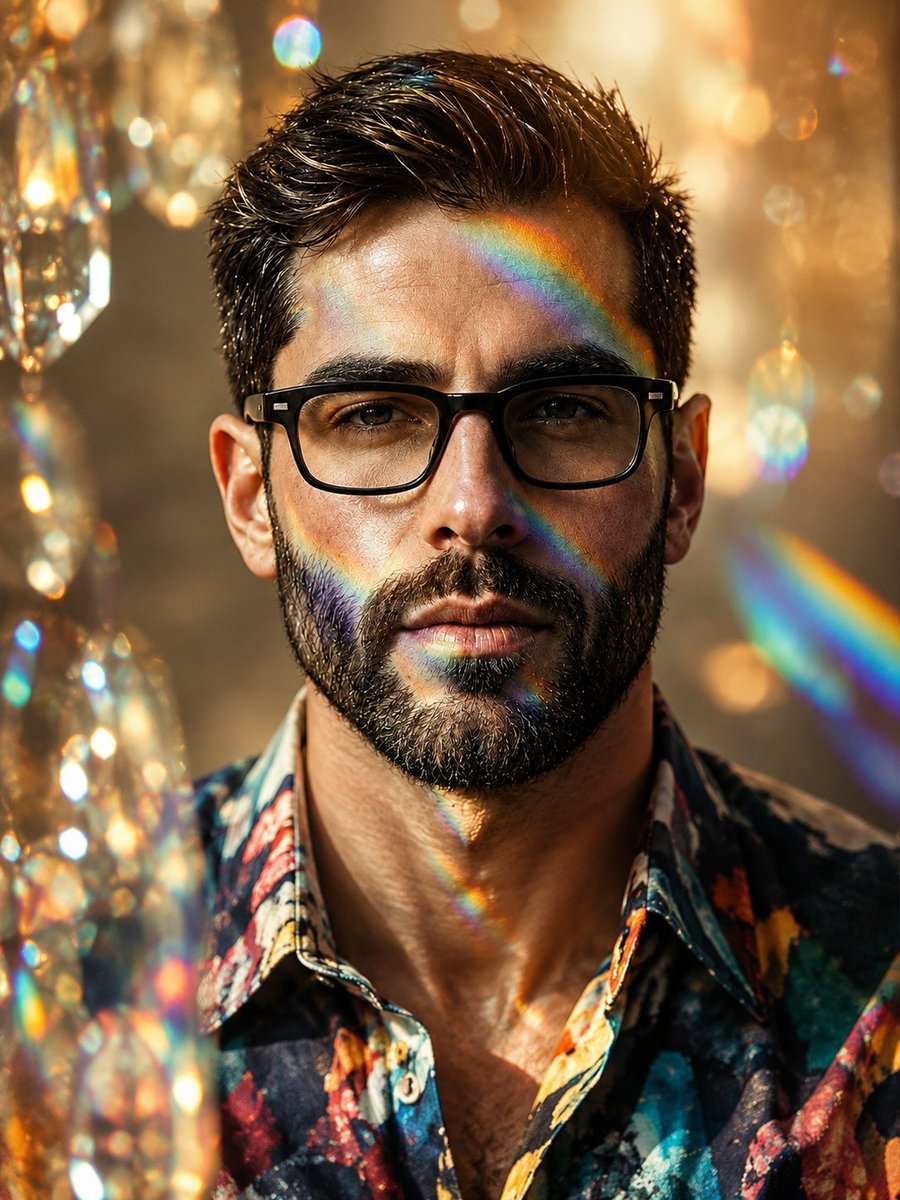
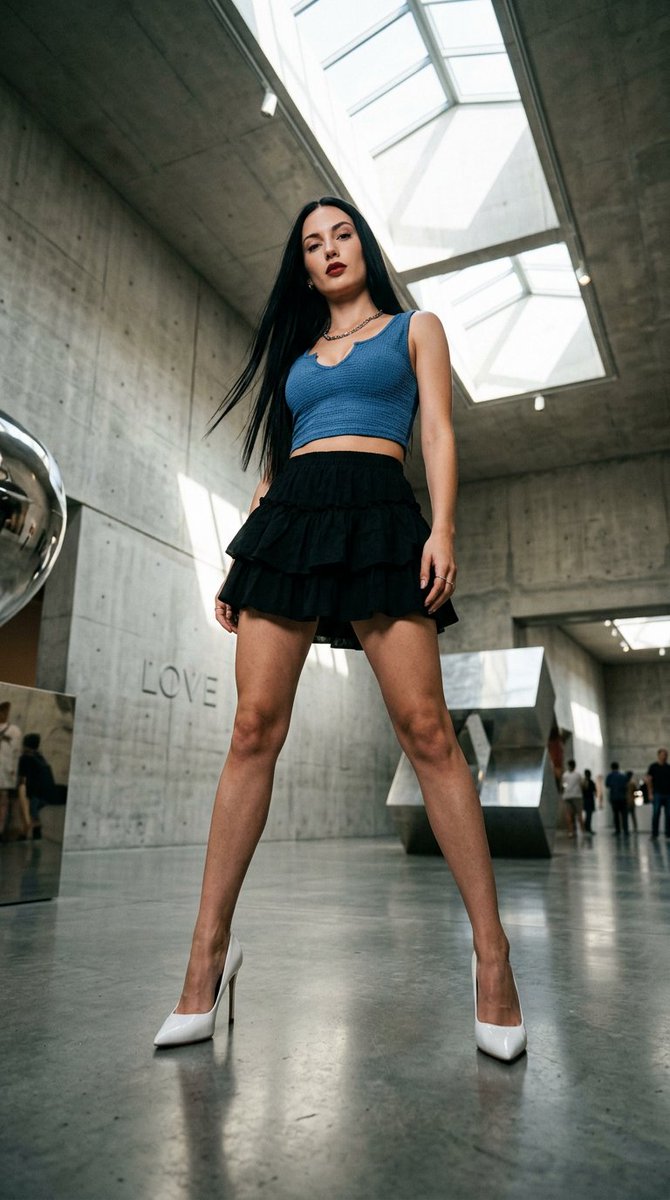
返回 Prompt 库
Transform the Uploaded Image Into Clean High-Quality
Transform the uploaded image into clean high-quality retro pixel art while preserving the original composition, subject placement, camera angle, proportions, pose, clothing, and ov
Prompt
Transform the uploaded image into clean high-quality retro pixel art while preserving the original composition, subject placement, camera angle, proportions, pose, clothing, and overall scene structure.
FORMAT LOCK — NON-NEGOTIABLE
Preserve the original image aspect ratio.
Preserve the original composition and framing.
Do not crop, zoom, reposition, or redesign the scene.
Maintain the original visual hierarchy and subject placement.
SUBJECT PRESERVATION
Preserve the main subject, recognizable silhouette, facial direction, clothing structure, pose, body proportions, and key visual features.
Reduce unnecessary detail while keeping the subject immediately recognizable.
Do not alter the person, anatomy, outfit, or scene structure.
PIXEL ART STYLE
Convert the entire image into premium 16-bit retro pixel art.
Use a strict low-resolution pixel grid across the entire image.
Downsample the image into large visible pixels before rendering.
Maintain consistent pixel size throughout the artwork.
Create clean pixel-perfect geometry.
Use crisp hard edges.
Avoid semi-realistic rendering.
COLOR SYSTEM
Use a limited retro gaming color palette.
Strong contrast between shapes.
Clear color separation.
Carefully selected colors with excellent readability.
Avoid excessive color variation.
SHADING
Use simplified retro-game shading.
Flat color regions.
One to two shading tones per surface.
Minimal highlight usage.
No realistic gradients.
No soft lighting transitions.
ENVIRONMENT
Convert all environmental elements into pixel-art equivalents.
Background objects, props, architecture, vegetation, terrain, sky, and lighting should follow the same pixel-art language.
Keep scene depth and perspective while simplifying details.
VISUAL QUALITY
Authentic retro game aesthetic.
Clean sprite-art readability.
Consistent pixel density.
Balanced visual design.
No blur.
No anti-aliasing.
No smooth transitions.
No noise.
No artifacts.
No smudging.
No compression issues.
OUTPUT STYLE
Premium retro pixel art.
Classic 16-bit console game aesthetic.
Pixel-perfect rendering.
High readability.
Clean silhouette design.
Authentic game-screenshot appearance.
Crisp retro visuals.
Professional pixel-art craftsmanship.
FINAL LOOK
The final image should feel like a polished SNES-era retro game screenshot while remaining faithful to the original image composition and subject.
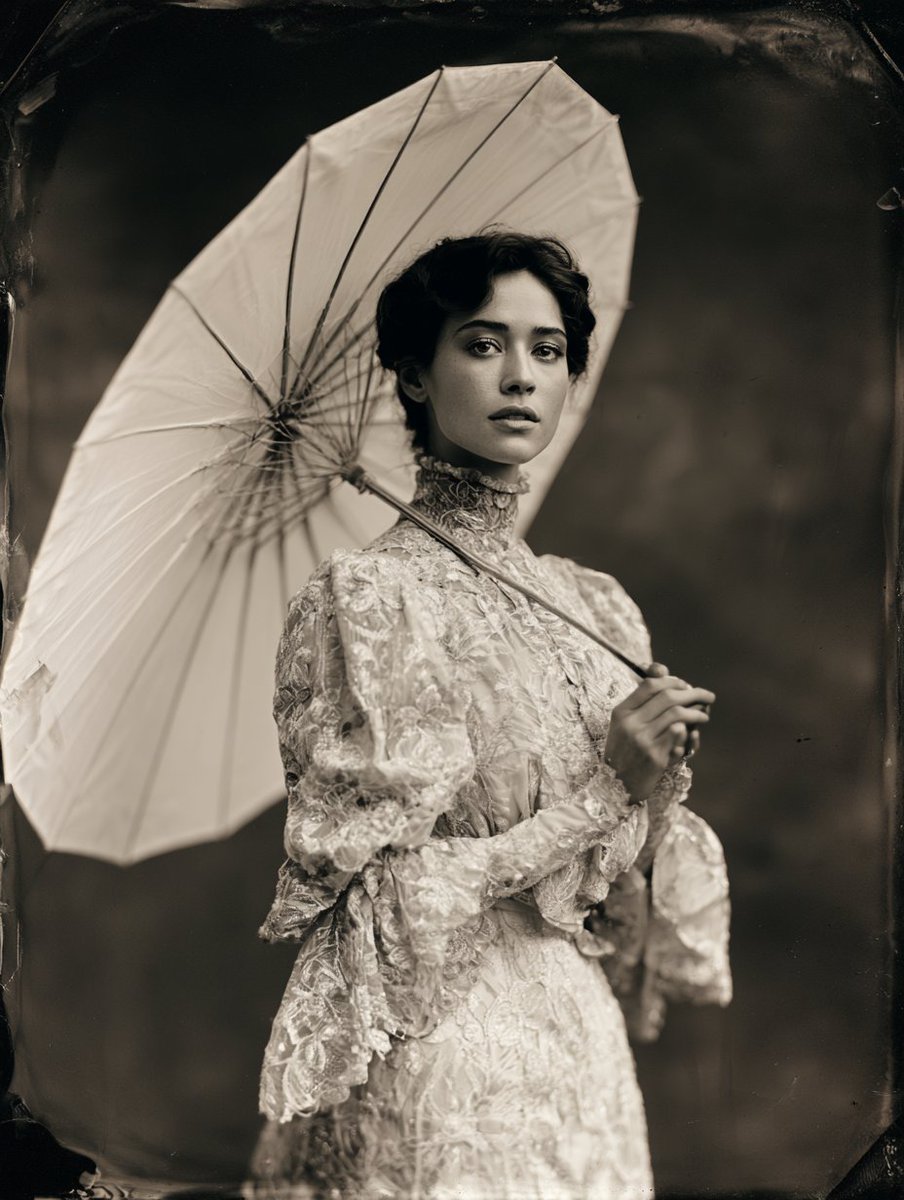
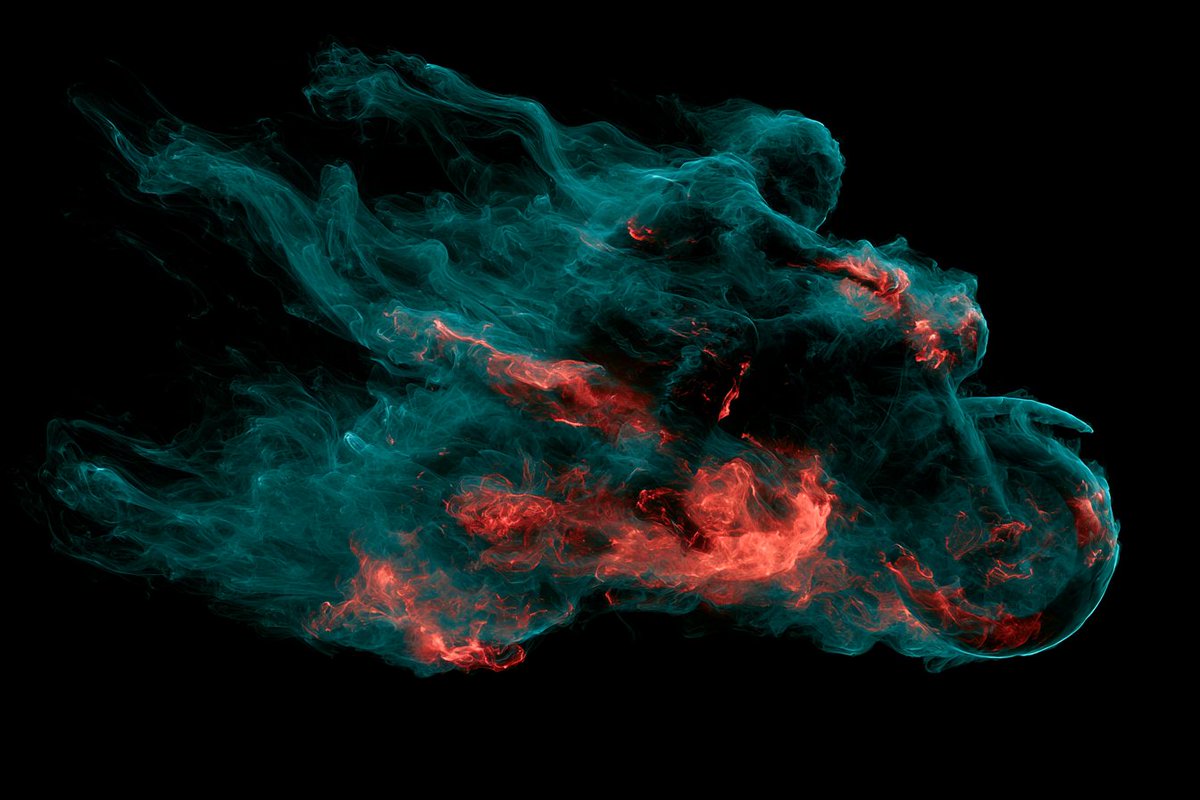
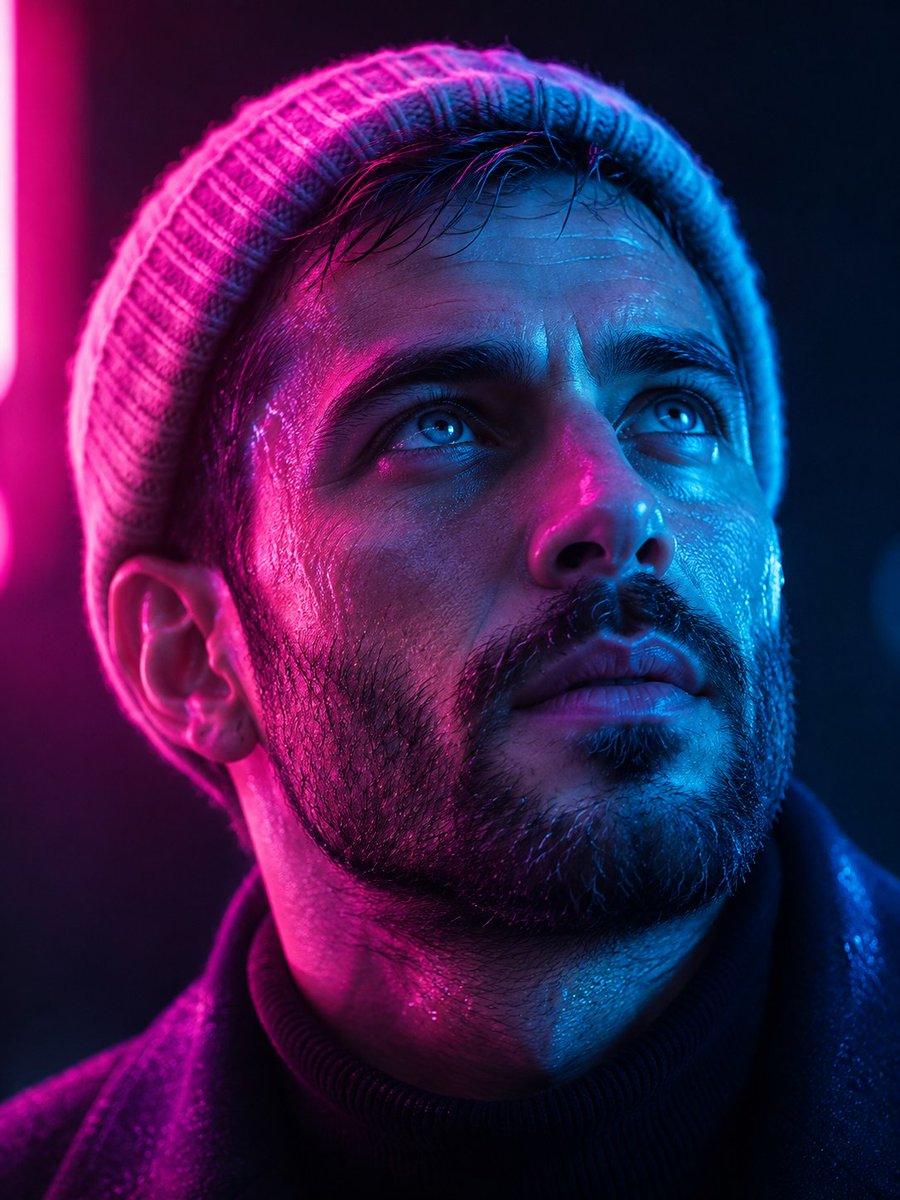
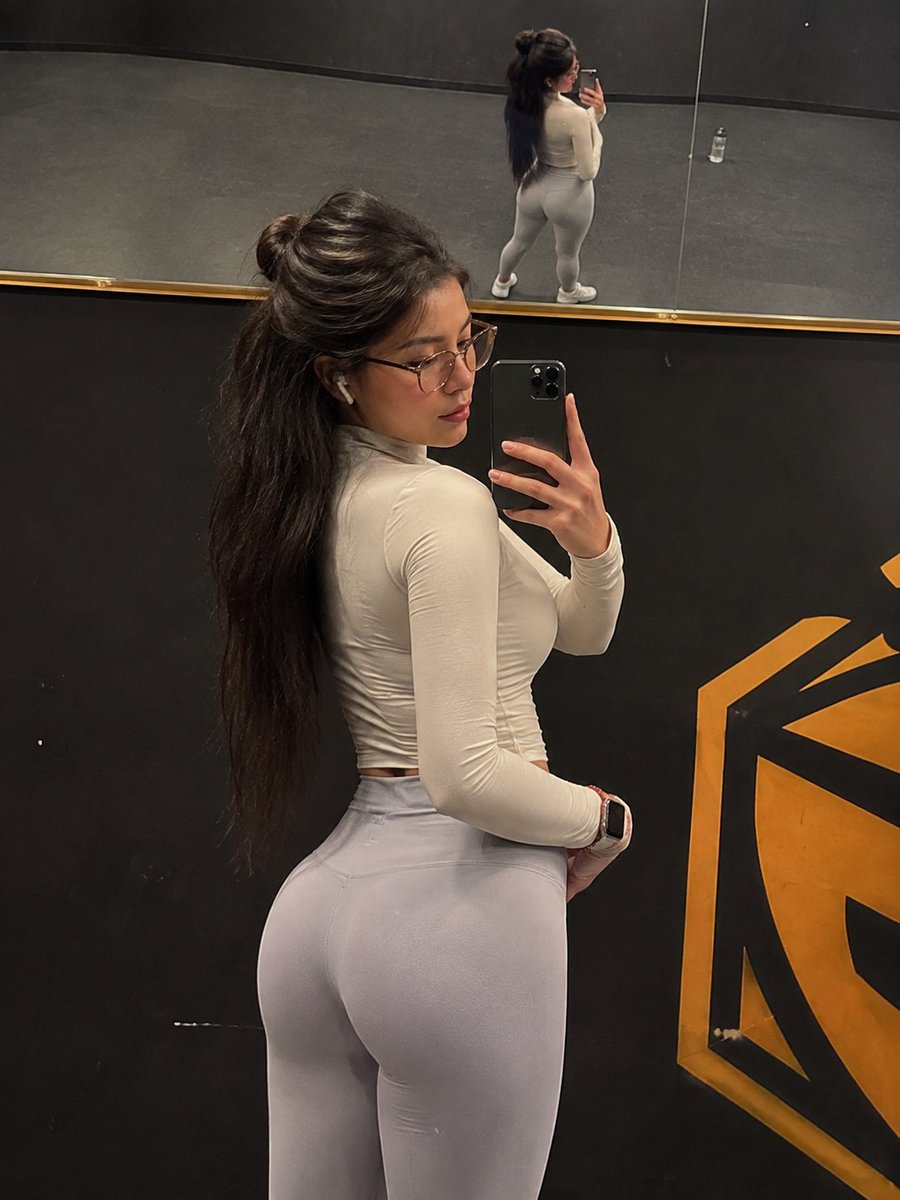
3D RenderPhotoMinimalistPixel ArtVintage PrintHero PortraitFashion LookVehicleArchitectureSoft Light
如何使用这个 Prompt
- 用上方的复制按钮复制完整提示词。
- 把方括号 [ ] 里的占位内容替换成你自己的主体、场景或细节。
- 粘贴到 Gemini / Nano Banana Pro 生成,或直接点上面的「试试这个 Prompt」在本站免费生成,再对照示例图微调用词。
风格说明
- 3D Render
- CGI 质感:表面平滑、全局光照可控,纵深像 Blender/C4D 渲染而非照片。
- Photo
- 要求模型输出照片级真实感:自然光线、可信的皮肤与材质、类似相机的景深,而不是插画或 3D 质感。
- Minimalist
- 元素极少、留白充分、配色克制——让模型「做减法」,也大幅降低构图出错的概率。
- Vintage Print
- 旧印刷品质感:颗粒、网点、褪色油墨、复古字体,唤起上世纪海报和老杂志的味道。
- Hero Portrait
- 把单一主体拍成主视觉:紧凑构图、有力的眼神或姿态,背景简化,让人物撑起整张画面。
- Fashion Look
- 时尚大片式造型:突出服装细节与面料质感,模特姿态和布光借鉴杂志拍摄。
- Vehicle
- 汽车渲染:漆面反光、轮毂与格栅细节,借鉴汽车广告的低机位戏剧性视角。
- Architecture
- 建筑题材:透视与材质可信,常用广角、强引导线,讲究立面上的光影。
- Soft Light
- 柔和低对比的光线:阴影轻柔、肤色讨喜,类似窗光或阴天的效果。
常见问题
这个 Prompt 怎么在 Gemini(Nano Banana Pro)里使用?
点击上方的复制按钮拿到完整提示词,粘贴到 Gemini 或任何支持 Nano Banana Pro 的工具里,再对照本页示例图检查效果。也可以直接点「试试这个 Prompt」在本站生成——每天有免费次数,无需注册。
可以修改「Transform the Uploaded Image Into Clean High-Quality」这个提示词吗?
可以。方括号 [ ] 里的内容是占位参数,本来就应该替换成你自己的主体或细节;主体、光线、风格关键词也都可以自由调整,措辞上的小改动往往带来明显不同的结果。
这个提示词适用于哪些 AI 模型?
它最初是为 Google 的 Gemini 图像模型(含 Nano Banana Pro)分享的。大多数文生图模型也能理解,但构图和文字渲染质量会因模型而异。