返回 Prompt 库
Redraw the Attached Image in the Most Clumsy
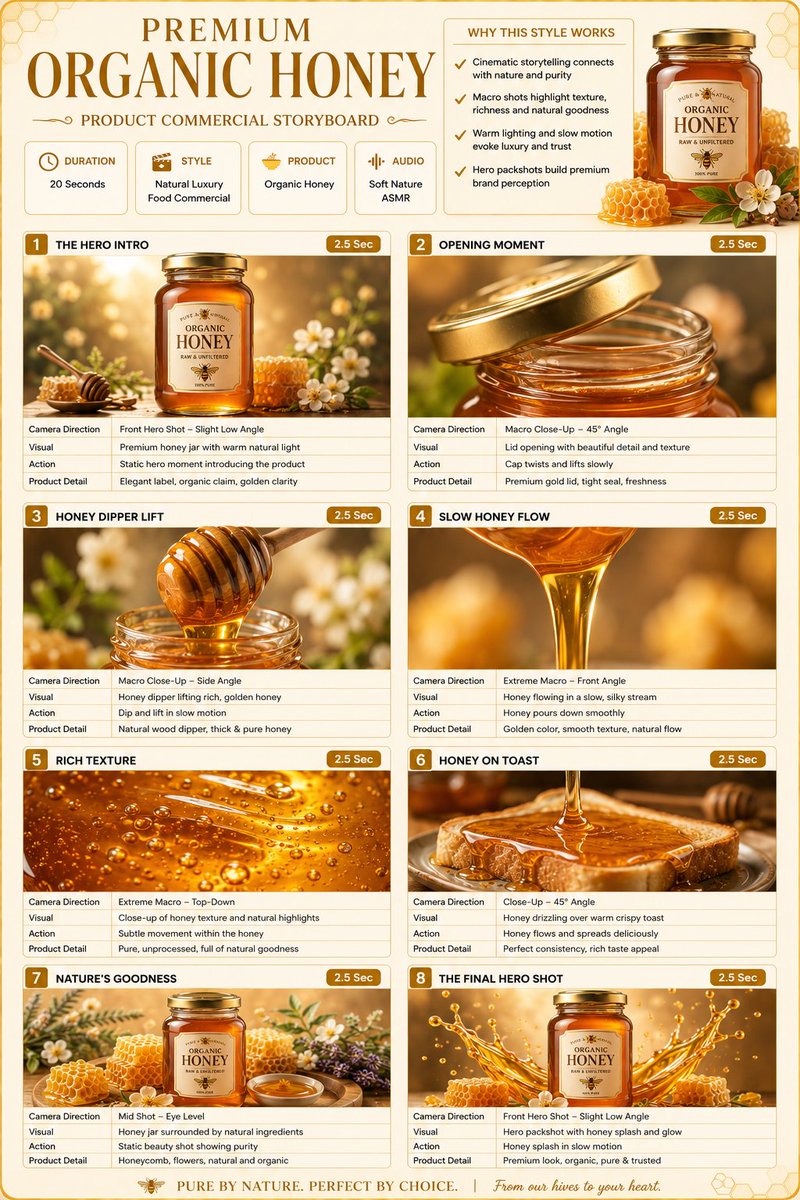
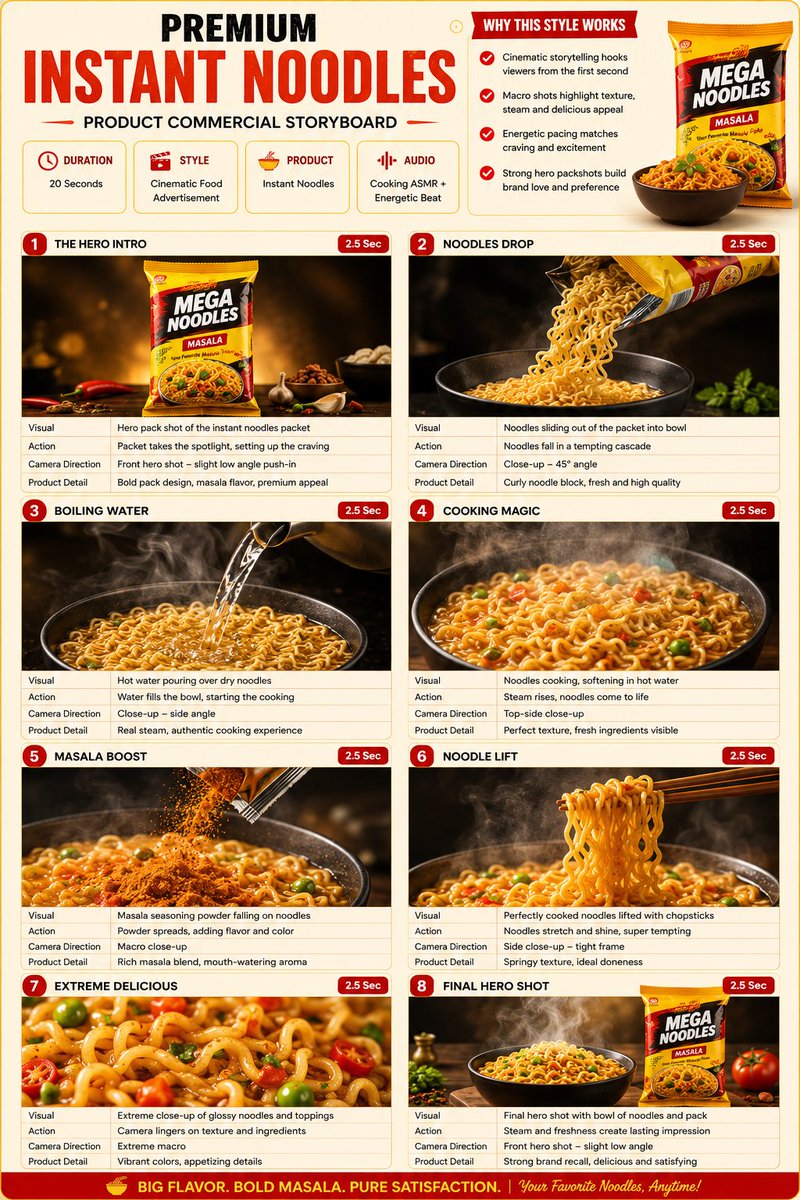
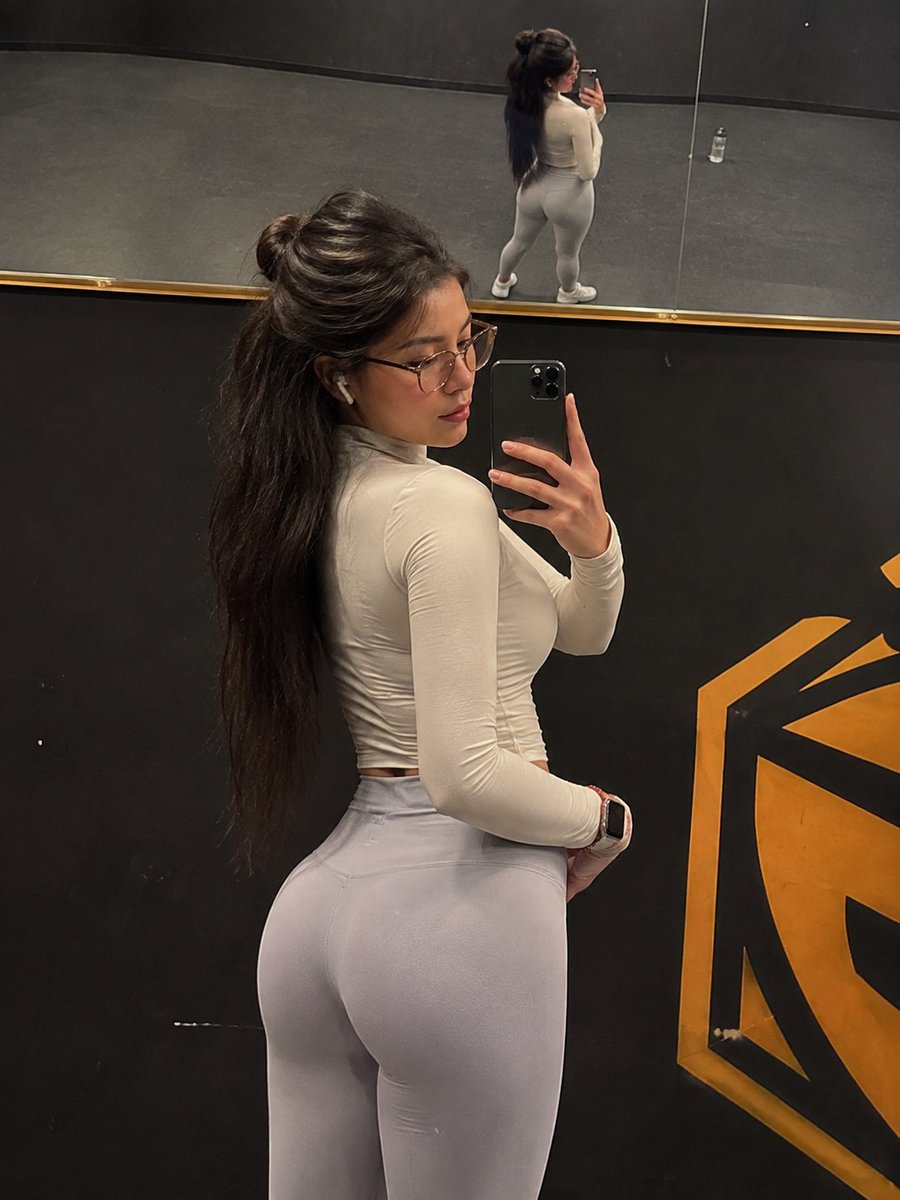
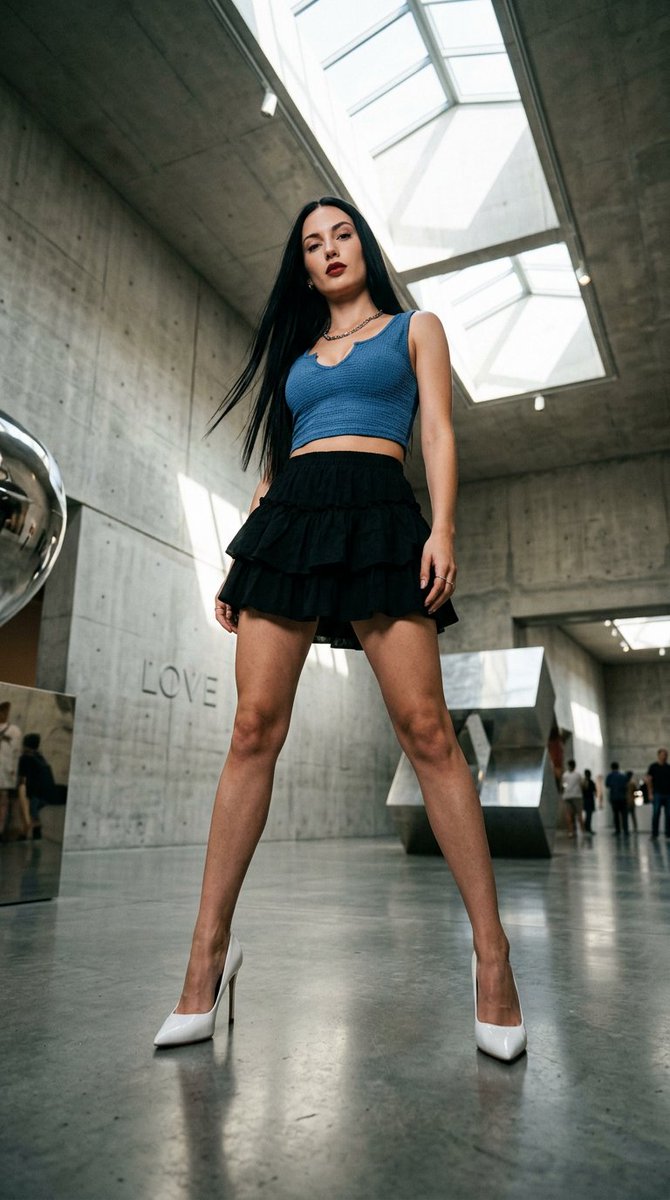
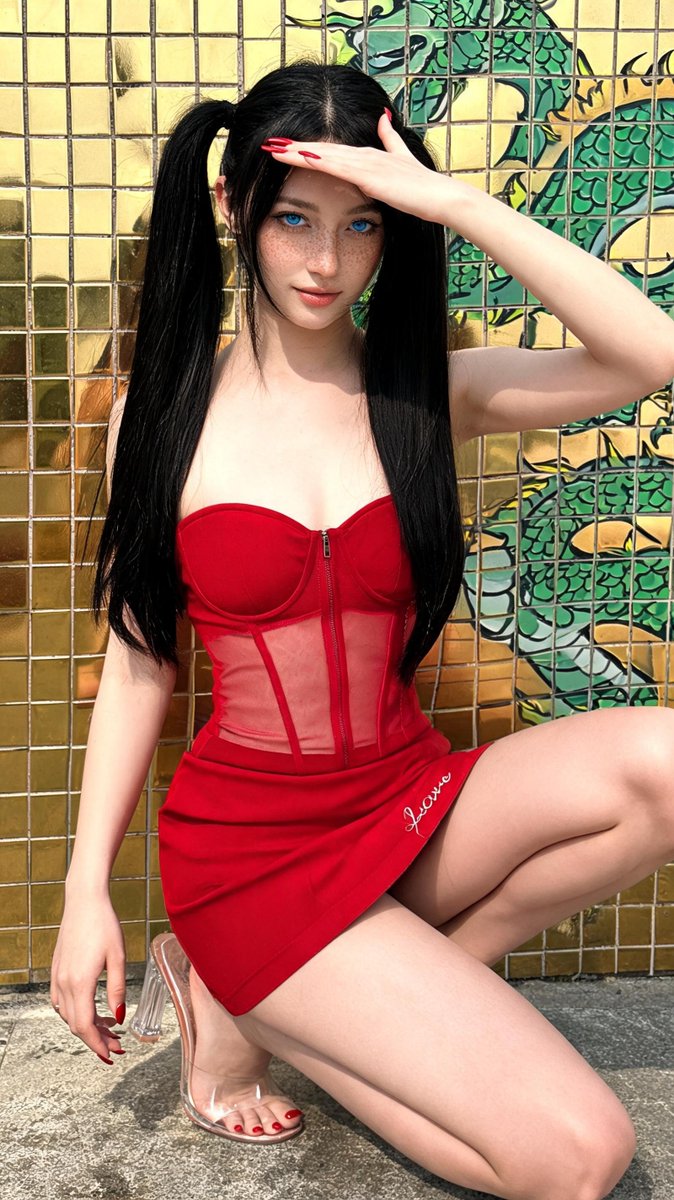
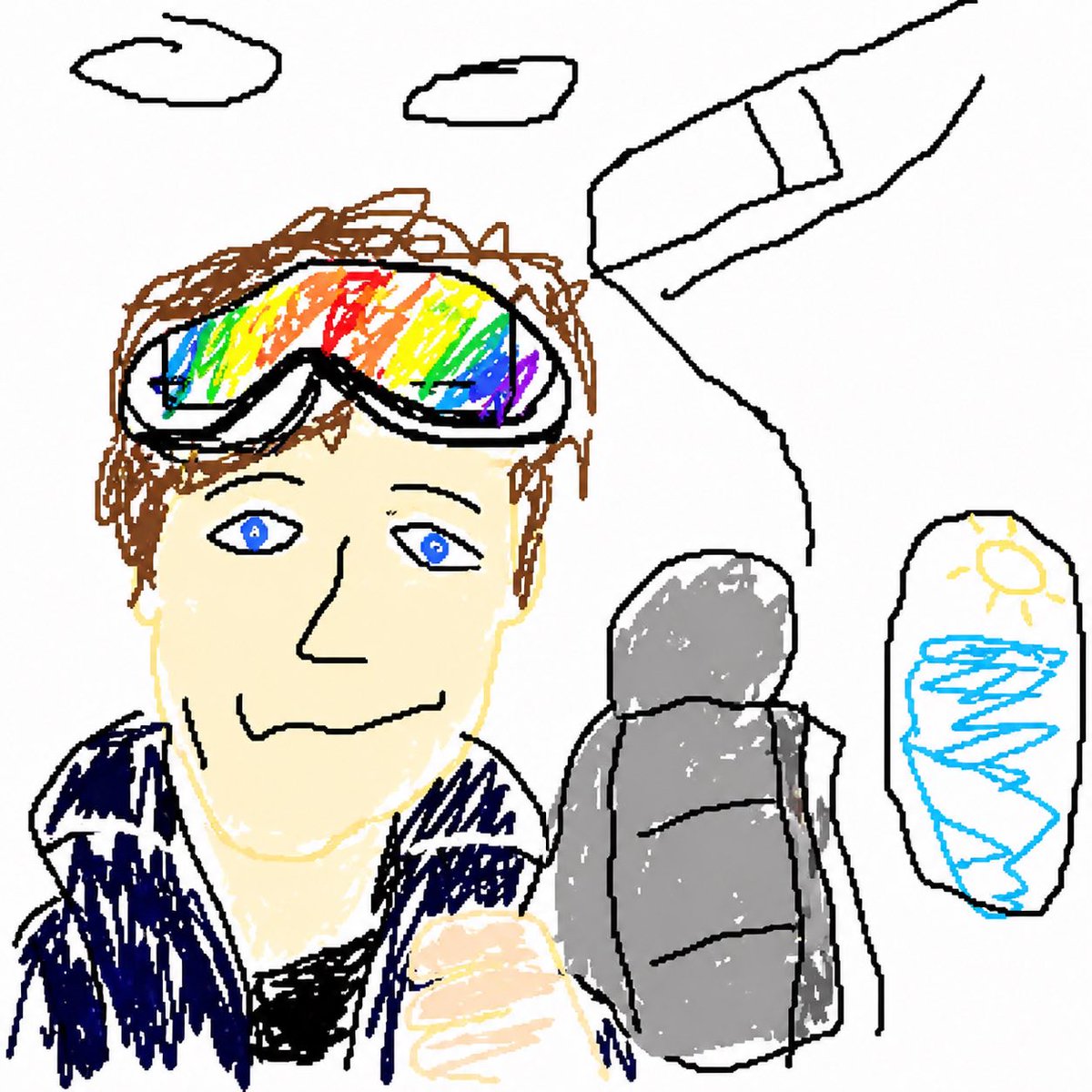
Generates redraw the attached image in the most clumsy with the composition, lighting, and visual details preserved from the source prompt.
Prompt
Redraw the attached image in the most clumsy, scribbly, and utterly pathetic way possible. Use a white background, and make it look like it was drawn in MS Paint with a mouse. It should be vaguely similar but also not really, kind of matching but also off in a confusing, awkward way, with that low-quality pixel-by-pixel feel that really emphasizes how ridiculously bad it is. Actually, you know what, whatever, just draw it however you want.
如何使用这个 Prompt
- 用上方的复制按钮复制完整提示词。
- 把方括号 [ ] 里的占位内容替换成你自己的主体、场景或细节。
- 粘贴到 Gemini / Nano Banana Pro 生成,或直接点上面的「试试这个 Prompt」在本站免费生成,再对照示例图微调用词。
风格说明
- Product Mockup
- 设计的场景化预览:包装上架、App 显示在手机屏、图案印在衣服上,模拟真实使用效果。
- Cartoon
- 造型简化、比例和表情夸张、平涂或赛璐璐上色——画面易读,角色风格也容易保持一致。
- Fashion Look
- 时尚大片式造型:突出服装细节与面料质感,模特姿态和布光借鉴杂志拍摄。
- Social Media Post
- 为社交信息流(Instagram、X、小红书)优化的构图与画幅:主体突出、预留文案位置、配色在小屏幕上依然醒目。
- Marketing Campaign
- 广告级画面:产品或信息层级清晰,为文案和 Logo 预留空间,整体呈现商业化的精修质感。
常见问题
这个 Prompt 怎么在 Gemini(Nano Banana Pro)里使用?
点击上方的复制按钮拿到完整提示词,粘贴到 Gemini 或任何支持 Nano Banana Pro 的工具里,再对照本页示例图检查效果。也可以直接点「试试这个 Prompt」在本站生成——每天有免费次数,无需注册。
可以修改「Redraw the Attached Image in the Most Clumsy」这个提示词吗?
可以。方括号 [ ] 里的内容是占位参数,本来就应该替换成你自己的主体或细节;主体、光线、风格关键词也都可以自由调整,措辞上的小改动往往带来明显不同的结果。
这个提示词适用于哪些 AI 模型?
它最初是为 Google 的 Gemini 图像模型(含 Nano Banana Pro)分享的。大多数文生图模型也能理解,但构图和文字渲染质量会因模型而异。